AI Content Generator

EmailMagic AI

EmailMagic AI: Write emails 10x faster with AI that matches your style. Quick, personalized, and efficient email creation made easy. Feel confident with every send!

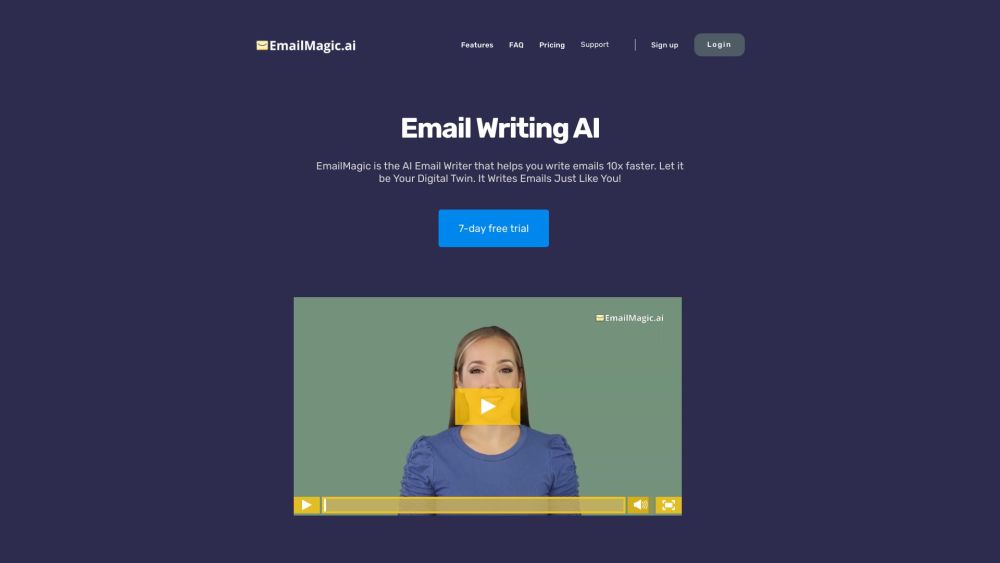
EmailMagic AI website preview

EmailMagic AI Website screenshot

What is EmailMagic AI?

EmailMagic AI is a cutting-edge artificial intelligence tool designed to revolutionize your email writing process. By learning from your email history, it can mimic your unique writing style, enabling you to draft emails with unprecedented speed and personalization. With EmailMagic AI, your emails will retain a personal touch, ensuring they appear authentically written by you.

How to Use EmailMagic AI?

Getting started with EmailMagic AI is simple. Sign up for a 7-day free trial and start your journey towards more efficient email communication. After registration, you’ll need to upload some sample emails to help the AI understand your writing style. Once set up, EmailMagic AI can generate email responses in under 10 seconds, supporting communication in multiple languages. Let EmailMagic AI streamline your email tasks and enhance your productivity!

EmailMagic AI's Core Features

Rapid Email Drafting with AI

Instant Email Response Generation

Multilingual Writing and Replying

Seamless and Accurate Email Responses

Customized Emails Tailored to Your Style

EmailMagic AI's Use Cases

Enhance Productivity by Writing Emails 10x Faster

Break Down Language Barriers for Effective Communication

Generate Professional and Personalized Emails Quickly

Boost Efficiency in Email Communications

Reclaim Valuable Time from Your Busy Schedule

Product source: EmailMagic AI official website. Check the provider for current plans, limits and availability.

FAQ

EmailMagic AI questions and answers

Product context and practical checks for evaluating EmailMagic AI.

What is EmailMagic AI used for?

EmailMagic AI: Write emails 10x faster with AI that matches your style. Quick, personalized, and efficient email creation made easy. Feel confident with every send!

How do I get started with EmailMagic AI?

Getting started with EmailMagic AI is simple. Sign up for a 7-day free trial and start your journey towards more efficient email communication. After registration, you’ll need to upload some sample emails to help the AI understand your writing style. Once set up, EmailMagic AI can generate email responses in under 10 seconds, supporting communication in multiple languages. Let EmailMagic AI streamline your email tasks and enhance your productivity!

Which capabilities are described for EmailMagic AI?

Rapid Email Drafting with AIInstant Email Response GenerationMultilingual Writing and ReplyingSeamless and Accurate Email ResponsesCustomized Emails Tailored to Your Style

What projects can I evaluate EmailMagic AI for?

Enhance Productivity by Writing Emails 10x FasterBreak Down Language Barriers for Effective CommunicationGenerate Professional and Personalized Emails QuicklyBoost Efficiency in Email CommunicationsReclaim Valuable Time from Your Busy Schedule EmailMagic AI Company EmailMagic AI is developed by MagicApps. EmailMagic AI Pricing EmailMagic AI Pricing Link: https://www.emailmagic.ai/#emailmagic-pricing EmailMagic AI Twitter EmailMagic AI Twitter Link: https://twitter.com/Rymorrison

What should I compare before choosing a EmailMagic AI plan?

EmailMagic AI Pricing Link: https://www.emailmagic.ai/#emailmagic-pricing Confirm current prices and allowances on the provider’s website before purchasing.

What inputs should I prepare for a EmailMagic AI trial?

Compare support for source documents, style instructions, outlines and length limits. Check whether citations link to real material rather than merely looking like references.

How can I check the quality of a EmailMagic AI result?

Verify names, dates, quotations and factual claims against the original sources. Edit tone, remove repetition and make sure the text answers the intended reader’s question.

Which export options should I check in EmailMagic AI?

Check export to plain text, Markdown, documents or your publishing system. Formatting, headings and working links matter when moving a draft into production.

What is a practical way to test EmailMagic AI against alternatives?

Use a real brief and a short source document. Compare factual accuracy, structure and editing time rather than accepting the longest or most confident draft.

Where is the official EmailMagic AI website?

The website linked from this profile is https://www.emailmagic.ai. Use the provider’s own documentation, account area and support channels to confirm current product details.

Visit EmailMagic AI