Writing Assistants

Ellie

Ellie is an AI email assistant that learns your writing style and crafts replies as if they were written by you. It is powered by GPT-4, an advanced language model.

Ellie website preview

Introducing Ellie: Your AI Email Assistant
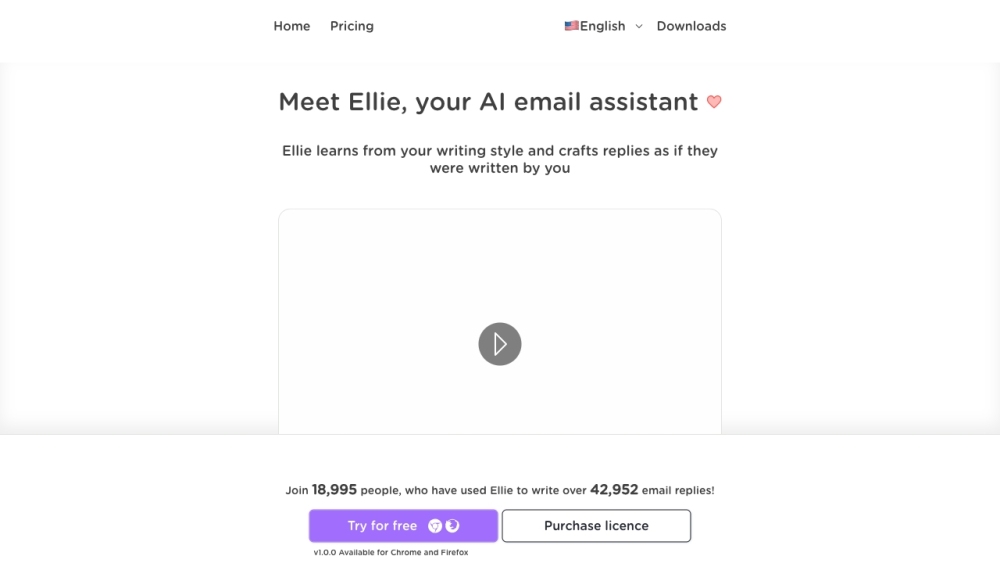
ellie Website screenshot

Looking for an AI-powered email assistant to streamline your communication? Meet Ellie, the intelligent email assistant that is revolutionizing the way we handle emails. With its advanced language model, Ellie learns your writing style and crafts replies as if they were written by you. Say goodbye to the hassle of composing lengthy emails and let Ellie handle it for you.

How Does Ellie Work?

Using Ellie is simple and effortless. Here's how you can get started:

  1. Sign up for free on our website, https://tryellie.com/.
  2. Install the Ellie extension for Chrome or Firefox to seamlessly integrate it into your email workflow.
  3. Provide Ellie with some example email data to match your unique writing style.
  4. When replying to an email, Ellie will analyze the thread context and generate intelligent and relevant replies tailored to your style.

Key Features of Ellie

1. Contextual Replies

Ellie stands out with its ability to create contextual replies by leveraging the email thread context. This ensures that each response is relevant and on point, saving you time and effort.

2. Personalized Learning

Ellie is a quick learner! It can incorporate any information you provide into its replies, making each response personalized and accurate.

3. Multilingual Support

Language barriers? Not an issue for Ellie. It can reply in any language, catering to the specific language of the email being responded to.

4. Tailored Responses

Make your emails shine with Ellie's tailored responses. By providing extra context, you can ensure that Ellie crafts the perfect reply for every email, matching your desired tone and style.

Unlocking the Potential of Ellie

1. Saving Time

Ellie is designed to save you valuable time by helping you respond to emails quickly and efficiently. No more struggling with lengthy replies or spending hours composing emails.

2. Overcoming Reply Anxiety

Email anxiety is a thing of the past with Ellie. Let it assist you in composing replies, reducing the stress and anxiety associated with email communication.

3. Language and Grammar Support

Ellie proves to be a valuable asset for individuals with dyslexia or those seeking assistance with language and grammar skills. Its reliable support ensures that your emails are error-free and professionally written.

Support and Pricing

  • Support Email & Customer Service

    For any inquiries or assistance, reach out to our dedicated customer service team at [email protected].

  • Pricing Information

    Curious about our pricing plans? Visit our pricing page for all the details.

  • Connect with Ellie on Twitter

    Stay updated with the latest news and updates from Ellie by following us on Twitter.

  • Explore Ellie on Github

    For the tech enthusiasts, check out Ellie's Github repository at Github. Discover the latest releases and contribute to the development of Ellie.

Product source: Ellie official website. Check the provider for current plans, limits and availability.

FAQ

Ellie questions and answers

Product context and practical checks for evaluating Ellie.

What is Ellie used for?

Ellie is an AI email assistant that learns your writing style and crafts replies as if they were written by you. It is powered by GPT-4, an advanced language model.

How do I get started with Ellie?

Using Ellie is simple and effortless. Here's how you can get started: Sign up for free on our website, https://tryellie.com/. Install the Ellie extension for Chrome or Firefox to seamlessly integrate it into your email workflow. Provide Ellie with some example email data to match your unique writing style. When replying to an email, Ellie will analyze the thread context and generate intelligent and relevant replies tailored to your style.

Which capabilities are described for Ellie?

1. Contextual Replies Ellie stands out with its ability to create contextual replies by leveraging the email thread context. This ensures that each response is relevant and on point, saving you time and effort. 2. Personalized Learning Ellie is a quick learner! It can incorporate any information you provide into its replies, making each response personalized and accurate. 3. Multilingual Support Language barriers? Not an issue for Ellie. It can reply in any language, catering to the specific language of the email being responded to. 4. Tailored Responses Make your emails shine with Ellie's tailored responses. By providing extra context, you can ensure that Ellie crafts the perfect reply for every email, matching your desired tone and style.

What should I compare before choosing a Ellie plan?

Support Email & Customer Service For any inquiries or assistance, reach out to our dedicated customer service team at [email protected]. Pricing Information Curious about our pricing plans? Visit our pricing page for all the details. Connect with Ellie on Twitter Stay updated with the latest news and updates from Ellie by following us on Twitter. Explore Ellie on Github For the tech enthusiasts, check out Ellie's Github repository at Github. Discover the latest releases and contribute to the development of Ellie. Confirm current prices and allowances on the provider’s website before purchasing.

What inputs should I prepare for a Ellie trial?

Compare support for source documents, style instructions, outlines and length limits. Check whether citations link to real material rather than merely looking like references.

How can I check the quality of a Ellie result?

Verify names, dates, quotations and factual claims against the original sources. Edit tone, remove repetition and make sure the text answers the intended reader’s question.

Which export options should I check in Ellie?

Check export to plain text, Markdown, documents or your publishing system. Formatting, headings and working links matter when moving a draft into production.

What is a practical way to test Ellie against alternatives?

Use a real brief and a short source document. Compare factual accuracy, structure and editing time rather than accepting the longest or most confident draft.

What should I review before uploading material to Ellie?

Read the provider’s rules on access, retention, deletion and use of uploaded material. Start with a non-confidential sample that you have permission to use.

Where is the official Ellie website?

The website linked from this profile is https://ellieai.com. Use the provider’s own documentation, account area and support channels to confirm current product details.

Visit Ellie