Text-to-Speech

DubWiz

DubWiz: Effortless AI video translation and dubbing. Streamline localization with advanced Speech-to-Text, Neural Translation, and lifelike Text-to-Speech.

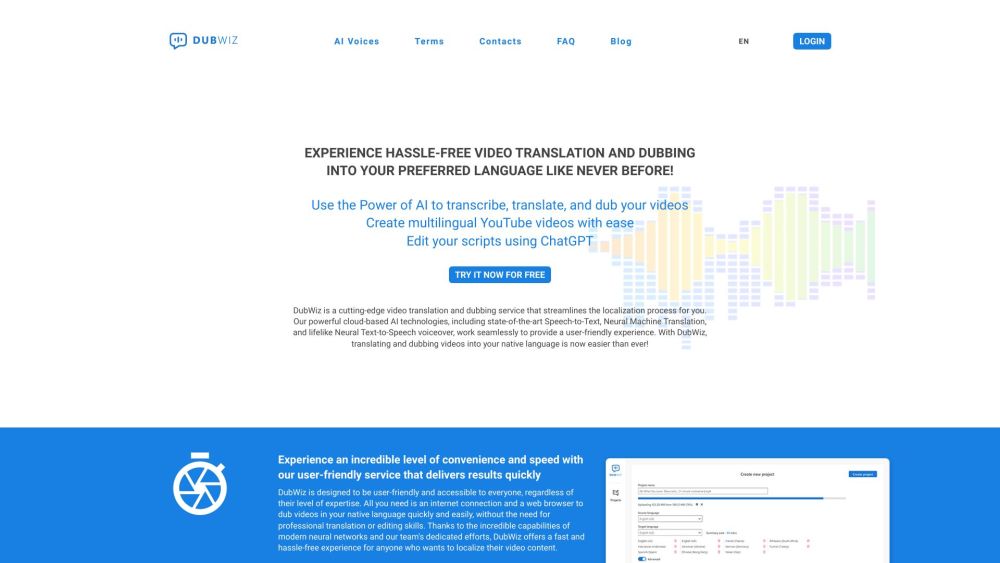
DubWiz website preview

DubWiz Website screenshot

What is DubWiz?

DubWiz is a revolutionary service designed for video translation and dubbing, simplifying the localization process significantly. Utilizing advanced cloud-based AI technologies, DubWiz combines cutting-edge Speech-to-Text, Neural Machine Translation (NMT), and Neural Text-to-Speech (TTS) voiceover capabilities. This integration ensures a smooth and intuitive experience, making it easier than ever to translate and dub your videos into multiple languages.

How to use DubWiz?

Access DubWiz through your web browser, then upload your video file. Utilize the robust AI functionalities to transcribe your video, translate it into various languages, and generate lifelike voiceovers. You can refine the transcription and translation using the built-in ChatGPT tool. DubWiz offers all the necessary tools in one platform, making the dubbing process efficient and user-friendly.

DubWiz's Core Features

Cloud-based AI technologies

Speech-to-Text transcription

Neural Machine Translation

Neural Text-to-Speech voiceover

User-friendly transcript editor

Translation editor

Comprehensive dubbing studio

Custom dictionary support for accurate transcription

Productivity-enhancing neural machine translation

AI-powered transcript editing tools

DubWiz's Use Cases

YouTube video translation and dubbing

Localization of diverse video content

Creating multilingual videos

Enhancing video content accessibility

Product source: DubWiz official website. Check the provider for current plans, limits and availability.

FAQ

DubWiz questions and answers

Product context and practical checks for evaluating DubWiz.

What is DubWiz used for?

DubWiz: Effortless AI video translation and dubbing. Streamline localization with advanced Speech-to-Text, Neural Translation, and lifelike Text-to-Speech.

How do I get started with DubWiz?

Access DubWiz through your web browser, then upload your video file. Utilize the robust AI functionalities to transcribe your video, translate it into various languages, and generate lifelike voiceovers. You can refine the transcription and translation using the built-in ChatGPT tool. DubWiz offers all the necessary tools in one platform, making the dubbing process efficient and user-friendly.

Which capabilities are described for DubWiz?

Cloud-based AI technologiesSpeech-to-Text transcriptionNeural Machine TranslationNeural Text-to-Speech voiceoverUser-friendly transcript editorTranslation editorComprehensive dubbing studioCustom dictionary support for accurate transcriptionProductivity-enhancing neural machine translationAI-powered transcript editing tools

What projects can I evaluate DubWiz for?

YouTube video translation and dubbingLocalization of diverse video contentCreating multilingual videosEnhancing video content accessibility DubWiz Support Email & Customer service contact & Refund contact etc. For more contact information, visit the contact us page (https://dubwiz.com/contacts-us/) DubWiz Company Company name: DubWiz DubWiz Login Login here: https://app.dubwiz.com DubWiz Sign up Sign up here: https://app.dubwiz.com

What should I compare before choosing a DubWiz plan?

Check DubWiz’s current pricing page for included usage, renewal terms and any credit charges. Compare the cost of a usable result, including retries, rather than assuming that account registration includes free usage.

What inputs should I prepare for a DubWiz trial?

Compare text prompts, reference frames, source footage and audio support. Check duration, aspect ratio and whether the tool lets you keep a subject consistent between shots.

How can I check the quality of a DubWiz result?

Watch the entire clip for motion errors, distorted objects, changing identities, lip-sync problems and abrupt transitions. Inspect the downloaded file as well as the preview.

Which export options should I check in DubWiz?

Check export resolution, frame rate, aspect ratio, audio tracks and watermark rules. A good preview is not a substitute for an export that fits your publishing channel.

What is a practical way to test DubWiz against alternatives?

Use a short shot with one subject and one camera movement. Keep the prompt and duration constant, then compare usable seconds and the number of regenerations.

Where is the official DubWiz website?

The website linked from this profile is https://dubwiz.com. Use the provider’s own documentation, account area and support channels to confirm current product details.

Visit DubWiz