AI Audio Enhancer

Dubbing AI

Dubbing AI: Real-time Voice Changer – Transform your voice to anyone's instantly with AI. Free, unlimited, and effortless audio magic!

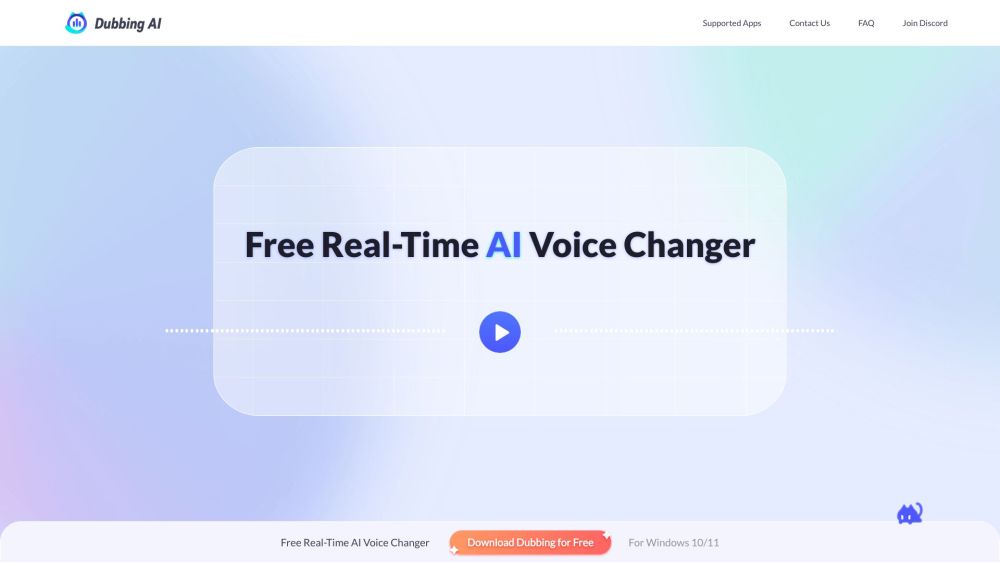
Dubbing AI website preview

Dubbing AI Website screenshot

What is Dubbing AI?

Dubbing AI is an advanced tool that allows you to instantly transform your voice into virtually anyone’s using cutting-edge artificial intelligence. It’s completely free and unlimited, offering real-time voice alteration with seamless accuracy.

How to Use Dubbing AI?

To start using Dubbing AI, simply open the application and select a voice avatar of your choice. Then, activate the VOICE CHANGER toggle. Make sure to select 'Dubbing virtual device' as the input source in the audio settings of your chosen app or web-based platform to enable the voice change functionality.

Key Features of Dubbing AI

AI-powered real-time voice modification

Preserves the original tone, emotion, and delivery

Access to over 1000 unique AI-generated voices in 100+ languages

Interact, role-play, and socialize using over 1000 different characters

Compatible with most gaming, streaming, and communication platforms

Low-latency performance and minimal system resource usage

Works on both PC and mobile devices

Ensures privacy with all voice processing done locally on your device

Practical Applications of Dubbing AI

Enhance your gaming experience

Engage your audience during streaming sessions

Make meetings more interesting

Product source: Dubbing AI official website. Check the provider for current plans, limits and availability.

FAQ

Dubbing AI questions and answers

Product context and practical checks for evaluating Dubbing AI.

What is Dubbing AI used for?

Dubbing AI: Real-time Voice Changer – Transform your voice to anyone's instantly with AI. Free, unlimited, and effortless audio magic!

How do I get started with Dubbing AI?

To start using Dubbing AI, simply open the application and select a voice avatar of your choice. Then, activate the VOICE CHANGER toggle. Make sure to select 'Dubbing virtual device' as the input source in the audio settings of your chosen app or web-based platform to enable the voice change functionality.

Which capabilities are described for Dubbing AI?

AI-powered real-time voice modificationPreserves the original tone, emotion, and deliveryAccess to over 1000 unique AI-generated voices in 100+ languagesInteract, role-play, and socialize using over 1000 different charactersCompatible with most gaming, streaming, and communication platformsLow-latency performance and minimal system resource usageWorks on both PC and mobile devicesEnsures privacy with all voice processing done locally on your device

What projects can I evaluate Dubbing AI for?

Enhance your gaming experienceEngage your audience during streaming sessionsMake meetings more interesting Join Dubbing AI Discord Connect with the community on our Discord server: https://discord.com/invite/dubbingaivc. For more details, click here(/discord/dubbingaivc). Dubbing AI Company Information Dubbing AI is brought to you by HALO INTERACTIVE PTE. LTD., based in Singapore. Dubbing AI on YouTube Follow us on YouTube for the latest updates: https://www.youtube.com/@DUBBINGAIOFFICIAL Follow Dubbing AI on Twitter Stay informed by following us on Twitter: https://twitter.com/Dubbing_AI_

What should I compare before choosing a Dubbing AI plan?

Check Dubbing AI’s current pricing page for included usage, renewal terms and any credit charges. Compare the cost of a usable result, including retries, rather than assuming that account registration includes free usage.

What inputs should I prepare for a Dubbing AI trial?

Compare recording length, file types, language support and speaker handling. For voice generation, check pronunciation controls and permission to use any reference voice.

How can I check the quality of a Dubbing AI result?

Listen for mispronounced names, unnatural pauses, clipped words and noise. For transcripts, compare the text with the recording and correct speaker labels.

Which export options should I check in Dubbing AI?

Check audio format, sample rate, separate tracks, captions and timestamp exports. Confirm that the result works in your editing or accessibility workflow.

What is a practical way to test Dubbing AI against alternatives?

Use a short recording with names, numbers and more than one speaker, or a script with difficult pronunciation. Review the exported audio or transcript in full.

Where is the official Dubbing AI website?

The website linked from this profile is https://dubbingai.io. Use the provider’s own documentation, account area and support channels to confirm current product details.

Visit Dubbing AI