Understanding Docswrite
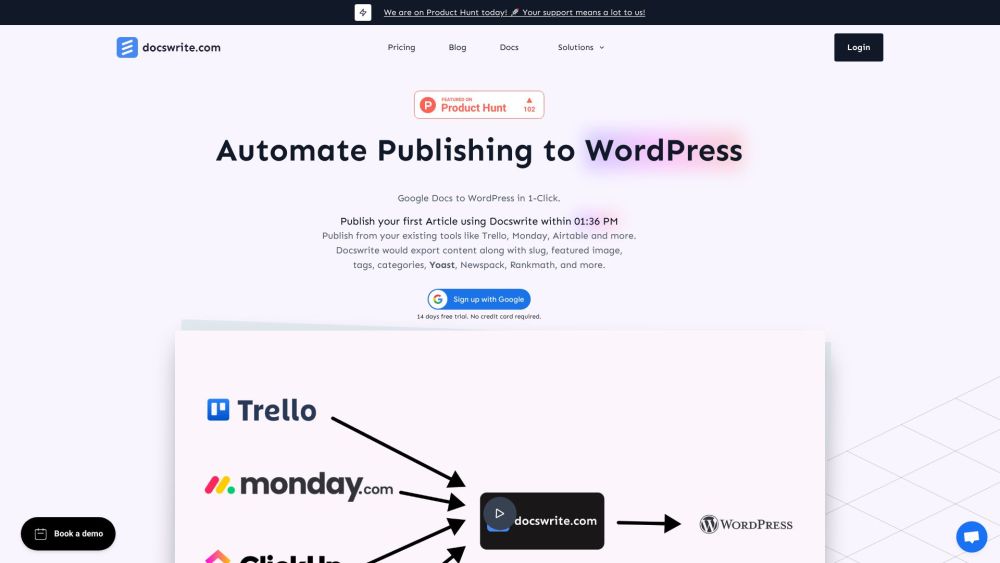
Docswrite is a versatile productivity tool designed to streamline the process of publishing articles from Google Docs to WordPress. Additionally, it supports content transfer from platforms like Trello, Monday, Airtable, and Google Sheets. Docswrite optimizes your content workflow, making publishing quicker and more efficient.
Using Docswrite
There are two primary methods to use Docswrite. Firstly, you can publish directly from tools like Trello via the Zapier App. Alternatively, you can use the Docswrite dashboard. Just create your content in Google Docs, including details such as title, slug, tags, categories, featured image, and SEO settings. Docswrite will take care of publishing your content to WordPress seamlessly.
Key Features of Docswrite
One-click publishing from Google Docs to WordPress
Integration with workflow tools like Trello, Monday, Airtable, and Jira
Export with slug, featured image, tags, categories, and SEO settings (Yoast, Rankmath, Newspack)
No additional plugins required
SEO-friendly content
Support for custom styles and shortcodes
Manage multiple WordPress blogs from a single interface
Automated publishing from CSV data in Google Sheets
Automatic image compression to WEBP format
Eliminates the need for manual content copying
High performance and efficiency
Practical Applications of Docswrite
Publishing from Trello to WordPress
Publishing from Monday.com to WordPress
Publishing from Airtable to WordPress
Publishing from Google Sheets to WordPress
Publishing from other tools like Jira and Linear
Automated posts from CSV data in Google Sheets
Support and Contact Information
For more contact details, visit Docswrite Support.
About Docswrite
Company name: Docswrite.com.
Learn more about Docswrite at the About Us page.
Login to Docswrite
Login link: Docswrite Login.
Sign Up for Docswrite
Sign up link: Docswrite Sign Up.
Docswrite Pricing
Pricing details: Docswrite Pricing.
Follow Docswrite on Twitter
Twitter link: Docswrite Twitter.