Copywriting

DocsBot AI

DocsBot AI is a platform that allows you to create custom chatbots and generate content from your documentation. It uses AI-powered chatbots trained on your specific content to provide instant answers to questions and improve support experiences.

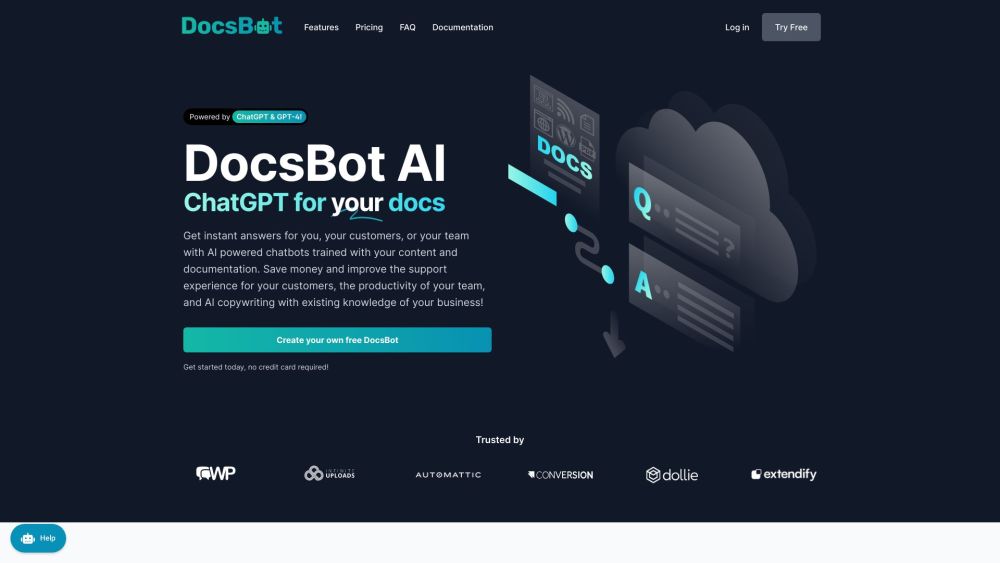
DocsBot AI website preview
html

DocsBot AI Website screenshot

What is DocsBot AI?

DocsBot AI is a versatile platform designed for creating custom chatbots and generating content directly from your documentation. It employs AI-powered chatbots that are trained on your unique content to deliver instant responses and enhance support services.

How to Use DocsBot AI?

To get started with DocsBot AI, sign up for a free account. Once logged in, you can import your documentation and content via various import methods like URL, sitemap, document uploads, or bulk import through CSV. After indexing your content, you can train and deploy your custom chatbots in just a few minutes. These AI chatbots can be embedded on your website, integrated into your app, or connected to other platforms through the API and embeddable widgets. Additionally, DocsBot AI can assist with custom copywriting, support ticket responses, and internal knowledge base indexing.

DocsBot AI's Core Features

Custom chatbots trained on your documentation

Question/Answer bots with code examples and formatted output

Embeddable widgets for seamless integration

AI-assisted custom copywriting

Automated support ticket responses

Indexing internal knowledge bases and documentation

Robust API for integrating with your products

DocsBot AI's Use Cases

Automating customer support

Enhancing customer support experiences

Increasing team productivity by handling repetitive queries

AI-assisted copywriting for marketing and blogging

Improving internal knowledge sharing and retrieval

Providing immediate answers on websites, apps, or plugins

Product source: DocsBot AI official website. Check the provider for current plans, limits and availability.

FAQ

DocsBot AI questions and answers

Product context and practical checks for evaluating DocsBot AI.

What is DocsBot AI used for?

DocsBot AI is a platform that allows you to create custom chatbots and generate content from your documentation. It uses AI-powered chatbots trained on your specific content to provide instant answers to questions and improve support experiences.

How do I get started with DocsBot AI?

To get started with DocsBot AI, sign up for a free account. Once logged in, you can import your documentation and content via various import methods like URL, sitemap, document uploads, or bulk import through CSV. After indexing your content, you can train and deploy your custom chatbots in just a few minutes. These AI chatbots can be embedded on your website, integrated into your app, or connected to other platforms through the API and embeddable widgets. Additionally, DocsBot AI can assist with custom copywriting, support ticket responses, and internal knowledge base indexing.

Which capabilities are described for DocsBot AI?

Custom chatbots trained on your documentationQuestion/Answer bots with code examples and formatted outputEmbeddable widgets for seamless integrationAI-assisted custom copywritingAutomated support ticket responsesIndexing internal knowledge bases and documentationRobust API for integrating with your products

What projects can I evaluate DocsBot AI for?

DocsBot AI is a versatile platform designed for creating custom chatbots and generating content directly from your documentation. It employs AI-powered chatbots that are trained on your unique content to deliver instant responses and enhance support services.

What should I compare before choosing a DocsBot AI plan?

View DocsBot AI's pricing plans: https://docsbot.ai/#pricing Confirm current prices and allowances on the provider’s website before purchasing.

What inputs should I prepare for a DocsBot AI trial?

Compare support for source documents, style instructions, outlines and length limits. Check whether citations link to real material rather than merely looking like references.

How can I check the quality of a DocsBot AI result?

Verify names, dates, quotations and factual claims against the original sources. Edit tone, remove repetition and make sure the text answers the intended reader’s question.

Which export options should I check in DocsBot AI?

Check export to plain text, Markdown, documents or your publishing system. Formatting, headings and working links matter when moving a draft into production.

What is a practical way to test DocsBot AI against alternatives?

Use a real brief and a short source document. Compare factual accuracy, structure and editing time rather than accepting the longest or most confident draft.

Where is the official DocsBot AI website?

The website linked from this profile is https://docsbot.ai. Use the provider’s own documentation, account area and support channels to confirm current product details.

Visit DocsBot AI