What Is Disco.dev?
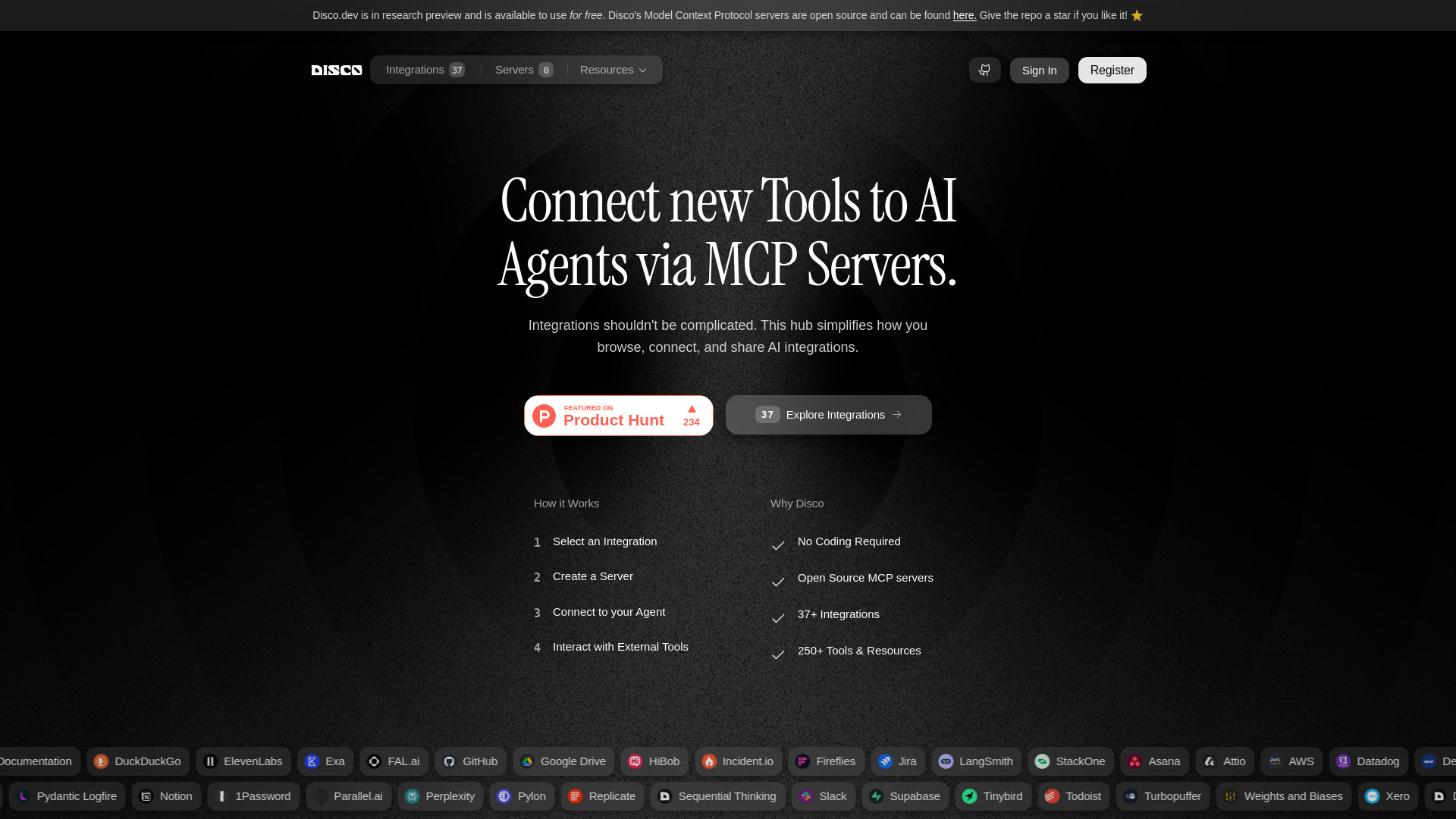
Disco.dev is a no-code MCP hub built for connecting AI agents with the tools and services they need. By simplifying the process of creating and managing Model Context Protocol servers, the platform helps users move from an idea to a working AI integration without dealing with hosting, dependency installation, or lengthy configuration steps. Developers can use Disco.dev with clients such as Claude and VSCode, while business users can create useful AI workflows without writing software from scratch.
At its core, Disco.dev brings MCP integrations into one convenient workspace. Users can discover available connectors, launch servers, test how they work, and adapt existing integrations to fit their needs. The open-source and community-oriented approach also makes it easier for people to share improvements and benefit from the work of other contributors. Whether you are experimenting with AI agents or building a multi-tool workflow, Disco.dev provides a practical starting point for extending what those agents can do.
Getting Started With Disco.dev
Using Disco.dev begins with choosing the service or application you want an AI agent to access. The platform presents integrations in a central library, allowing you to find a suitable connector without searching through separate repositories or manually assembling server components. After selecting an integration, you can create an MCP server through the platform's guided interface.
Once the server is available, connect it to an MCP-compatible client such as Claude or VSCode. The client can then use the connected service as part of an AI conversation or development workflow. For example, an agent may be able to retrieve information, work with records, or interact with an external application based on the capabilities provided by the selected server.
Disco.dev also supports users who want to go beyond the default setup. Existing servers can be remixed, integration settings can be adjusted, and community contributions can be explored for ideas or ready-made solutions. Keeping these resources in a shared hub makes it easier to manage several AI connections while reducing the need to move between command-line tools, configuration files, and hosting services.
Main Features of Disco.dev
- Fast MCP Server Creation: Set up a server from a visual workflow instead of preparing a hosting environment or handling technical dependencies manually. This gives users a faster way to evaluate a connector and put it into use.
- Visual No-Code Workflows: Build connections through straightforward selections and guided settings. People with limited programming experience can create useful integrations, while experienced developers can use the same foundation to speed up early experimentation.
- Shared Integration Library: Browse MCP servers and connectors contributed by the wider community. The library can help users find solutions for common tools and discover new ways to expand their AI agents.
- Support for Claude, VSCode, and MCP Clients: Connect servers to Claude, VSCode, and other applications that support the Model Context Protocol. Using a standard protocol gives integrations room to work across different AI products and future client options.
- Remixing and Customization: Start with an existing server and modify its settings or behavior to match a particular workflow. This can reduce the effort involved in creating a specialized integration from the beginning.
These capabilities address several common obstacles in AI development. Users spend less time preparing infrastructure, can test ideas sooner, and gain access to reusable integrations instead of building every connection independently. The result is a more approachable process for creating AI workflows that interact with external data and services.
Why Use Disco.dev for MCP Integrations?
Disco.dev combines the flexibility of MCP with a setup process designed for speed and accessibility. Traditional integrations may require knowledge of server deployment, environment variables, package management, and client-specific configuration. Disco.dev brings much of that work into a single platform, allowing users to concentrate on deciding what their AI agent should accomplish.
The platform is also useful because it accommodates different levels of experience. A newcomer can select an integration and follow a simple creation process, while a developer can use the same environment to prototype, remix, and validate an idea before investing in a larger implementation. This makes Disco.dev suitable for individual experiments, internal automation projects, and team workflows that depend on several connected tools.
Its community-driven foundation adds another layer of value. Users can examine available projects, learn from shared implementations, and contribute improvements for others to use. Since MCP is designed to connect AI clients with external capabilities through a common standard, a central hub such as Disco.dev can make the expanding ecosystem easier to explore and manage.
Practical Uses for Disco.dev
Developers can use Disco.dev during the early stages of an AI product to test whether a proposed integration works as expected. Instead of building infrastructure before validating the concept, they can create an MCP server, connect it to Claude or VSCode, and evaluate the resulting workflow. This shortens the path between a technical idea and a usable prototype, helping teams identify limitations before committing significant development time.
Organizations can also use the platform to connect AI agents with the systems their teams already rely on. A workflow might involve business data, customer records, project information, or an external API. By giving an agent controlled access to those resources through MCP, users can create more useful assistants and automate repetitive steps while keeping the integration process manageable.
For individual users, Disco.dev offers a way to explore AI capabilities without maintaining a collection of local servers. Students, creators, analysts, and operations teams can experiment with integrations through a visual interface and gradually learn how MCP-based workflows operate. Advanced users can then build on those experiments by customizing servers or contributing new connectors to the community.