Table of contents
Deepface Maker : Realistic Swaps, Affordable, User-Friendly, Top Reviews
Deepface Maker: Transform faces with realistic deepfake swaps. Affordable pricing, user-friendly features, and top reviews. Explore use cases & alternatives today!
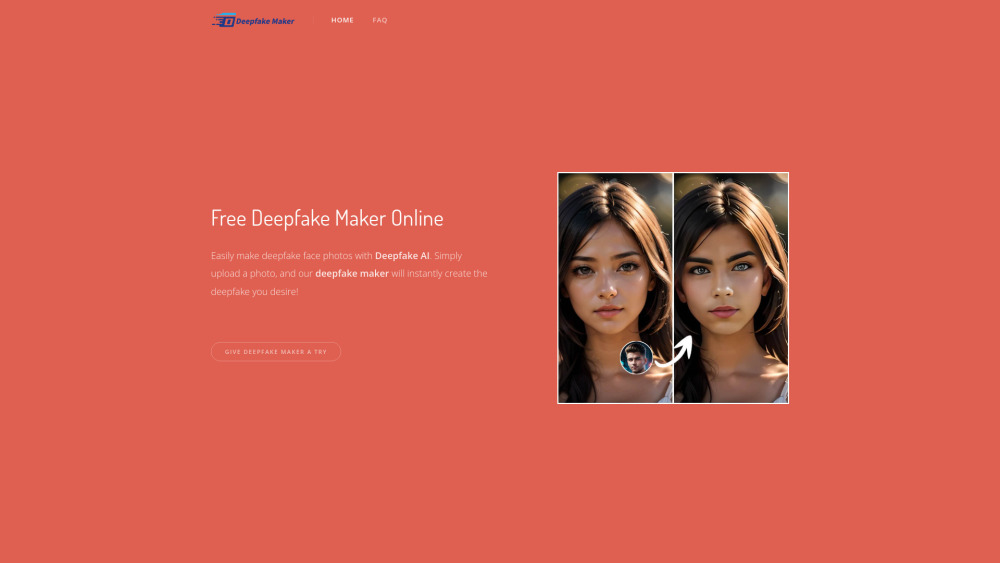
What is Deepface Maker?
Deepface Maker is an innovative AI-based platform designed to seamlessly swap faces in photos and videos. With cutting-edge technology, this tool delivers stunningly realistic results at no cost, without any watermarks or hidden fees.
How does Deepface Maker work?
To get started with Deepface Maker, simply upload the source image where you want the face swapped and the target face image. Within seconds, the AI processes both images and creates a deepfake result that looks incredibly lifelike.
Key Features of Deepface Maker
No-cost deepfake creation
Rapid generation of high-quality swaps
Strict privacy policy – no image storage
Gender transformation capabilities
Ability to create celebrity deepfakes
Practical Applications of Deepface Maker
Entertaining swaps with family and friends
Generating celebrity-based deepfake content
Experimenting with artistic concepts and ideas
Frequently Asked Questions about Deepface Maker
-
Is there a fee to use Deepface Maker?
-
How can I save my generated deepfake images?
-
Which file types are compatible with Deepface Maker?
-
Does Deepface Maker safeguard user privacy?
FAQ from Deepface Maker
What exactly is Deepface Maker?
Deepface Maker is an advanced AI-driven solution for creating deepfake face swaps in both still images and video clips. It leverages sophisticated algorithms to provide highly realistic outcomes, all free of charge and without intrusive watermarks.
How do I utilize Deepface Maker?
Using Deepface Maker is straightforward. Just upload the picture containing the face you wish to replace and the new face image, then let the AI handle the rest. Your deepfake will be ready in moments.
Is Deepface Maker completely free?
Absolutely, Deepface Maker offers its services entirely free of charge, requiring no registration or subscription fees.
How do I retrieve my created deepfake images?
You can easily download your generated images by right-clicking on them if using a PC, or by holding down on the image if using a mobile device.
Which image formats are accepted by Deepface Maker?
Deepface Maker accepts common formats such as JPG, PNG, and WEBP.
Is my personal data secure while using Deepface Maker?
Yes, Deepface Maker prioritizes user privacy by not storing any uploaded or processed images, ensuring complete confidentiality.