AI Analytics Assistant

Datayaki

Unlock insights with Datayaki! Easily create widgets & explore data with powerful visual analytics. Just ask for data, and Datayaki delivers.

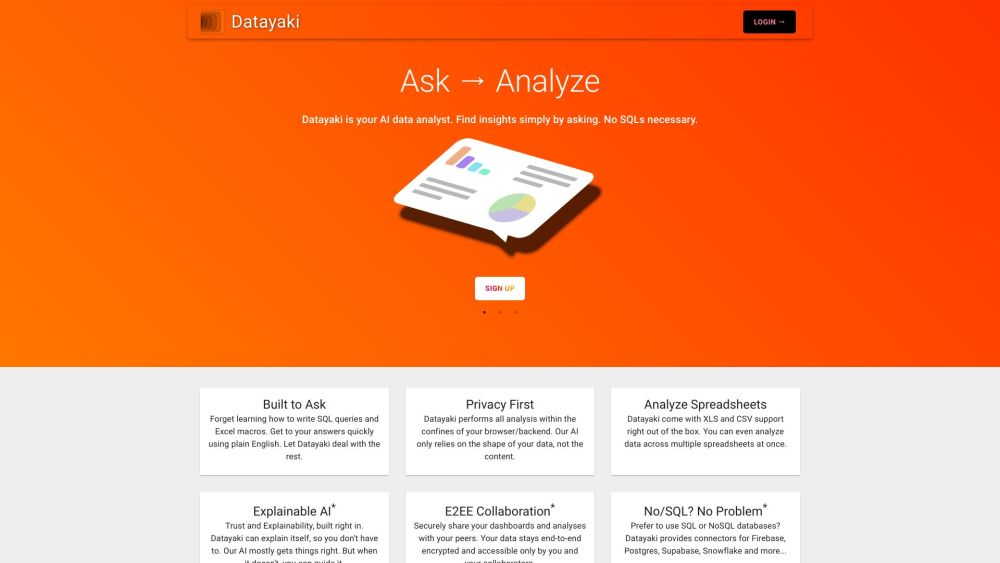
Datayaki website preview

Datayaki Website screenshot

Discover Datayaki

Datayaki is an innovative data analytics tool designed to simplify widget creation and data insights. Users can effortlessly generate widgets by requesting specific data, making data exploration and visualization straightforward and effective.

Using Datayaki

To start with Datayaki, just enter your data query into the interface. The tool will instantly create a widget based on your input. Its intuitive design ensures an easy and engaging user experience for exploring and interacting with your data.

Key Features of Datayaki

Datayaki's main features include:

  1. Widget Creation: Generate widgets by specifying the data or insights you need.
  2. Data Visualization: Access various visualization options to present data effectively.
  3. Data Insights: Uncover valuable patterns and insights within your data.
  4. Data Exploration: Dive deep into your data with manipulation and filtering tools.

Applications of Datayaki

Datayaki can be utilized in:

  1. Business Analytics: Analyze sales, customer behavior, and market trends for informed decision-making.
  2. Marketing Analysis: Evaluate campaign performance, user engagement, and conversion rates.
  3. Financial Analysis: Explore and visualize financial data for forecasting and strategic planning.
  4. Research and Development: Examine experimental data, track progress, and identify research patterns.

Product source: Datayaki official website. Check the provider for current plans, limits and availability.

FAQ

Datayaki questions and answers

Product context and practical checks for evaluating Datayaki.

What is Datayaki used for?

Unlock insights with Datayaki! Easily create widgets & explore data with powerful visual analytics. Just ask for data, and Datayaki delivers.

How do I get started with Datayaki?

Open the official Datayaki website and identify the workflow that matches your task. Choose a question with known sources and a checkable result. Compare citation accuracy, omissions and reproducibility rather than response length.

Which capabilities are described for Datayaki?

Datayaki's main features include: Widget Creation: Generate widgets by specifying the data or insights you need. Data Visualization: Access various visualization options to present data effectively. Data Insights: Uncover valuable patterns and insights within your data. Data Exploration: Dive deep into your data with manipulation and filtering tools.

What projects can I evaluate Datayaki for?

Datayaki can be utilized in: Business Analytics: Analyze sales, customer behavior, and market trends for informed decision-making. Marketing Analysis: Evaluate campaign performance, user engagement, and conversion rates. Financial Analysis: Explore and visualize financial data for forecasting and strategic planning. Research and Development: Examine experimental data, track progress, and identify research patterns. Datayaki on Reddit Join the Datayaki community on Reddit: https://reddit.com/r/datayaki Customer Support For support, contact us at: [email protected] About Datayaki Learn more about our company, Yaki, Inc., by visiting our About Us page. Datayaki on Facebook Follow us on Facebook: https://facebook.com/datayaki Datayaki on Twitter Follow us on Twitter: https://twitter.com/data_yaki

What should I compare before choosing a Datayaki plan?

Check Datayaki’s current pricing page for included usage, renewal terms and any credit charges. Compare the cost of a usable result, including retries, rather than assuming that account registration includes free usage.

What inputs should I prepare for a Datayaki trial?

Check supported documents, datasets and source access. Establish whether the product can inspect your actual material rather than answer from general knowledge.

How can I check the quality of a Datayaki result?

Follow citations to the original source, recalculate important numbers and check the date and scope of the evidence. Distinguish an explanation from a verified result.

Which export options should I check in Datayaki?

Look for usable citations, tables, downloadable data and reproducible steps. A clear answer should let another person inspect how the conclusion was reached.

What is a practical way to test Datayaki against alternatives?

Choose a question with known sources and a checkable result. Compare citation accuracy, omissions and reproducibility rather than response length.

Where is the official Datayaki website?

The website linked from this profile is https://www.datayaki.com. Use the provider’s own documentation, account area and support channels to confirm current product details.

Visit Datayaki