AI Art Generator

Daft Art

Create album covers in minutes with Daft Art! Our premium AI tool offers high-quality, curated aesthetics and a simple editor for amazing art.

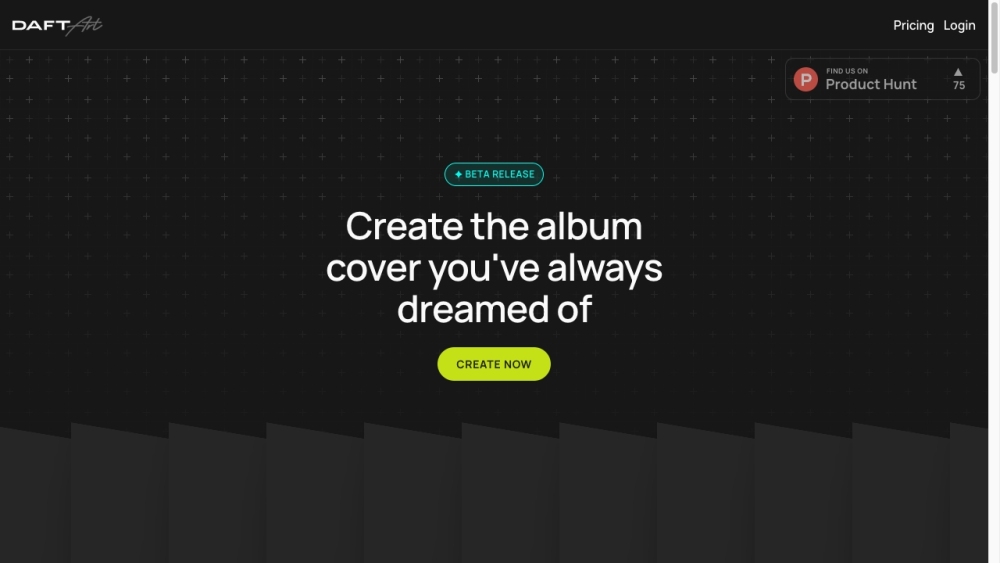
Daft Art website preview

Daft Art Website screenshot

What is Daft Art?

Daft Art is a state-of-the-art AI-driven platform designed to help users craft stunning album covers swiftly and effortlessly. With an intuitive editor and a selection of curated styles, it empowers musicians and creators to produce high-quality artwork in just a few minutes.

How to use Daft Art?

1. Access your Daft Art account. 2. Click on the 'Create Now' button. 3. Use the user-friendly visual editor to personalize your album cover. 4. Explore the curated styles to find a look that complements your music. 5. Enter your album title and artist name using the available customization tools. 6. Adjust the font, colors, and design to align with your artistic vision. 7. Download your finished cover in high resolution (3000x3000px) and the perfect aspect ratio. 8. Your cover art is ready for upload to all major distribution and streaming platforms!

Daft Art's Core Features

Curated Styles

Easy-to-Use Editor

Personalization Options

High-Resolution Outputs

Platform Compatibility

Daft Art's Use Cases

Album Cover Creation

Track Cover Design

Visual Enhancement for Music Releases

Product source: Daft Art official website. Check the provider for current plans, limits and availability.

FAQ

Daft Art questions and answers

Product context and practical checks for evaluating Daft Art.

What is Daft Art used for?

Create album covers in minutes with Daft Art! Our premium AI tool offers high-quality, curated aesthetics and a simple editor for amazing art.

How do I get started with Daft Art?

1. Access your Daft Art account. 2. Click on the 'Create Now' button. 3. Use the user-friendly visual editor to personalize your album cover. 4. Explore the curated styles to find a look that complements your music. 5. Enter your album title and artist name using the available customization tools. 6. Adjust the font, colors, and design to align with your artistic vision. 7. Download your finished cover in high resolution (3000x3000px) and the perfect aspect ratio. 8. Your cover art is ready for upload to all major distribution and streaming platforms!

Which capabilities are described for Daft Art?

Curated StylesEasy-to-Use EditorPersonalization OptionsHigh-Resolution OutputsPlatform Compatibility

What projects can I evaluate Daft Art for?

Album Cover CreationTrack Cover DesignVisual Enhancement for Music Releases Daft Art Support Email & Customer Service Contact For customer service, reach out to Daft Art at: [email protected]. Daft Art Login Login to Daft Art here: https://www.daftart.ai/ Daft Art Pricing View pricing details for Daft Art here: https://www.daftart.ai/pricing Daft Art Instagram Follow Daft Art on Instagram: https://instagram.com/daftartai

What should I compare before choosing a Daft Art plan?

View pricing details for Daft Art here: https://www.daftart.ai/pricing Confirm current prices and allowances on the provider’s website before purchasing.

What inputs should I prepare for a Daft Art trial?

Look for text prompts, image references, masks or sketches as appropriate. Compare composition control, supported upload types and the ability to revise a selected area.

How can I check the quality of a Daft Art result?

Inspect text, hands, edges, reflections and repeated objects at full size. Check that important product or brand details survive editing.

Which export options should I check in Daft Art?

Compare pixel dimensions, transparency, file formats and any enlargement options. Confirm that the downloaded result works in your design or publishing software.

What is a practical way to test Daft Art against alternatives?

Prepare a brief with a subject, composition, lighting and required output size. Test a first generation and a targeted revision to see how much control you retain.

Where is the official Daft Art website?

The website linked from this profile is https://www.daftart.ai. Use the provider’s own documentation, account area and support channels to confirm current product details.

Visit Daft Art