Text to Image

Craftura AI

Craftura AI: Create visuals effortlessly with our AI-powered platform using advanced Stable Diffusion technology. Unleash your creative potential!

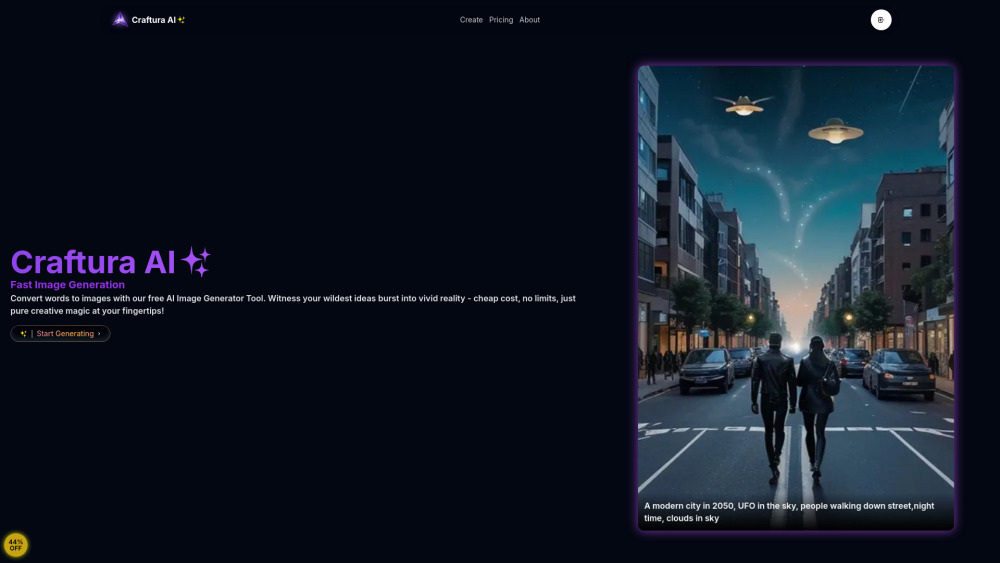
Craftura AI website preview

Craftura AI Website screenshot

What is Craftura AI?

Craftura AI is a powerful platform designed for advanced image creation, leveraging the latest in AI technology. The platform enables users to generate a wide array of high-quality images, including NSFW content, through its integration of Stable Diffusion technology. With Craftura AI, you can transform your text prompts into detailed and dynamic visuals, pushing the boundaries of digital creativity.

How to use Craftura AI?

Using Craftura AI is straightforward. By entering a descriptive text prompt on the platform, the AI engine processes the input and swiftly generates an image that reflects your vision. Thanks to its advanced algorithms, the platform delivers high-quality images with remarkable speed and accuracy.

Key Features of Craftura AI

Text-based image generation with AI

Variety of image styles powered by Stable Diffusion

Capability to create NSFW content

Cost-effective with a credit-based system

Rapid processing and bulk image generation

Applications of Craftura AI

Convert text descriptions into vivid images

Produce multiple images efficiently with bulk processing

  • Craftura AI Support & Contact Information

    For support and customer service, visit the Craftura AI contact page.

  • Craftura AI Company Information

    Learn more about Craftura AI by visiting the About Us page.

  • Craftura AI Pricing

    Explore the pricing options on the Craftura AI pricing page.

  • Craftura AI on YouTube

    Watch Craftura AI tutorials and more on their YouTube channel.

  • Craftura AI on Twitter

    Follow Craftura AI updates on Twitter.

  • Craftura AI on GitHub

    Access Craftura AI's code and resources on their GitHub page.

Product source: Craftura AI official website. Check the provider for current plans, limits and availability.

FAQ

Craftura AI questions and answers

Product context and practical checks for evaluating Craftura AI.

What is Craftura AI used for?

Craftura AI: Create visuals effortlessly with our AI-powered platform using advanced Stable Diffusion technology. Unleash your creative potential!

How do I get started with Craftura AI?

Using Craftura AI is straightforward. By entering a descriptive text prompt on the platform, the AI engine processes the input and swiftly generates an image that reflects your vision. Thanks to its advanced algorithms, the platform delivers high-quality images with remarkable speed and accuracy.

Which capabilities are described for Craftura AI?

Text-based image generation with AIVariety of image styles powered by Stable DiffusionCapability to create NSFW contentCost-effective with a credit-based systemRapid processing and bulk image generation

What projects can I evaluate Craftura AI for?

Convert text descriptions into vivid imagesProduce multiple images efficiently with bulk processing Craftura AI Support & Contact Information For support and customer service, visit the Craftura AI contact page. Craftura AI Company Information Learn more about Craftura AI by visiting the About Us page. Craftura AI Pricing Explore the pricing options on the Craftura AI pricing page. Craftura AI on YouTube Watch Craftura AI tutorials and more on their YouTube channel. Craftura AI on Twitter Follow Craftura AI updates on Twitter. Craftura AI on GitHub Access Craftura AI's code and resources on their GitHub page.

What should I compare before choosing a Craftura AI plan?

Explore the pricing options on the Craftura AI pricing page. Confirm current prices and allowances on the provider’s website before purchasing.

What inputs should I prepare for a Craftura AI trial?

Identify the files, text or account connections your task needs. Confirm that the product accepts those inputs and offers controls for reviewing its work.

How can I check the quality of a Craftura AI result?

Test one representative task and inspect the result for accuracy and completeness. Record where manual corrections or extra tools are needed.

Which export options should I check in Craftura AI?

Check export formats, integrations and whether you can keep using your work outside the service. Test a real export before committing to a longer plan.

What is a practical way to test Craftura AI against alternatives?

Choose one task with a clear success condition. Keep the input consistent, record the time spent reviewing and compare the complete workflow cost.

Where is the official Craftura AI website?

The website linked from this profile is https://www.craftura.art. Use the provider’s own documentation, account area and support channels to confirm current product details.

Visit Craftura AI