Copywriting

Contexa

Contexa: Your all-in-one solution for design localization, copy library access, and gen-AI features. Streamline your workflow today!

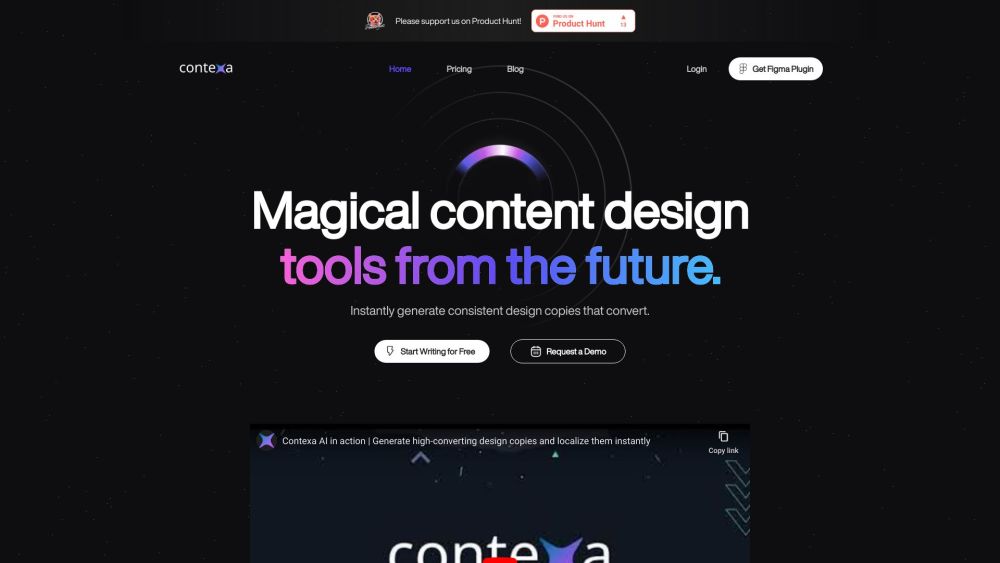
Contexa website preview
Contexa is a powerful design localization tool that offers a comprehensive copy library and cutting-edge Gen-AI features. With a seamless integration into Figma, Contexa simplifies the localization process, allowing designers to effortlessly adapt their designs into multiple languages with just one click. The localized versions are optimized for better conversion and ensure the avoidance of any misinterpretations. Contexa's core features are designed to revolutionize the way design copies are generated and utilized. Instantly generate consistent design copies that are proven to boost conversion rates and enhance user experience. By streamlining design collaboration and automating repetitive writing tasks, Contexa empowers designers to focus on creativity while ensuring term consistency and brand style personalization. The versatility of Contexa extends to various use cases, including improving the usability and readability of design copies, optimizing localized versions for better conversion, and streamlining design collaboration and synchronization. It also enables personalized brand writing styles, saving time on repetitive writing tasks, and ensuring term consistency in design. Who can benefit from using Contexa? Designers, copywriters, UX professionals, and anyone involved in design collaboration and localization will find Contexa invaluable. It not only enhances the overall design process but also saves time and ensures consistency across all design elements. In terms of data security, Contexa employs robust measures to safeguard user data. All data used by the AI engine is temporarily saved and encrypted, with strict user access controls in place. Contexa's commitment to user privacy is unwavering, as it does not utilize user data to train the AI. With its user-friendly interface and cutting-edge AI capabilities, Contexa is set to redefine the landscape of design localization and copy generation, providing a seamless and efficient solution for designers and content creators.

Product source: Contexa official website. Check the provider for current plans, limits and availability.

FAQ

Contexa questions and answers

Product context and practical checks for evaluating Contexa.

What is Contexa used for?

Contexa: Your all-in-one solution for design localization, copy library access, and gen-AI features. Streamline your workflow today!

How do I get started with Contexa?

Open the official Contexa website and identify the workflow that matches your task. Prepare a brief with a subject, composition, lighting and required output size. Test a first generation and a targeted revision to see how much control you retain.

What should I compare before choosing a Contexa plan?

Check Contexa’s current pricing page for included usage, renewal terms and any credit charges. Compare the cost of a usable result, including retries, rather than assuming that account registration includes free usage.

What inputs should I prepare for a Contexa trial?

Look for text prompts, image references, masks or sketches as appropriate. Compare composition control, supported upload types and the ability to revise a selected area.

How can I check the quality of a Contexa result?

Inspect text, hands, edges, reflections and repeated objects at full size. Check that important product or brand details survive editing.

Which export options should I check in Contexa?

Compare pixel dimensions, transparency, file formats and any enlargement options. Confirm that the downloaded result works in your design or publishing software.

What is a practical way to test Contexa against alternatives?

Prepare a brief with a subject, composition, lighting and required output size. Test a first generation and a targeted revision to see how much control you retain.

What should I review before uploading material to Contexa?

Read the provider’s rules on access, retention, deletion and use of uploaded material. Start with a non-confidential sample that you have permission to use.

How can I check whether Contexa fits my existing workflow?

List the steps before and after using Contexa, including preparation, review and export. Test that complete sequence and check whether handoffs require manual conversion or another paid service.

Where is the official Contexa website?

The website linked from this profile is https://contexa.app. Use the provider’s own documentation, account area and support channels to confirm current product details.

Visit Contexa