AI Product Description Generator

Colourlab.ai

Colourlab.ai: AI-powered color grading for film looks. Automate edits, save time, and enhance creativity with Smart Filters, pre-sets, and color matching.

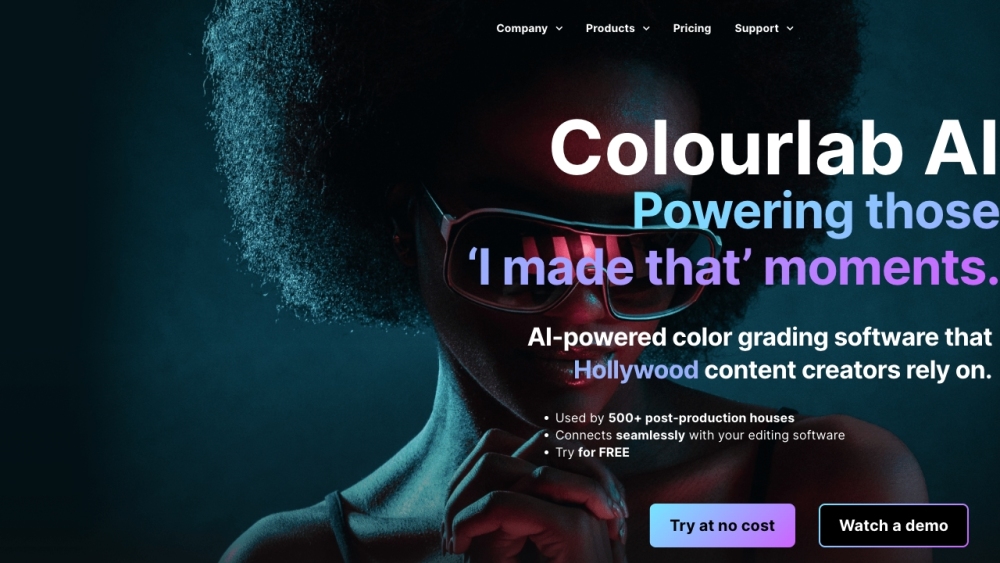
Colourlab.ai website preview

Title: Colourlab.ai: AI Grading, Smart Filters, Pre-sets & Color Match Colourlab.ai is an innovative AI-powered color grading software designed for Hollywood content creators. With its advanced features, it automates tedious editing tasks, allowing users to focus on adding their own creative touches to their films. The platform's Auto-Color, Smart Filters, pre-sets, and color matching capabilities enable users to effortlessly achieve stunning film looks with just a few clicks. To utilize Colourlab.ai, simply sync it with your preferred editing software, such as Adobe Premiere Pro, Final Cut Pro, or Davinci Resolve. Once integrated, users can easily balance shots, apply professional-level color grades, and create their own unique film looks using the AI-powered tools. Additionally, Colourlab.ai supports exporting projects in various pre-set formats, including Netflix, Hulu, and iPhone, enhancing its versatility and convenience. The core features of Colourlab.ai include AI-powered color grading, Auto-Color, Smart Filters, color matching, integration with popular editing software, support for multiple cameras, and the ability to export in HDR and SDR. This comprehensive set of features makes Colourlab.ai an indispensable tool for colorists, editors, filmmakers, and content creators seeking to streamline their workflow and achieve professional film looks effortlessly. For further information about Colourlab.ai, including support, company details, pricing, and social media links, please visit the following pages: - Contact: the contact us page (https://colourlab.ai/contact-us-2/) - About Us: the about us page (https://colourlab.ai/about-and-press/) - Login: https://colourlab.ai/my-account/ - Pricing: https://colourlab.ai/pricing/ - Facebook: https://www.facebook.com/ColourLabAi/ - YouTube: https://youtube.com/colourtraining - Instagram: https://www.instagram.com/woocommerce-552489-1774989.cloudwaysapps.com In summary, Colourlab.ai provides a comprehensive suite of AI-powered tools and features that empower users to elevate their film editing and color grading processes, ultimately enhancing the quality of their content creation endeavors.

Product source: Colourlab.ai official website. Check the provider for current plans, limits and availability.

FAQ

Colourlab.ai questions and answers

Product context and practical checks for evaluating Colourlab.ai.

What is Colourlab.ai used for?

Colourlab.ai: AI-powered color grading for film looks. Automate edits, save time, and enhance creativity with Smart Filters, pre-sets, and color matching.

How do I get started with Colourlab.ai?

Open the official Colourlab.ai website and identify the workflow that matches your task. Use a short shot with one subject and one camera movement. Keep the prompt and duration constant, then compare usable seconds and the number of regenerations.

What should I compare before choosing a Colourlab.ai plan?

Check Colourlab.ai’s current pricing page for included usage, renewal terms and any credit charges. Compare the cost of a usable result, including retries, rather than assuming that account registration includes free usage.

What inputs should I prepare for a Colourlab.ai trial?

Compare text prompts, reference frames, source footage and audio support. Check duration, aspect ratio and whether the tool lets you keep a subject consistent between shots.

How can I check the quality of a Colourlab.ai result?

Watch the entire clip for motion errors, distorted objects, changing identities, lip-sync problems and abrupt transitions. Inspect the downloaded file as well as the preview.

Which export options should I check in Colourlab.ai?

Check export resolution, frame rate, aspect ratio, audio tracks and watermark rules. A good preview is not a substitute for an export that fits your publishing channel.

What is a practical way to test Colourlab.ai against alternatives?

Use a short shot with one subject and one camera movement. Keep the prompt and duration constant, then compare usable seconds and the number of regenerations.

What should I review before uploading material to Colourlab.ai?

Read the provider’s rules on access, retention, deletion and use of uploaded material. Start with a non-confidential sample that you have permission to use.

How can I check whether Colourlab.ai fits my existing workflow?

List the steps before and after using Colourlab.ai, including preparation, review and export. Test that complete sequence and check whether handoffs require manual conversion or another paid service.

Where is the official Colourlab.ai website?

The website linked from this profile is https://www.colourlab.ai. Use the provider’s own documentation, account area and support channels to confirm current product details.

Visit Colourlab.ai