AI tool profile

Clear

Explore PDFs: Extract insights, ask questions, and navigate documents effortlessly.

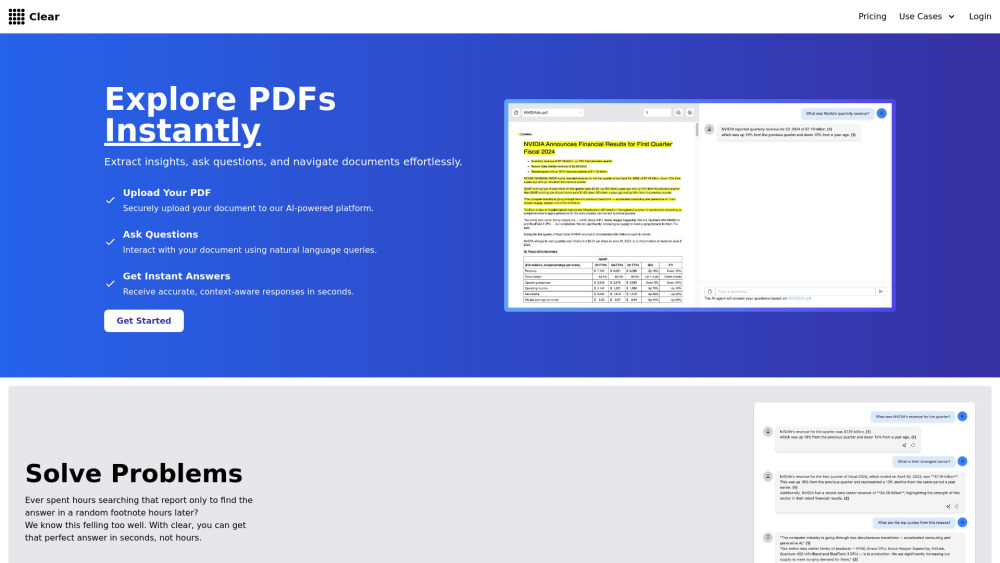
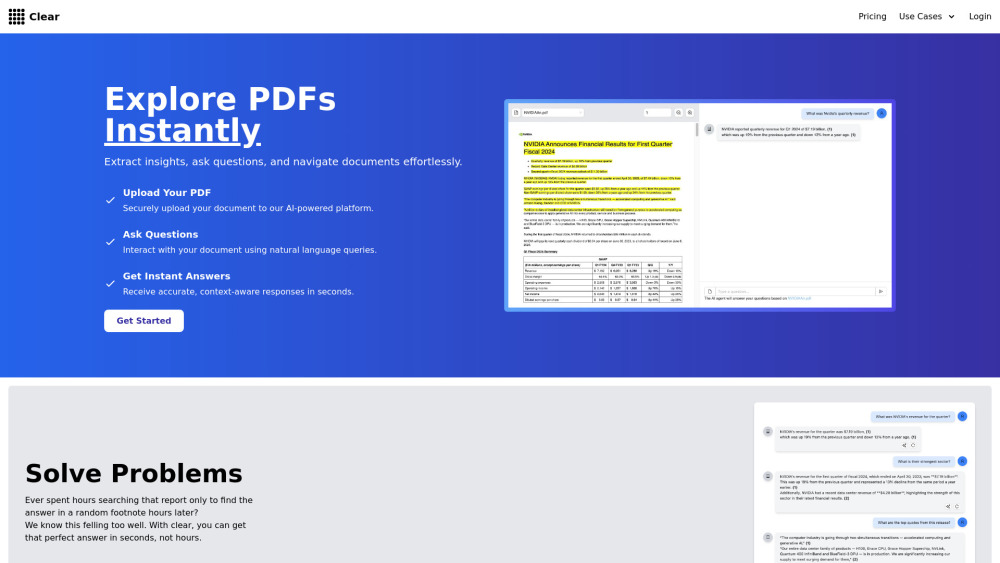
Clear website preview

Clear Website screenshot

What is Clear?

What can you do with Clear? 💡 Solve Problems Ever spent hours searching a report only to find the answer in a random footnote hours later? Clear finds that random footnote, gives you the answer and cites sources. 📓 Explore in Bulk Need to get the point of contact, company name and industry out of 10 files without a consistent format? We've got you. This unique feature offers the ability to get structured responses from multiple files in the form of a table. 🔍 Intelligent Search Not sure where to look? With Intelligent search you can find relevant documents you've uploaded in the past, by similarity, with no need to exactly match the words written.

How to use Clear?

1. Upload PDF: Securely add your document to the platform 2. Ask Questions: Query your document with open text questions 3. Get Answers: Receive quick, accurate responses based on the content of the file from the AI Assistant 4. (Optionally) Search multiple documents by using the search tab, and get relevant answers based on semantic similarity 5. (Optionally) Explore multiple documents by using the exploration feature, creating a table with structured data for each provided file

Clear's Core Features

Chat with documents and get relevant answers

Explore multiple documents at once

Search and find relevant data in your documents

Powered by latest AI models

Clear's Use Cases

Contract Review

Legal Research

Due Diligence

Market Research

Deal Review

Risk Assessment

Financial Audits

Product source: Clear official website. Check the provider for current plans, limits and availability.

FAQ

Clear questions and answers

Product context and practical checks for evaluating Clear.

What is Clear used for?

Explore PDFs: Extract insights, ask questions, and navigate documents effortlessly.

How do I get started with Clear?

1. Upload PDF: Securely add your document to the platform 2. Ask Questions: Query your document with open text questions 3. Get Answers: Receive quick, accurate responses based on the content of the file from the AI Assistant 4. (Optionally) Search multiple documents by using the search tab, and get relevant answers based on semantic similarity 5. (Optionally) Explore multiple documents by using the exploration feature, creating a table with structured data for each provided file

Which capabilities are described for Clear?

Chat with documents and get relevant answersExplore multiple documents at onceSearch and find relevant data in your documentsPowered by latest AI models

What projects can I evaluate Clear for?

Contract ReviewLegal ResearchDue DiligenceMarket ResearchDeal ReviewRisk AssessmentFinancial Audits

What should I compare before choosing a Clear plan?

Check Clear’s current pricing page for included usage, renewal terms and any credit charges. Compare the cost of a usable result, including retries, rather than assuming that account registration includes free usage.

What inputs should I prepare for a Clear trial?

Identify the files, text or account connections your task needs. Confirm that the product accepts those inputs and offers controls for reviewing its work.

How can I check the quality of a Clear result?

Test one representative task and inspect the result for accuracy and completeness. Record where manual corrections or extra tools are needed.

Which export options should I check in Clear?

Check export formats, integrations and whether you can keep using your work outside the service. Test a real export before committing to a longer plan.

What is a practical way to test Clear against alternatives?

Choose one task with a clear success condition. Keep the input consistent, record the time spent reviewing and compare the complete workflow cost.

Where is the official Clear website?

The website linked from this profile is https://clearai.app. Use the provider’s own documentation, account area and support channels to confirm current product details.

Visit Clear