Transcription

Circleback

Circleback: AI-powered meeting assistant offering secure transcription, detailed notes, and actionable items. Prioritizes data privacy with top encryption standards.

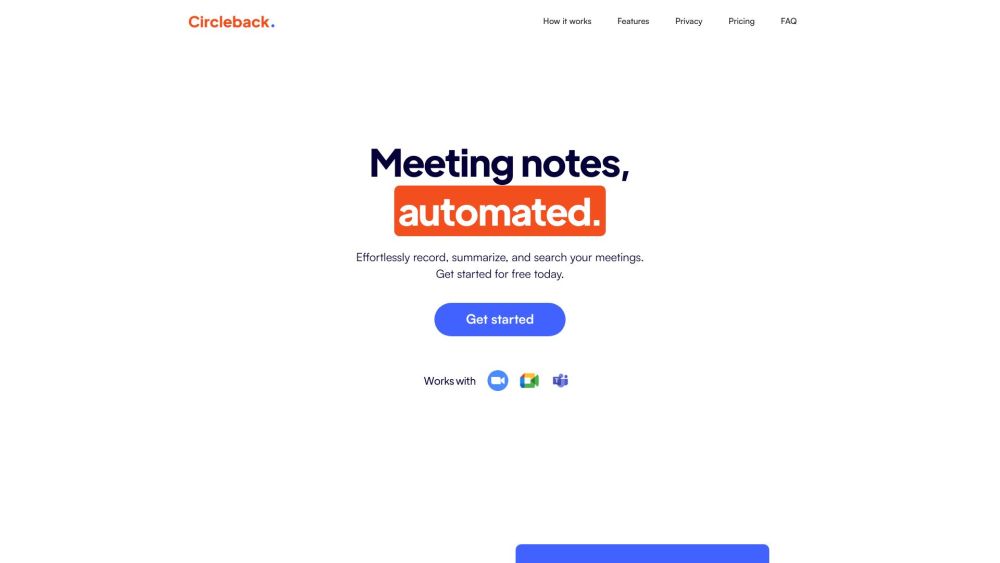
Circleback website preview

Circleback Website screenshot

What is Circleback?

Circleback is an advanced AI meeting assistant designed to produce accurate meeting notes and actionable items. It transcribes and comprehends your discussions, enabling you to quickly find specific points from your meetings. Circleback places a strong emphasis on data security, utilizing top-tier encryption and storage protocols.

How to use Circleback?

Using Circleback is straightforward. It supports various meeting platforms such as Google Meet, Microsoft Teams, Zoom, WebEx, and BlueJeans. After logging in, simply paste the meeting link into the 'Record Meeting' field. Alternatively, you can sync your calendar for automatic meeting participation based on your settings. Circleback will generate precise transcripts, notes, and action items within minutes after your meeting concludes.

Circleback's Core Features

AI-generated meeting notes and action items

Highly accurate transcripts

Effortless search for key moments

Robust privacy with encrypted data storage

Automatic meeting joining

Circleback's Use Cases

Efficient note-taking during meetings

Tracking action items

Summarizing important discussion points

Creating follow-up emails based on meeting content

Product source: Circleback official website. Check the provider for current plans, limits and availability.

FAQ

Circleback questions and answers

Product context and practical checks for evaluating Circleback.

What is Circleback used for?

Circleback: AI-powered meeting assistant offering secure transcription, detailed notes, and actionable items. Prioritizes data privacy with top encryption standards.

How do I get started with Circleback?

Using Circleback is straightforward. It supports various meeting platforms such as Google Meet, Microsoft Teams, Zoom, WebEx, and BlueJeans. After logging in, simply paste the meeting link into the 'Record Meeting' field. Alternatively, you can sync your calendar for automatic meeting participation based on your settings. Circleback will generate precise transcripts, notes, and action items within minutes after your meeting concludes.

Which capabilities are described for Circleback?

AI-generated meeting notes and action itemsHighly accurate transcriptsEffortless search for key momentsRobust privacy with encrypted data storageAutomatic meeting joining

What projects can I evaluate Circleback for?

Efficient note-taking during meetingsTracking action itemsSummarizing important discussion pointsCreating follow-up emails based on meeting content Circleback Support Email & Customer Service Contact & Refund Contact For customer service, contact Circleback at: [email protected] . Circleback Company Company Name: Circleback AI, Inc. Circleback Pricing For pricing details, visit: https://circleback.ai/pricing Circleback LinkedIn Follow us on LinkedIn: https://www.linkedin.com/company/circlebackai/Circleback Twitter Follow us on Twitter: https://twitter.com/circlebackai

What should I compare before choosing a Circleback plan?

For pricing details, visit: https://circleback.ai/pricing Confirm current prices and allowances on the provider’s website before purchasing.

What inputs should I prepare for a Circleback trial?

Compare recording length, file types, language support and speaker handling. For voice generation, check pronunciation controls and permission to use any reference voice.

How can I check the quality of a Circleback result?

Listen for mispronounced names, unnatural pauses, clipped words and noise. For transcripts, compare the text with the recording and correct speaker labels.

Which export options should I check in Circleback?

Check audio format, sample rate, separate tracks, captions and timestamp exports. Confirm that the result works in your editing or accessibility workflow.

What is a practical way to test Circleback against alternatives?

Use a short recording with names, numbers and more than one speaker, or a script with difficult pronunciation. Review the exported audio or transcript in full.

Where is the official Circleback website?

The website linked from this profile is https://circleback.ai. Use the provider’s own documentation, account area and support channels to confirm current product details.

Visit Circleback