Introducing Chat Thing
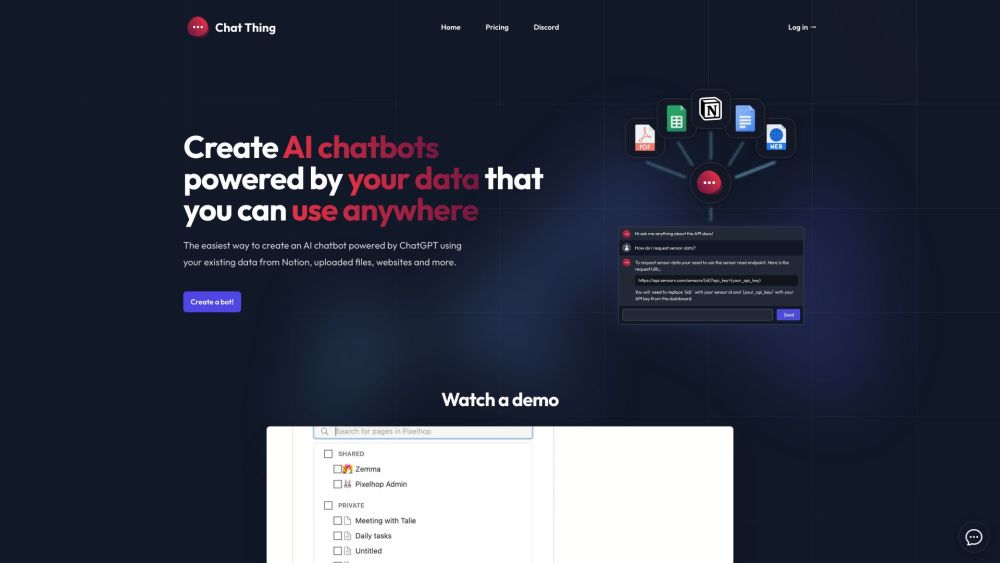
Chat Thing is an innovative platform designed for creating custom AI chatbots using your own data. The platform offers flexibility in supporting diverse data sources, including Notion, websites, files, YouTube, and RSS feeds.
Getting Started with Chat Thing
Using Chat Thing is straightforward. Begin by connecting your chatbot to your existing data and documents from various sources. Choose your preferred data sources and configure the bot’s access permissions. After setting up, you can embed the chatbot on your website or integrate it with Slack, Discord, WhatsApp, Telegram, or utilize the public API for custom integrations.
Key Features of Chat Thing
Develop AI chatbots with personal data
Compatible with Notion, websites, files, YouTube, and RSS feeds
Website embedding capabilities
Seamless integration with Slack, Discord, WhatsApp, and Telegram
Customizable chatbot interface and widget themes
Option to remove Chat Thing branding
Periodic synchronization of data sources
ChatGPT API accessibility
Support for using your own OpenAI API key
Applications of Chat Thing
Customer service
Financial advice
Legal research and analysis
Academic and scholarly research
Human resources and talent management
AI-assisted writing
Marketing and promotional activities
Educational and e-learning support
-
Chat Thing Discord
Connect with the Chat Thing community on Discord: https://discord.com/invite/DGCCR34Fsj. For additional Discord details, click here(/discord/dgccr34fsj).
-
About Chat Thing Company
Company Name: Chat Thing.
-
Chat Thing Login
Access Chat Thing here: Login.
-
Sign Up for Chat Thing
Register for Chat Thing: Sign Up.
-
Chat Thing Pricing
Explore our pricing options: Pricing.
-
Chat Thing on YouTube
Subscribe to our YouTube channel: ChatThingAI.
-
Follow Chat Thing on Twitter
Follow us on Twitter: @pixelhopio.