AI Content Detector

Chart

Streamline communications and enhance compliance with Chart – the ultimate tool to manage, monitor, and boost customer relations effectively.

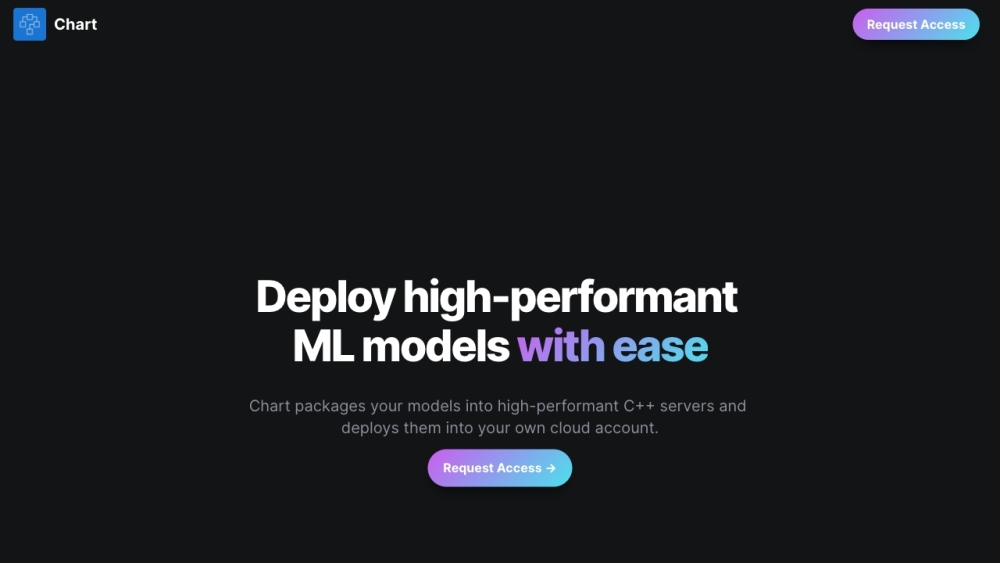
Chart website preview

Chart Website screenshot

What is Chart?

Chart is an advanced platform designed to optimize communication management within organizations. By providing real-time oversight of both internal and external communications, it enables businesses to maintain compliance standards while enhancing the quality of customer interactions. Users can monitor, modify, or restrict communications across multiple channels, ensuring a streamlined and secure communication process.

How to use Chart?

To begin using Chart, start by signing up for a free trial. After registering, you can link your communication platforms, such as email, Slack, and SMS, to the Chart dashboard. From there, create automated rules that oversee and manage your communications. These rules can modify or block specific message content as necessary. Chart operates within a secure, isolated cloud environment that you control, ensuring your data is safe and compliant with industry standards.

Core Features of Chart

Real-time tracking and analysis of communications

Automated rules for modifying or restricting messages

Secure deployment within a private cloud instance

Centralized management of all communication channels

Protection against sensitive data breaches

Improved customer interaction outcomes

In-depth analytics of company-wide communications

Use Cases for Chart

Ensuring compliance through communication monitoring

Extracting insights from communication trends

Preventing the exposure of confidential information

Offering real-time guidance to sales teams

Product source: Chart official website. Check the provider for current plans, limits and availability.

FAQ

Chart questions and answers

Product context and practical checks for evaluating Chart.

What is Chart used for?

Streamline communications and enhance compliance with Chart – the ultimate tool to manage, monitor, and boost customer relations effectively.

How do I get started with Chart?

To begin using Chart, start by signing up for a free trial. After registering, you can link your communication platforms, such as email, Slack, and SMS, to the Chart dashboard. From there, create automated rules that oversee and manage your communications. These rules can modify or block specific message content as necessary. Chart operates within a secure, isolated cloud environment that you control, ensuring your data is safe and compliant with industry standards.

Which capabilities are described for Chart?

Real-time tracking and analysis of communicationsAutomated rules for modifying or restricting messagesSecure deployment within a private cloud instanceCentralized management of all communication channelsProtection against sensitive data breachesImproved customer interaction outcomesIn-depth analytics of company-wide communications

What projects can I evaluate Chart for?

Ensuring compliance through communication monitoringExtracting insights from communication trendsPreventing the exposure of confidential informationOffering real-time guidance to sales teams Contact Chart Support for Customer Service, Refunds, and More For more information, visit our contact page (https://www.trychartapi.com/contact-sales). About Chart Company Chart is the official name of our company.

What should I compare before choosing a Chart plan?

Check Chart’s current pricing page for included usage, renewal terms and any credit charges. Compare the cost of a usable result, including retries, rather than assuming that account registration includes free usage.

What inputs should I prepare for a Chart trial?

Look for text prompts, image references, masks or sketches as appropriate. Compare composition control, supported upload types and the ability to revise a selected area.

How can I check the quality of a Chart result?

Inspect text, hands, edges, reflections and repeated objects at full size. Check that important product or brand details survive editing.

Which export options should I check in Chart?

Compare pixel dimensions, transparency, file formats and any enlargement options. Confirm that the downloaded result works in your design or publishing software.

What is a practical way to test Chart against alternatives?

Prepare a brief with a subject, composition, lighting and required output size. Test a first generation and a targeted revision to see how much control you retain.

Where is the official Chart website?

The website linked from this profile is https://www.getcharteditor.com. Use the provider’s own documentation, account area and support channels to confirm current product details.

Visit Chart