AI Content Generator

Castmagic

Castmagic is an AI-powered platform that helps content creators turn long form audio into ready-to-use content assets. With Castmagic, you can upload your MP3 files and instantly transform them into transcripts, show notes, summaries, highlights, quotes, social media posts, and more.

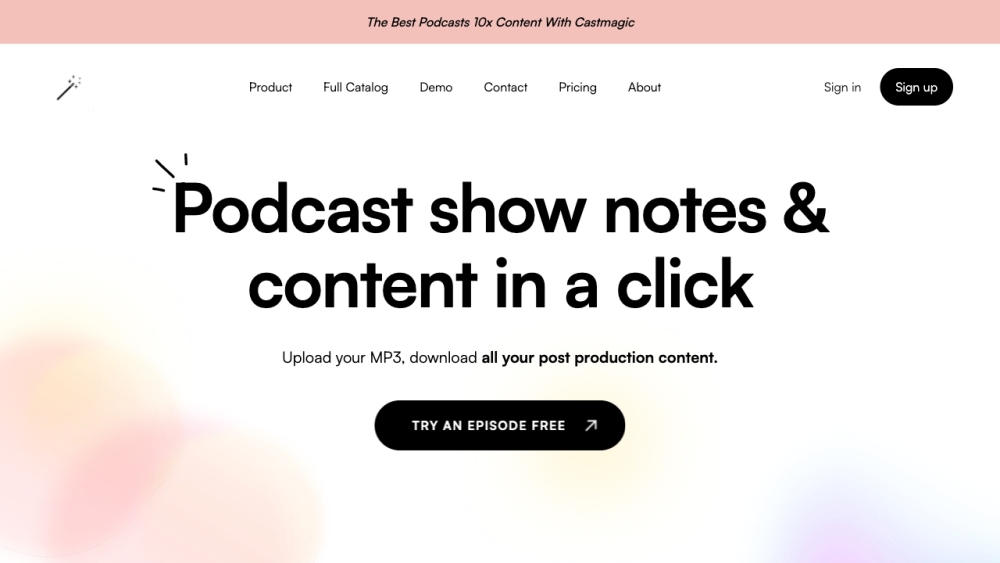
Castmagic website preview

Castmagic Website screenshot

What is Castmagic?

Castmagic is an innovative AI-driven platform designed to help content creators transform lengthy audio recordings into ready-to-use content. By uploading your MP3 files, Castmagic swiftly converts them into transcripts, show notes, summaries, highlights, quotes, social media posts, and other valuable content assets.

How to use Castmagic?

Using Castmagic is simple and efficient: 1. Upload your MP3 file or share a YouTube link. 2. Choose the types of content you want, such as transcriptions, show notes, summaries, or social media posts. 3. Castmagic processes the audio and generates the requested content. 4. Download the generated content and start sharing to expand your audience and engagement.

Castmagic's Core Features

Automated transcription of audio files

Creation of show notes with timestamps and key topics

Summarization of discussions into concise summaries

Generation of social media content, including tweet threads and quotes

Significant time savings and increased productivity for content creators

Castmagic's Use Cases

Podcasters can save time by automatically transcribing their episodes and generating show notes for each episode.

Content creators can quickly summarize long-form discussions and extract key highlights for sharing on social media.

Business professionals can leverage Castmagic to turn audio recordings of meetings or client interactions into actionable summaries and follow-up content.

Educators can convert recorded lectures or webinars into transcripts and create engaging summaries for students.

Anyone looking to repurpose long-form audio content can benefit from Castmagic's AI capabilities to streamline the content creation process.

Product source: Castmagic official website. Check the provider for current plans, limits and availability.

FAQ

Castmagic questions and answers

Product context and practical checks for evaluating Castmagic.

What is Castmagic used for?

Castmagic is an AI-powered platform that helps content creators turn long form audio into ready-to-use content assets. With Castmagic, you can upload your MP3 files and instantly transform them into transcripts, show notes, summaries, highlights, quotes, social media posts, and more.

How do I get started with Castmagic?

Using Castmagic is simple and efficient: 1. Upload your MP3 file or share a YouTube link. 2. Choose the types of content you want, such as transcriptions, show notes, summaries, or social media posts. 3. Castmagic processes the audio and generates the requested content. 4. Download the generated content and start sharing to expand your audience and engagement.

Which capabilities are described for Castmagic?

Automated transcription of audio filesCreation of show notes with timestamps and key topicsSummarization of discussions into concise summariesGeneration of social media content, including tweet threads and quotesSignificant time savings and increased productivity for content creators

What projects can I evaluate Castmagic for?

Podcasters can save time by automatically transcribing their episodes and generating show notes for each episode.Content creators can quickly summarize long-form discussions and extract key highlights for sharing on social media.Business professionals can leverage Castmagic to turn audio recordings of meetings or client interactions into actionable summaries and follow-up content.Educators can convert recorded lectures or webinars into transcripts and create engaging summaries for students.Anyone looking to repurpose long-form audio content can benefit from Castmagic's AI capabilities to streamline the content creation process. Castmagic Support Email & Customer Service Contact & Refund Contact For more contact information, visit the contact us page. Castmagic Company Learn more about Castmagic by visiting the about us page. Castmagic Login Castmagic Login Link: https://app.castmagic.io/users/sign-in Castmagic Sign Up Castmagic Sign Up Link: https://app.castmagic.io/users/register Castmagic Pricing Castmagic Pricing Link: https://www.castmagic.io/pricing

What should I compare before choosing a Castmagic plan?

Castmagic Pricing Link: https://www.castmagic.io/pricing Confirm current prices and allowances on the provider’s website before purchasing.

What inputs should I prepare for a Castmagic trial?

Compare support for source documents, style instructions, outlines and length limits. Check whether citations link to real material rather than merely looking like references.

How can I check the quality of a Castmagic result?

Verify names, dates, quotations and factual claims against the original sources. Edit tone, remove repetition and make sure the text answers the intended reader’s question.

Which export options should I check in Castmagic?

Check export to plain text, Markdown, documents or your publishing system. Formatting, headings and working links matter when moving a draft into production.

What is a practical way to test Castmagic against alternatives?

Use a real brief and a short source document. Compare factual accuracy, structure and editing time rather than accepting the longest or most confident draft.

Where is the official Castmagic website?

The website linked from this profile is https://www.castmagic.io. Use the provider’s own documentation, account area and support channels to confirm current product details.

Visit Castmagic