Resume Builder

BuildMeACoverLetter

BuildMeACoverLetter: Effortlessly create customized cover letters that stand out. Tailored to every job, streamline your application process today!

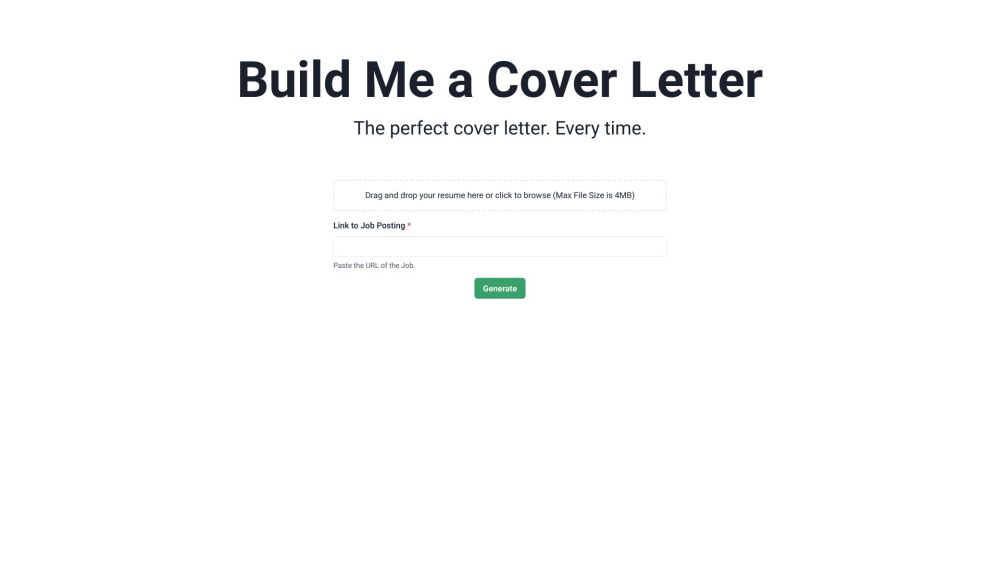
BuildMeACoverLetter website preview

BuildMeACoverLetter Website screenshot

Introducing BuildMeACoverLetter

Craft Your Perfect Cover Letter with AI Precision!

How to Get Started with BuildMeACoverLetter?

1. Upload your resume

2. Insert the job listing URL

3. Generate your custom cover letter

Key Features of BuildMeACoverLetter

AI-driven Cover Letter Crafting

Automatic Resume Parsing

Tailoring to Specific Job Criteria

When to Use BuildMeACoverLetter

Applying for New Job Opportunities

Creating Personalized Cover Letters

Simplifying the Cover Letter Process

Common Questions About BuildMeACoverLetter

What is BuildMeACoverLetter?

Craft Your Perfect Cover Letter with AI Precision!

How do I use BuildMeACoverLetter?

1. Upload your resume
2. Insert the job listing URL
3. Generate your custom cover letter

How many cover letters can I generate as an unregistered user?

Unregistered users can generate one free cover letter per day.

How long does it take to create a cover letter?

It typically takes less than a minute to generate a cover letter.

```

Product source: BuildMeACoverLetter official website. Check the provider for current plans, limits and availability.

FAQ

BuildMeACoverLetter questions and answers

Product context and practical checks for evaluating BuildMeACoverLetter.

What is BuildMeACoverLetter used for?

BuildMeACoverLetter: Effortlessly create customized cover letters that stand out. Tailored to every job, streamline your application process today!

How do I get started with BuildMeACoverLetter?

1. Upload your resume2. Insert the job listing URL3. Generate your custom cover letter

Which capabilities are described for BuildMeACoverLetter?

AI-driven Cover Letter CraftingAutomatic Resume ParsingTailoring to Specific Job Criteria

What should I compare before choosing a BuildMeACoverLetter plan?

View Pricing: https://www.buildmeacoverletter.com/pricing Confirm current prices and allowances on the provider’s website before purchasing.

What inputs should I prepare for a BuildMeACoverLetter trial?

Identify the files, text or account connections your task needs. Confirm that the product accepts those inputs and offers controls for reviewing its work.

How can I check the quality of a BuildMeACoverLetter result?

Test one representative task and inspect the result for accuracy and completeness. Record where manual corrections or extra tools are needed.

Which export options should I check in BuildMeACoverLetter?

Check export formats, integrations and whether you can keep using your work outside the service. Test a real export before committing to a longer plan.

What is a practical way to test BuildMeACoverLetter against alternatives?

Choose one task with a clear success condition. Keep the input consistent, record the time spent reviewing and compare the complete workflow cost.

What should I review before uploading material to BuildMeACoverLetter?

Read the provider’s rules on access, retention, deletion and use of uploaded material. Start with a non-confidential sample that you have permission to use.

Where is the official BuildMeACoverLetter website?

The website linked from this profile is https://www.buildmeacoverletter.com. Use the provider’s own documentation, account area and support channels to confirm current product details.

Visit BuildMeACoverLetter