AI Presentation Generator

Boords

Boords: The user-friendly tool for effortless creative planning. Simplify storyboarding and bring your projects to life with ease.

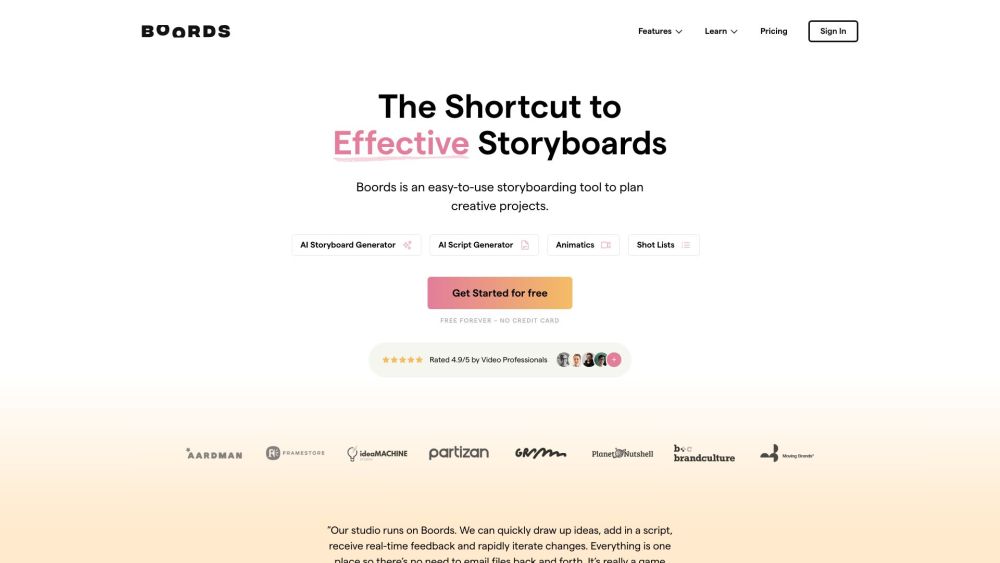
Boords website preview

Boords Website screenshot

Discover Boords: Your User-friendly Storyboarding Companion

Boords is a straightforward and accessible tool designed for planning and executing creative projects with ease.

Getting Started with Boords

Boords offers a user-friendly interface paired with robust features to facilitate the planning and collaboration process for creative projects. Users can seamlessly create and edit storyboards, draft scripts, produce animatics, and manage shot lists. The platform also provides advanced functionalities such as project-level access control, password-protected presentations, custom note fields, built-in camera moves, and AI-powered scriptwriting. These features collectively aim to streamline the pre-production phase and enhance team communication and collaboration.

Key Features of Boords

Storyboarding

AI Storyboard Generator

AI Script Generator

Animatics

Shot Lists

Version Management

Real-time Collaboration

Custom Note Fields

Built-in Camera Moves

Multiple Export Formats

Applications of Boords

Filmmaking

Marketing Videos

Presentations

Explainer Videos

Product source: Boords official website. Check the provider for current plans, limits and availability.

FAQ

Boords questions and answers

Product context and practical checks for evaluating Boords.

What is Boords used for?

Boords: The user-friendly tool for effortless creative planning. Simplify storyboarding and bring your projects to life with ease.

How do I get started with Boords?

Boords offers a user-friendly interface paired with robust features to facilitate the planning and collaboration process for creative projects. Users can seamlessly create and edit storyboards, draft scripts, produce animatics, and manage shot lists. The platform also provides advanced functionalities such as project-level access control, password-protected presentations, custom note fields, built-in camera moves, and AI-powered scriptwriting. These features collectively aim to streamline the pre-production phase and enhance team communication and collaboration.

Which capabilities are described for Boords?

StoryboardingAI Storyboard GeneratorAI Script GeneratorAnimaticsShot ListsVersion ManagementReal-time CollaborationCustom Note FieldsBuilt-in Camera MovesMultiple Export Formats

What projects can I evaluate Boords for?

FilmmakingMarketing VideosPresentationsExplainer Videos Boords Login Boords Login Link: https://app.boords.com/login Boords Sign up Boords Sign up Link: https://app.boords.com/signup Boords Pricing Boords Pricing Link: https://boords.com/pricing

What should I compare before choosing a Boords plan?

Boords Pricing Link: https://boords.com/pricing Confirm current prices and allowances on the provider’s website before purchasing.

What inputs should I prepare for a Boords trial?

Identify the files, text or account connections your task needs. Confirm that the product accepts those inputs and offers controls for reviewing its work.

How can I check the quality of a Boords result?

Test one representative task and inspect the result for accuracy and completeness. Record where manual corrections or extra tools are needed.

Which export options should I check in Boords?

Check export formats, integrations and whether you can keep using your work outside the service. Test a real export before committing to a longer plan.

What is a practical way to test Boords against alternatives?

Choose one task with a clear success condition. Keep the input consistent, record the time spent reviewing and compare the complete workflow cost.

Where is the official Boords website?

The website linked from this profile is https://boords.com. Use the provider’s own documentation, account area and support channels to confirm current product details.

Visit Boords