Captions or Subtitle

Banva

Banva: Fast, accurate subtitle generator and editor suite. Auto-generates and edits subtitles in 50+ languages, all accessible via web browser.

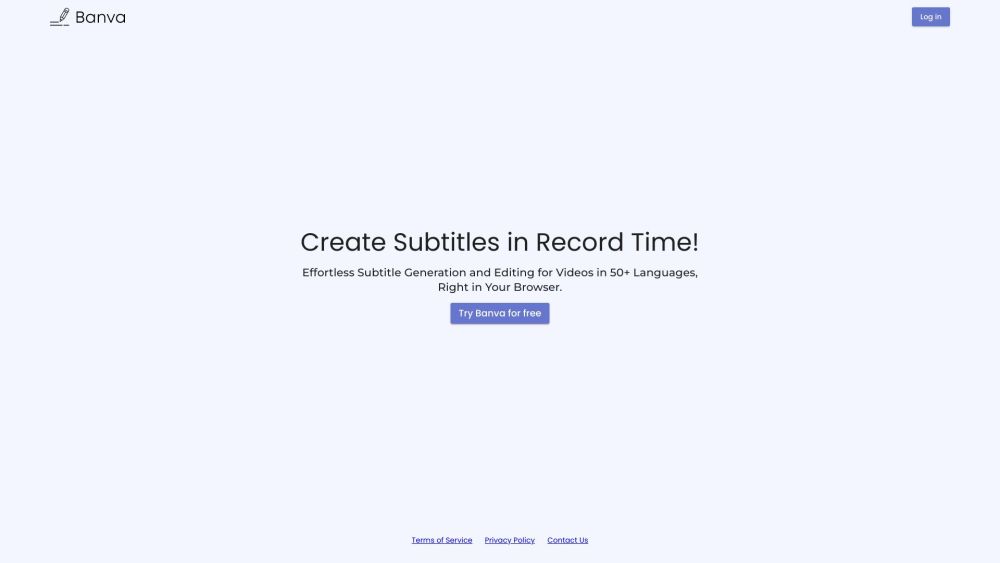
Banva website preview

Banva Website screenshot

Introducing Banva

Banva is a comprehensive tool designed for rapid and precise subtitle generation in over 50 languages. This all-encompassing subtitle creator and editor can be effortlessly accessed via any web browser, offering users a powerful and convenient solution for their subtitling needs.

Getting Started with Banva

To utilize Banva, navigate to the website using your preferred web browser. Select your desired language for subtitle generation and upload your video or audio file. Banva will quickly and accurately generate subtitles for your media. Additionally, you can use the robust subtitle editor suite to refine and adjust the generated subtitles as needed.

Key Features of Banva

The main features of Banva include:

  • Fast and accurate automatic subtitle generation in over 50 languages
  • Comprehensive subtitle editor suite for detailed adjustments
  • Real-time editing features for immediate subtitle modifications
  • Support for various media file formats such as MP4, AVI, and WAV
  • Convenient web-based access, no software installation required

Practical Applications of Banva

Banva is ideal for:

  • Content creators seeking to make their videos accessible to a global audience
  • Businesses needing multilingual subtitles for training videos
  • Educators who require subtitles for diverse student populations
  • Media professionals working on international projects

Banva Support and Contact Information

For support, customer service inquiries, or refund requests, please visit our contact page.

Banva Login

To log in to Banva, please use the following link: https://banva.io/

Banva Pricing

For detailed pricing information, visit: https://banva.io/

Follow Banva on Social Media

Stay updated with Banva through our social media channels:

Product source: Banva official website. Check the provider for current plans, limits and availability.

FAQ

Banva questions and answers

Product context and practical checks for evaluating Banva.

What is Banva used for?

Banva: Fast, accurate subtitle generator and editor suite. Auto-generates and edits subtitles in 50+ languages, all accessible via web browser.

How do I get started with Banva?

To utilize Banva, navigate to the website using your preferred web browser. Select your desired language for subtitle generation and upload your video or audio file. Banva will quickly and accurately generate subtitles for your media. Additionally, you can use the robust subtitle editor suite to refine and adjust the generated subtitles as needed.

Which capabilities are described for Banva?

The main features of Banva include: Fast and accurate automatic subtitle generation in over 50 languages Comprehensive subtitle editor suite for detailed adjustments Real-time editing features for immediate subtitle modifications Support for various media file formats such as MP4, AVI, and WAV Convenient web-based access, no software installation required

What projects can I evaluate Banva for?

Banva is ideal for: Content creators seeking to make their videos accessible to a global audience Businesses needing multilingual subtitles for training videos Educators who require subtitles for diverse student populations Media professionals working on international projects

What should I compare before choosing a Banva plan?

For detailed pricing information, visit: https://banva.io/ Confirm current prices and allowances on the provider’s website before purchasing.

What inputs should I prepare for a Banva trial?

Identify the files, text or account connections your task needs. Confirm that the product accepts those inputs and offers controls for reviewing its work.

How can I check the quality of a Banva result?

Test one representative task and inspect the result for accuracy and completeness. Record where manual corrections or extra tools are needed.

Which export options should I check in Banva?

Check export formats, integrations and whether you can keep using your work outside the service. Test a real export before committing to a longer plan.

What is a practical way to test Banva against alternatives?

Choose one task with a clear success condition. Keep the input consistent, record the time spent reviewing and compare the complete workflow cost.

Where is the official Banva website?

The website linked from this profile is https://banva.io. Use the provider’s own documentation, account area and support channels to confirm current product details.

Visit Banva