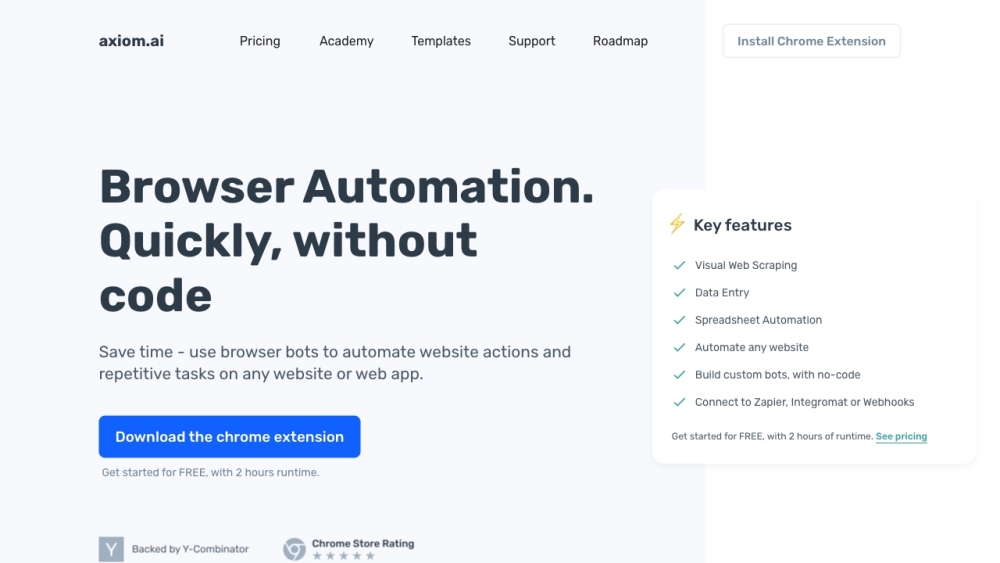
What is axiom.ai?
Axiom.ai is an innovative platform designed to help users create browser automation bots without needing any coding skills. It simplifies the automation of various tasks and actions across any website or web application directly from the browser.
How to use axiom.ai?
1. Download and install the Axiom Chrome Extension.
2. Pin Axiom to your Chrome Toolbar and click on its icon to open or close it.
3. Create custom bots or use templates to suit your needs.
4. Automate actions such as clicking, typing, and navigating on any site.
5. Execute bots manually or schedule them to run automatically at specified times.
6. Use Zapier to trigger bots based on external events for enhanced automation.
axiom.ai's Core Features
Visual Web Scraping
Data Entry
Spreadsheet Automation
Automate any website
Build custom bots with no-code
Connect to Zapier, Integromat or Webhooks
axiom.ai's Use Cases
Web scraping
Automating repetitive tasks
Data entry and spreadsheet automation
-
axiom.ai Support Email & Customer service contact & Refund contact etc.
For more contact information, visit the contact us page.
-
axiom.ai Pricing
Find pricing details at: https://axiom.ai/pricing.
-
axiom.ai Facebook
Follow us on Facebook: https://www.facebook.com/Axiom-ai-177037959878163.
-
axiom.ai Youtube
Watch our videos on YouTube: https://www.youtube.com/channel/UCuAkC77m9hFkvcahJtfYBhw/videos.
-
axiom.ai Linkedin
Connect with us on LinkedIn: https://www.linkedin.com/company/11860018.
-
axiom.ai Twitter
Follow us on Twitter: https://twitter.com/browserbots.
-
axiom.ai Instagram
Check out our Instagram: https://www.instagram.com/axiom.ai/.