AI Video Generator

Avido.ai

Avido.ai: Turn ideas into viral YouTube & TikTok videos in seconds—AI-powered storytelling, zero editing skills needed. 🚀

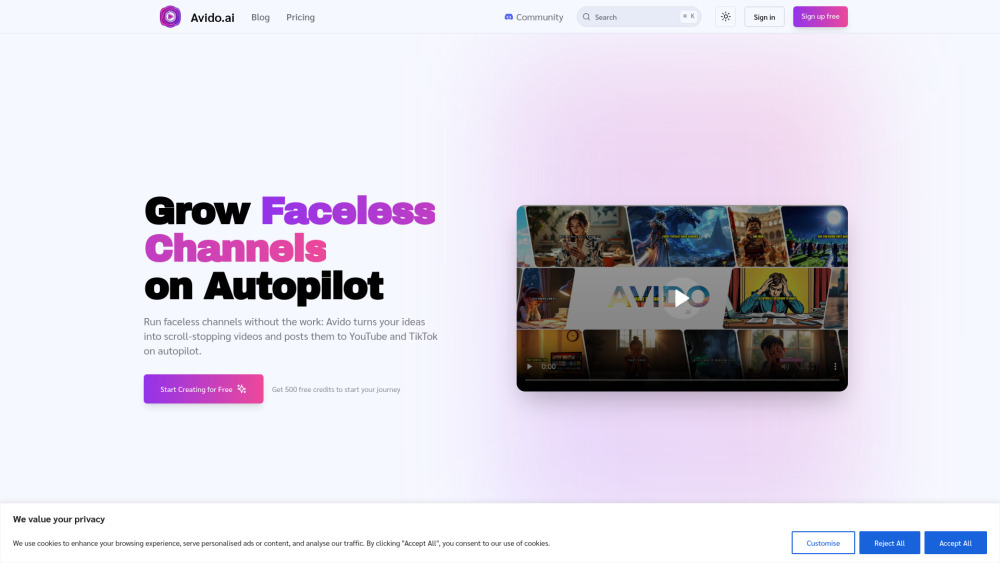
Avido.ai website preview

Avido.ai Website screenshot

Avido.ai: Where Ideas Become Viral Videos—Instantly

Avido.ai redefines digital storytelling by turning raw concepts into polished, platform-optimized videos for YouTube and TikTok—no editing skills, no software, no delays. Using cutting-edge AI, it handles scripting, visual generation, voice synthesis, music pairing, and even publishing—all in one seamless workflow. Your only job? Think it. Click it. Share it.

How It Works: From Prompt to Published in Under 5 Minutes

Pick your content category → Choose YouTube, TikTok, or both → Generate or write your script (AI drafts in seconds) → Customize visuals with AI image generation → Select tone-matched voice, mood-aligned soundtrack, and on-brand captions → Render high-res video → Schedule or post directly. Full walkthroughs—including how to launch a cohesive story series—are available in our onboarding video library.

Why Creators Love Avido.ai

Smart Script Engine

AI-Generated Scene Visuals (No Stock Footage Needed)

24+ Natural-Sounding AI Voices—Including Emotion-Tuned Options

True Faceless Video Mode (Ideal for Privacy & Scalability)

Adaptive Audio Layering (Music fades intelligently during speech)

1080p & 4K Export—Optimized for Each Platform’s Algorithm

One-Click Story Series Builder (Auto-generates sequenced narratives)

Native Cross-Platform Publishing (TikTok + YouTube scheduling built-in)

Who’s Using Avido.ai—and Why?

YouTube & TikTok Creators: Launch consistent, algorithm-friendly short-form and long-form stories—without hiring editors or learning CapCut.

Growth Marketers: Turn blog posts, product specs, or customer testimonials into scroll-stopping ad assets in minutes—not days.

Online Educators & Coaches: Convert lessons, FAQs, and frameworks into bingeable micro-learning videos—no camera, no studio, no stress.

SMBs & Solopreneurs: Build brand authority with professional-grade explainer videos, team updates, and sales enablement content—on budget and on schedule.

Your Top Questions—Answered

Can I create videos in any niche?

What social media platforms do you support?

Are the videos unique?

Can I edit the videos?

How many videos can I create?

Does the platform support multiple languages?

Is there a free trial?

  • Need Help? We’re Here

    Reach our support team at [email protected]. For billing, refunds, or account inquiries, visit the contact us page.

  • About Avido.ai

    Company Name: Avido
    Founded: 2024
    Mission: Democratize video creation for creators who value speed, authenticity, and scalability.
    Learn more about our vision and values on the about us page.

  • Log In to Your Avido.ai Account

    Already onboarded? Access your dashboard: https://app.avido.ai/signin

  • Start Creating—Free Forever Plan Available

    No credit card required. Get started instantly: https://app.avido.ai/signup

Product source: Avido.ai official website. Check the provider for current plans, limits and availability.

FAQ

Avido.ai questions and answers

Product context and practical checks for evaluating Avido.ai.

What is Avido.ai used for?

Avido.ai: Turn ideas into viral YouTube & TikTok videos in seconds—AI-powered storytelling, zero editing skills needed. 🚀

How do I get started with Avido.ai?

Pick your content category → Choose YouTube, TikTok, or both → Generate or write your script (AI drafts in seconds) → Customize visuals with AI image generation → Select tone-matched voice, mood-aligned soundtrack, and on-brand captions → Render high-res video → Schedule or post directly. Full walkthroughs—including how to launch a cohesive story series—are available in our onboarding video library.

What should I compare before choosing a Avido.ai plan?

No credit card required. Get started instantly: https://app.avido.ai/signup Confirm current prices and allowances on the provider’s website before purchasing.

What inputs should I prepare for a Avido.ai trial?

Compare text prompts, reference frames, source footage and audio support. Check duration, aspect ratio and whether the tool lets you keep a subject consistent between shots.

How can I check the quality of a Avido.ai result?

Watch the entire clip for motion errors, distorted objects, changing identities, lip-sync problems and abrupt transitions. Inspect the downloaded file as well as the preview.

Which export options should I check in Avido.ai?

Check export resolution, frame rate, aspect ratio, audio tracks and watermark rules. A good preview is not a substitute for an export that fits your publishing channel.

What is a practical way to test Avido.ai against alternatives?

Use a short shot with one subject and one camera movement. Keep the prompt and duration constant, then compare usable seconds and the number of regenerations.

What should I review before uploading material to Avido.ai?

Read the provider’s rules on access, retention, deletion and use of uploaded material. Start with a non-confidential sample that you have permission to use.

How can I check whether Avido.ai fits my existing workflow?

List the steps before and after using Avido.ai, including preparation, review and export. Test that complete sequence and check whether handoffs require manual conversion or another paid service.

Where is the official Avido.ai website?

The website linked from this profile is https://avido.ai. Use the provider’s own documentation, account area and support channels to confirm current product details.

Visit Avido.ai