AI Content Generator

AutoText

Boost your marketing with AutoText: AI-powered, multi-language content creation, automated posting & scheduling, plus insightful analytics—all in one platform!

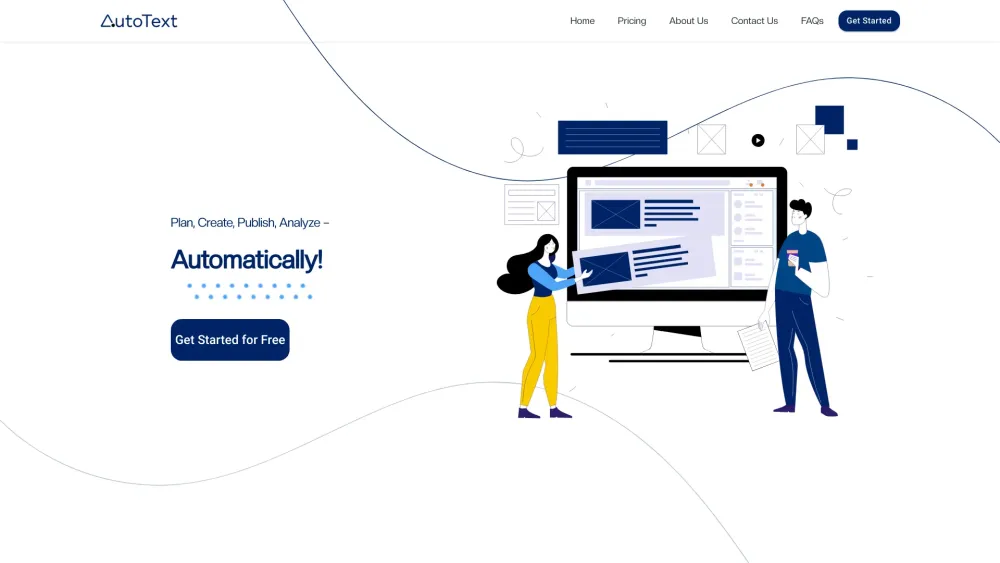
AutoText website preview

AutoText Website screenshot

Introducing AutoText

AutoText is a comprehensive AI-driven digital marketing solution designed to streamline your marketing activities from start to finish within a single platform. Harnessing the power of AI and machine learning, AutoText generates multi-language content, automates social media posting and scheduling, and provides insightful analytics and recommendations to optimize your campaigns.

Getting Started with AutoText

To begin using AutoText, create an account and log in to the platform. Once logged in, you can explore all the features AutoText offers. Start by setting your campaign objectives and defining your target audience. Utilize the AI content generator to produce high-quality text and visuals. Schedule your posts across multiple social media platforms, and use the analytics tools to monitor campaign performance, enabling you to make data-informed decisions for future strategies.

Key Features of AutoText

AI/ML-Powered Content Creation

Automated Social Media Scheduling

Advanced Analytics for Performance Tracking

Data-Driven Recommendations

Applications of AutoText

Startup Founders: Grow your business by expanding your customer base

Social Media Managers: Manage multiple client campaigns efficiently

Solopreneurs: Simplify your marketing efforts across different ventures

  • AutoText Support and Contact Information

    For customer service, reach out via email at [email protected]. For more contact details, visit our Contact Us page.

  • Company Information

    Company Name: AutoText AI Pvt. Ltd.

    Address: 245, Pocket-1, Sector-12, Dwarka, New Delhi 110078

    Learn more on our About Us page.

  • Pricing Information

    Check out our pricing plans on the Pricing page.

  • Connect with Us

    Follow us on Facebook: AutoText Facebook

    Connect on LinkedIn: AutoText LinkedIn

    Stay updated on Twitter: AutoText Twitter

    Follow us on Instagram: AutoText Instagram

Product source: AutoText official website. Check the provider for current plans, limits and availability.

FAQ

AutoText questions and answers

Product context and practical checks for evaluating AutoText.

What is AutoText used for?

Boost your marketing with AutoText: AI-powered, multi-language content creation, automated posting & scheduling, plus insightful analytics—all in one platform!

How do I get started with AutoText?

To begin using AutoText, create an account and log in to the platform. Once logged in, you can explore all the features AutoText offers. Start by setting your campaign objectives and defining your target audience. Utilize the AI content generator to produce high-quality text and visuals. Schedule your posts across multiple social media platforms, and use the analytics tools to monitor campaign performance, enabling you to make data-informed decisions for future strategies.

Which capabilities are described for AutoText?

AI/ML-Powered Content CreationAutomated Social Media SchedulingAdvanced Analytics for Performance TrackingData-Driven Recommendations

What projects can I evaluate AutoText for?

Startup Founders: Grow your business by expanding your customer baseSocial Media Managers: Manage multiple client campaigns efficientlySolopreneurs: Simplify your marketing efforts across different ventures AutoText Support and Contact Information For customer service, reach out via email at [email protected]. For more contact details, visit our Contact Us page. Company Information Company Name: AutoText AI Pvt. Ltd. Address: 245, Pocket-1, Sector-12, Dwarka, New Delhi 110078 Learn more on our About Us page. Pricing Information Check out our pricing plans on the Pricing page. Connect with Us Follow us on Facebook: AutoText Facebook Connect on LinkedIn: AutoText LinkedIn Stay updated on Twitter: AutoText Twitter Follow us on Instagram: AutoText Instagram

What should I compare before choosing a AutoText plan?

Check out our pricing plans on the Pricing page. Confirm current prices and allowances on the provider’s website before purchasing.

What inputs should I prepare for a AutoText trial?

Compare support for source documents, style instructions, outlines and length limits. Check whether citations link to real material rather than merely looking like references.

How can I check the quality of a AutoText result?

Verify names, dates, quotations and factual claims against the original sources. Edit tone, remove repetition and make sure the text answers the intended reader’s question.

Which export options should I check in AutoText?

Check export to plain text, Markdown, documents or your publishing system. Formatting, headings and working links matter when moving a draft into production.

What is a practical way to test AutoText against alternatives?

Use a real brief and a short source document. Compare factual accuracy, structure and editing time rather than accepting the longest or most confident draft.

Where is the official AutoText website?

The website linked from this profile is https://autotext.app. Use the provider’s own documentation, account area and support channels to confirm current product details.

Visit AutoText