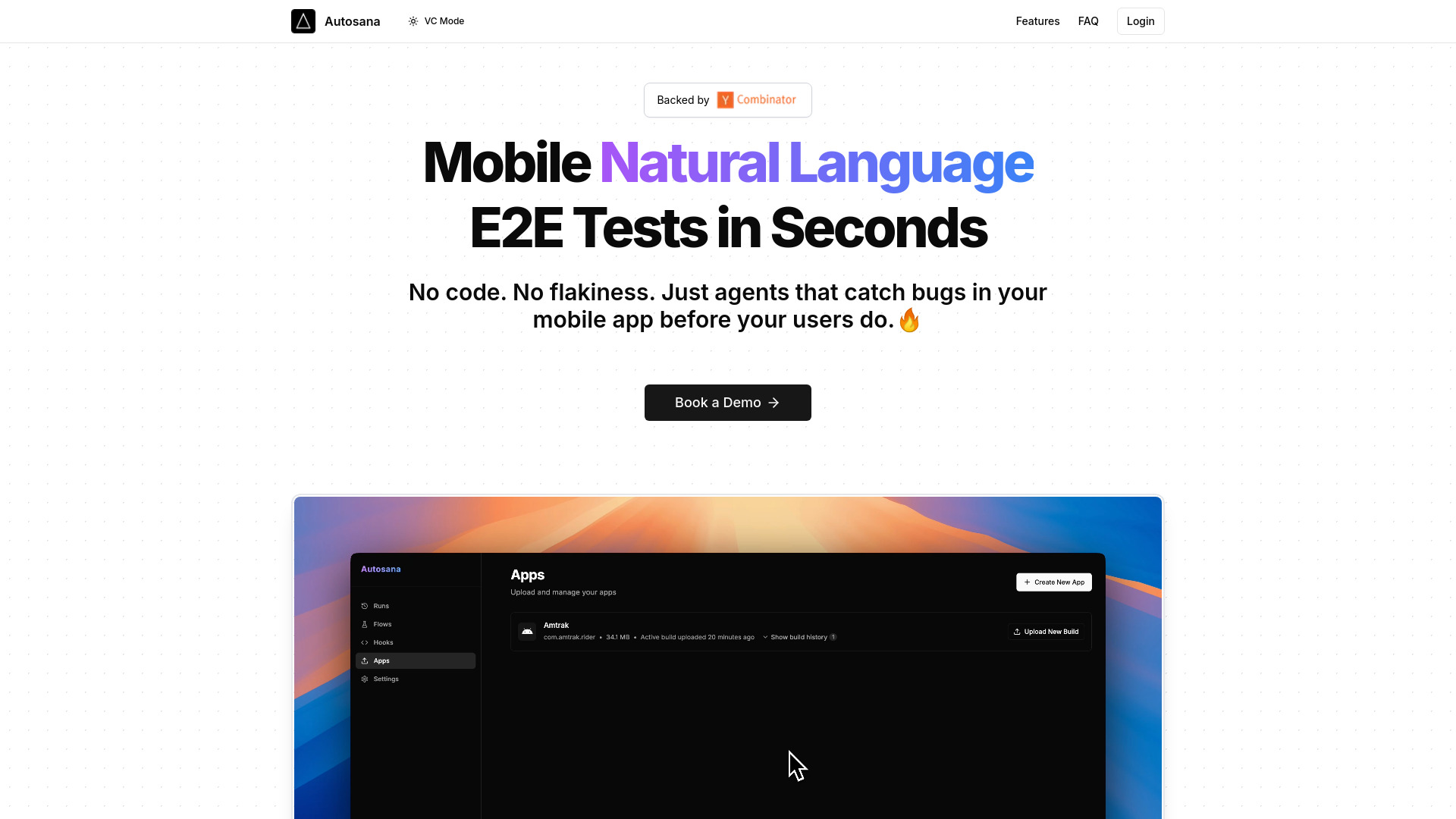
Autosana: AI No-Code Mobile Testing with Self-Healing Tools
What Is Autosana?
Autosana is an AI-powered mobile testing platform that helps development and QA teams validate applications without writing automation scripts. Instead of working with complex selectors, programming languages, or extensive testing frameworks, users can describe a desired workflow in everyday language. Autosana interprets those instructions, interacts with the application, and carries out complete end-to-end tests across supported mobile environments.
Built for modern mobile development, Autosana supports native iOS and Android apps alongside applications created with Flutter, React Native, Swift, and Kotlin. Its self-healing technology helps tests remain usable when screens, labels, layouts, or interface elements change. By combining no-code test creation with automated execution, diagnostic session replays, and CI/CD connectivity, Autosana enables teams to identify defects earlier and release reliable mobile experiences more efficiently.
Getting Started with Autosana
Launching a mobile test with Autosana is designed to be straightforward. Teams can upload an Android or iOS application package to the platform or connect Autosana to an existing build pipeline so new versions are tested automatically. After the application is available, users explain the desired scenario in plain language. For example, a tester might ask the agent to open the app, sign in with test credentials, search for a product, add it to a cart, and complete the checkout process.
The AI agent converts the written instructions into an executable test flow and performs the actions inside the application. Teams can follow the run as it happens and review a session replay after completion. This visual record helps users understand which steps succeeded, where an issue appeared, and how the application responded during the test.
Autosana can also support recurring quality checks. Teams may schedule nightly runs, execute tests against every new build, or create targeted workflows for important product areas. When a test fails, configurable alerts can notify the appropriate people through email or Slack. This gives developers and QA specialists a faster way to investigate regressions while the related code changes are still recent.
Core Capabilities of Autosana
- AI-Powered Natural Language Testing: Write test instructions in clear, human language and allow the platform to interpret and execute the complete user journey. This makes test creation easier for both technical and non-technical contributors.
- No-Code Mobile Automation: Build functional and end-to-end mobile tests without writing scripts or maintaining lengthy automation code. Teams can create coverage through familiar descriptions of how users interact with the application.
- Self-Healing Test Flows: Autosana can recognize changes to interface elements and adjust test actions when screens or layouts are updated. This reduces failures caused by routine UI work and lowers the time required for test maintenance.
- Support for Major Mobile Stacks: Test native iOS and Android applications as well as products built with Flutter, React Native, Swift, and Kotlin through one testing environment.
- CI/CD Workflow Connectivity: Add mobile validation to continuous integration and deployment processes so tests can run when new builds are submitted. Automated checks help teams maintain quality during frequent releases.
- Live Execution and Session Replay: Observe test activity and revisit recorded sessions to see the actions taken by the agent. These visual diagnostics make it easier to reproduce problems and understand unexpected behavior.
- Scheduled Regression Testing: Run selected test suites on a recurring schedule, including overnight or nightly executions, to monitor important user journeys without requiring manual supervision.
- Failure Notifications: Send test results and failure alerts to team communication channels such as email and Slack, helping the right people respond quickly when a regression is detected.
Why Teams Use Autosana for Mobile QA
Mobile applications change rapidly, and conventional automation can become difficult to maintain when small interface updates break selectors or invalidate scripted actions. Autosana addresses this challenge by allowing teams to describe behavior at the user-flow level while its AI agent handles interaction with the application. This approach helps organizations expand test coverage without requiring every contributor to understand automation code.
The no-code workflow is useful for QA professionals, product managers, designers, and developers who need to verify important application behavior. A product team can describe a new feature scenario, a QA specialist can create a regression flow, and a developer can inspect the recorded result when a build fails. Everyone works from the same user-facing steps, which can improve collaboration during development and release preparation.
Self-healing tools also help reduce the maintenance burden that often accompanies mobile test automation. When an element moves, a label changes, or a screen receives a visual update, Autosana can use its understanding of the interface to continue locating the intended control. This helps preserve test continuity as the product evolves and can reduce the number of test repairs required after routine design changes.
When connected to a CI/CD pipeline, Autosana makes testing part of the delivery process rather than a separate activity performed only before a major release. Automated runs can provide early feedback on new builds, while alerts and session replays give teams useful evidence for troubleshooting. The result is a more continuous approach to mobile quality assurance that supports both fast iteration and dependable releases.
Practical Use Cases for Autosana
Autosana can be used to check the complete journeys that matter most to a mobile business. An online retailer might create tests for account registration, product discovery, cart updates, promotional codes, payment selection, and order confirmation. Running these scenarios across regular builds helps identify problems that could prevent customers from completing a purchase.
Financial applications can use Autosana to validate sign-in, account transfers, transaction confirmations, and other multi-step workflows in controlled test environments. These flows often involve several screens and require consistent handling of user input, making repeatable end-to-end checks especially valuable. Teams can review the session replay to confirm that each action and response occurred as expected.
Healthcare applications may use the platform to test appointment booking, account access, profile updates, and other sensitive workflows. By running tests against approved test data, development teams can evaluate how the application handles important user journeys while keeping production information separate from automated validation.
Startups and smaller agile teams can use Autosana to establish broader mobile test coverage without building a large automation operation from the beginning. Since test flows are written in natural language, domain experts can contribute directly to coverage. Larger organizations can use the platform to bring consistent testing practices to multiple product groups, applications, and technology stacks.
Autosana is also suited to products with frequent releases. Teams that update their UI regularly can benefit from self-healing execution because test flows have a better chance of surviving ordinary interface changes. Nightly regression runs and build-triggered tests provide additional ways to monitor critical functionality as development continues.