AI Product Description Generator

All Quiet

Streamline IT incident management with All Quiet for iOS/Android. Perfect for engineers, PMs, and dev-ops in small to multi-team organizations.

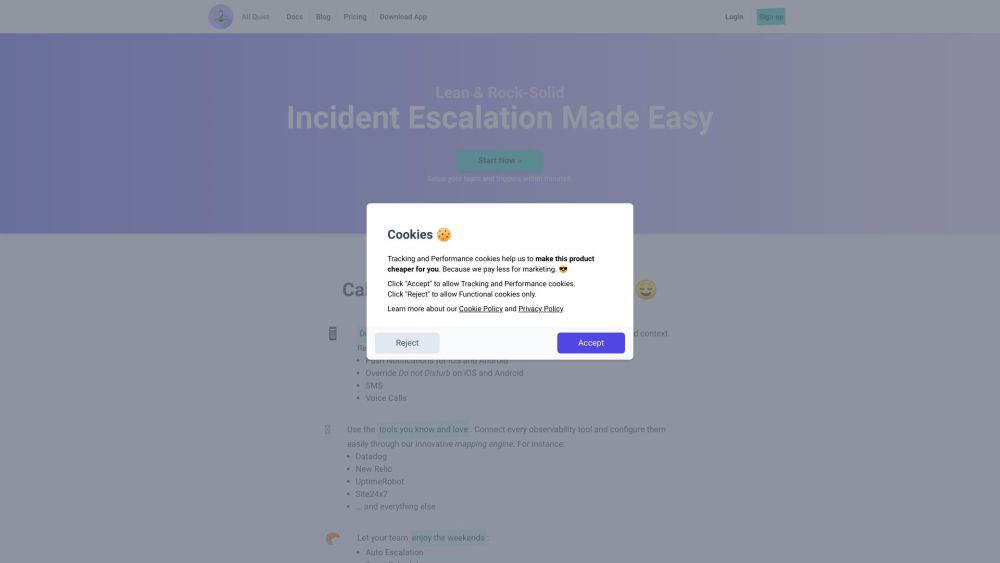
All Quiet website preview

All Quiet: IT Incident Escalation, Management & Collaboration Website screenshot

Introducing All Quiet: Incident Management for Small Teams on iOS/Android

All Quiet is a comprehensive incident management solution designed for small teams and multi-team organizations on iOS and Android platforms. It caters to the needs of software engineers, product managers, and dev-ops professionals, offering a seamless experience for handling IT incidents effectively.

Key Features of All Quiet: Incident Management

  • Instant Feedback and Escalation Policies

  • Dedicated iOS and Android Apps

  • Pre-Built Integrations for Easy Setup

  • Alerts via Push Notifications, SMS, and Voice Calls

  • Automated Escalation and Team Schedules

  • Effortless Management of Vacations and Fill-Ins

  • Enhanced Team Visibility and Collaboration

  • Seamless Integrations with Observability Stack

How to Utilize All Quiet for Incident Management

Setting up your team and triggers with All Quiet is a quick and straightforward process. Benefit from the convenience of pre-built integrations, receive timely alerts through various channels, and streamline your incident management workflow with features like auto escalation, team schedules, and collaborative tools.

Discover All Quiet's Versatility

  • Software Engineers

  • Product Managers

  • Dev-Ops Professionals in Small or Multi-Team Environments

Explore All Quiet: Incident Management & Collaboration

  • All Quiet: Incident Management & Collaboration Company

    All Quiet: Incident Management & Collaboration is powered by All Quiet GmbH.

  • All Quiet: Incident Management & Collaboration Login

    Access All Quiet: Incident Management & Collaboration via allquiet.app/login.

  • All Quiet: Incident Management & Collaboration Sign Up

    Join All Quiet: Incident Management & Collaboration at allquiet.app/signup.

  • All Quiet: Incident Management & Collaboration Pricing

    Find out about All Quiet: Incident Management & Collaboration pricing at allquiet.app/pricing.

Product source: All Quiet official website. Check the provider for current plans, limits and availability.

FAQ

All Quiet questions and answers

Product context and practical checks for evaluating All Quiet.

What is All Quiet used for?

Streamline IT incident management with All Quiet for iOS/Android. Perfect for engineers, PMs, and dev-ops in small to multi-team organizations.

How do I get started with All Quiet?

Setting up your team and triggers with All Quiet is a quick and straightforward process. Benefit from the convenience of pre-built integrations, receive timely alerts through various channels, and streamline your incident management workflow with features like auto escalation, team schedules, and collaborative tools.

Which capabilities are described for All Quiet?

Instant Feedback and Escalation Policies Dedicated iOS and Android Apps Pre-Built Integrations for Easy Setup Alerts via Push Notifications, SMS, and Voice Calls Automated Escalation and Team Schedules Effortless Management of Vacations and Fill-Ins Enhanced Team Visibility and Collaboration Seamless Integrations with Observability Stack

What should I compare before choosing a All Quiet plan?

Find out about All Quiet: Incident Management & Collaboration pricing at allquiet.app/pricing. Confirm current prices and allowances on the provider’s website before purchasing.

What inputs should I prepare for a All Quiet trial?

Identify the files, text or account connections your task needs. Confirm that the product accepts those inputs and offers controls for reviewing its work.

How can I check the quality of a All Quiet result?

Test one representative task and inspect the result for accuracy and completeness. Record where manual corrections or extra tools are needed.

Which export options should I check in All Quiet?

Check export formats, integrations and whether you can keep using your work outside the service. Test a real export before committing to a longer plan.

What is a practical way to test All Quiet against alternatives?

Choose one task with a clear success condition. Keep the input consistent, record the time spent reviewing and compare the complete workflow cost.

What should I review before uploading material to All Quiet?

Read the provider’s rules on access, retention, deletion and use of uploaded material. Start with a non-confidential sample that you have permission to use.

Where is the official All Quiet website?

The website linked from this profile is https://allquiet.app. Use the provider’s own documentation, account area and support channels to confirm current product details.

Visit All Quiet