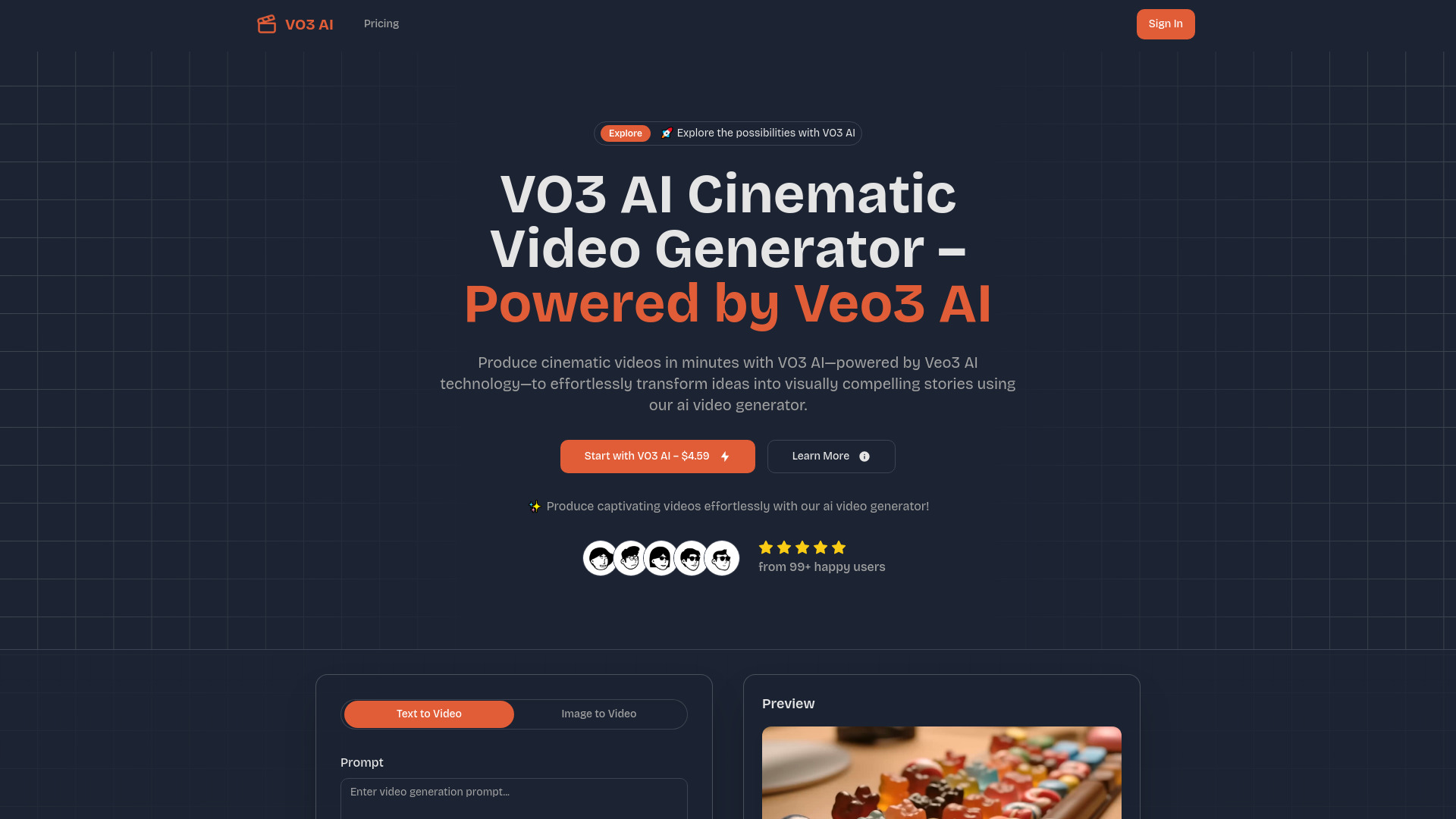
What is AIVO3.com?
AIVO3.com is an advanced AI video generator designed to turn simple ideas, written prompts, and still images into complete audiovisual scenes. Built around Google's Veo3 technology, the platform helps users create videos with detailed visuals, natural movement, generated sound, and convincing character dialogue. Instead of producing silent clips that require extensive editing, AIVO3.com can combine imagery with environmental audio, sound effects, music, and lip-synced speech within one creative workflow. Users can explore a wide range of looks, from realistic cinematic footage and dramatic noir to hand-painted watercolor, futuristic cyberpunk, stop-motion clay, and retro pixel art. This makes AIVO3.com useful for creators, advertisers, educators, storytellers, and businesses that want polished video without a traditional production setup.
How to Create Videos with AIVO3.com
The AIVO3.com workflow begins with a concept. Enter a prompt that explains the subject, setting, action, camera movement, atmosphere, and desired sound, or upload an image to provide a visual starting point. More descriptive prompts generally give the system better direction, allowing it to interpret details such as character appearance, lighting, composition, and the relationship between objects in the scene. After choosing a foundation, select an artistic treatment such as photorealistic cinema, illustrated watercolor, neon cyberpunk, clay animation, classic noir, or pixel-inspired design.
Before starting generation, adjust available options for video length, movement, visual intensity, and audio behavior. A scene can be planned as a quiet atmospheric sequence, an energetic social media clip, or a dialogue-focused story with expressive characters. AIVO3.com processes the request and produces moving footage with corresponding audio elements, including room tone, environmental noise, action sounds, or spoken lines when they are included in the prompt. When the result is ready, review the clip, refine the wording if necessary, and generate another version until the pacing and style fit the project. Completed videos can then be downloaded for presentations, online publishing, campaigns, or further editing.
Main Capabilities of AIVO3.com
- Integrated Video and Sound Creation: AIVO3.com can generate visual sequences alongside relevant audio, helping creators build scenes with atmosphere, action sounds, and spoken content without assembling every element separately.
- AI Lip-Sync for Dialogue: When a prompt includes character speech, the platform coordinates mouth movement with the generated words to create more believable conversations, presentations, and narrative moments.
- Prompt-Based Scene Generation: Written descriptions can be transformed into animated scenes with subjects, locations, camera perspectives, lighting, and motion interpreted through the AI video engine.
- Image Animation: A single image can serve as the source for a moving sequence, allowing users to add camera motion, character activity, environmental changes, or cinematic transitions to existing artwork.
- Natural Motion and Physical Interaction: The generation system is designed to create movement that follows the visual context of a scene, including gestures, object behavior, camera travel, and interactions between people and their surroundings.
- Flexible Visual Treatments: Multiple styles allow the same concept to be explored as a realistic film shot, a painted illustration, a futuristic composition, a handcrafted animation, a monochrome drama, or a retro game scene.
- Veo3-Powered Generation: Google's Veo3 model provides the underlying intelligence for interpreting prompts, maintaining scene detail, and producing high-quality video with increasingly sophisticated audiovisual relationships.
These capabilities can shorten the path from concept to finished draft. A creator can test several visual directions quickly, while a marketing team can develop campaign variations without arranging a complete shoot for every idea. The ability to generate sound together with the picture also helps establish the mood of a scene earlier in the creative process.
Why Use AIVO3.com?
AIVO3.com brings several stages of video production into a single browser-based experience. Traditional projects may require separate tools for writing a concept, creating visuals, animating characters, recording dialogue, adding sound effects, and editing the final sequence. AIVO3.com combines many of these tasks through prompt-driven generation, giving users a faster way to explore and communicate ideas. Its interface is intended for people with different levels of production experience, so users can begin with a basic description and gradually improve the result through more specific instructions.
The platform is especially useful when speed and experimentation matter. A creator can compare several styles for the same story, animate an illustration for a campaign, or develop a short scene before investing in a larger production. Generated audio adds context to the result by giving environments a sense of place and allowing characters to participate in spoken exchanges. This makes the output more suitable for storytelling, demonstrations, advertisements, social content, and early visual prototypes. AIVO3.com also gives users a way to test creative concepts that might otherwise require specialized equipment, performers, editors, and a larger production budget.
Practical Uses for AIVO3.com
Short-Form Social Videos: Social media creators can produce clips for TikTok, Instagram Reels, YouTube Shorts, and other vertical video channels. Prompts can describe a quick visual joke, a product tip, a dramatic scene, or a stylized character sequence, while generated audio helps the finished clip feel more complete. Multiple versions can be explored to find the strongest opening, visual style, or pacing.
Marketing and Advertising Concepts: Brands can use AIVO3.com to visualize product stories, promotional ideas, campaign themes, and alternative advertisements. A concept that begins as a written brief can become a watchable demonstration with selected visuals, movement, sound, and narration. This helps teams discuss creative direction before committing to a full commercial shoot or editing project.
Film Planning and Story Development: Writers, directors, and production teams can turn scenes from a script into preliminary video references. Character actions, camera angles, locations, and atmosphere can be tested in moving form, making it easier to communicate a proposed sequence to collaborators. AIVO3.com can also support mood reels, storyboard alternatives, pitch materials, and early experiments with visual language.
Educational and Presentation Content: Teachers, trainers, and presenters can create short explanatory scenes, historical reconstructions, animated examples, or visual introductions. A generated clip can make an abstract topic easier to demonstrate, particularly when movement, narration, or environmental context adds meaning that a still image cannot provide.