AI tool profile

Image To Video AI

Transform static images into captivating videos with Image To Video AI. Leveraging neural networks & motion synthesis, create professional, dynamic content for social media & marketing effortlessly.

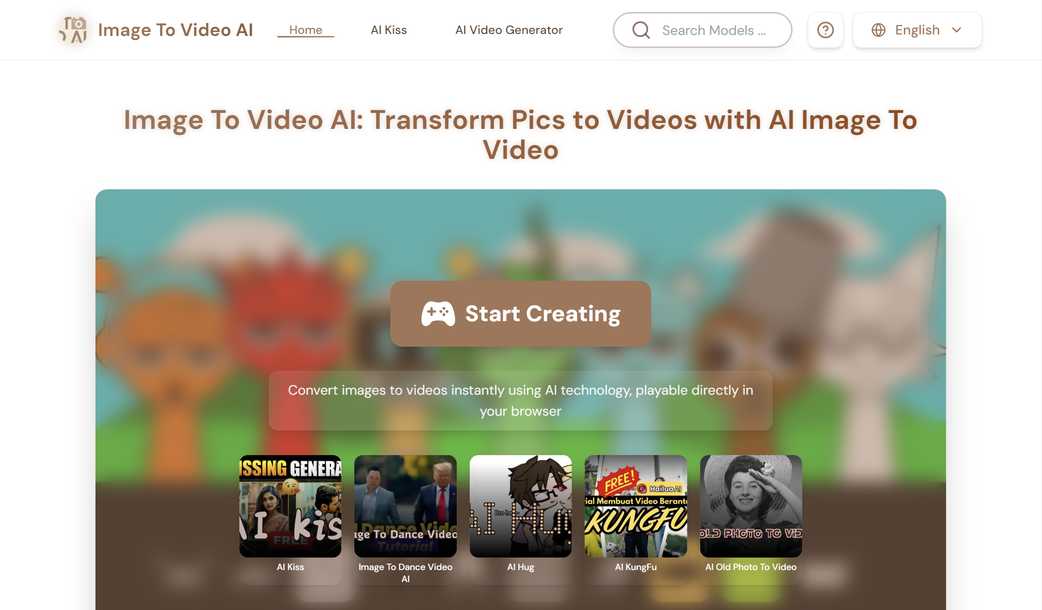
Image To Video AI website preview

Image To Video AI

Unleashing the Power of Image To Video AI

Discover the revolutionary technology behind Image To Video AI, a groundbreaking solution that converts static imagery into lively video content. Utilizing sophisticated artificial intelligence and neural network algorithms, this system breathes life into still images by creating realistic movement and dynamic animations.

Core Capabilities of Image To Video AI

Intelligent Motion Creation: Cutting-edge AI algorithms that generate natural and fluid movements.
Versatile Output Formats: Compatibility with a wide range of resolutions and aspect ratios for broad application.
Instant Preview Functionality: Immediate viewing of transformations to ensure satisfaction before finalization.
Web-Based Interface: Seamlessly create videos online without needing any software installation.
Cloud-Powered Performance: Leverage powerful cloud computing for efficient and high-quality rendering.

Simple Steps to Create Videos with Image To Video AI

Step 1: Select and upload your chosen image.
Step 2: Adjust settings according to your desired outcome.
Step 3: Preview the generated video to check for quality and style.
Step 4: Download the completed video ready for use.

Begin Your Creative Journey Now

Elevate your visual storytelling by converting static images into engaging videos. Ideal for enhancing social media posts, marketing campaigns, and artistic endeavors. Experience the future of image-to-video conversion today!

©2025 Image To Video AI. All rights reserved.

Product source: Image To Video AI official website. Check the provider for current plans, limits and availability.

FAQ

Image To Video AI questions and answers

Product context and practical checks for evaluating Image To Video AI.

What is Image To Video AI used for?

Transform static images into captivating videos with Image To Video AI. Leveraging neural networks & motion synthesis, create professional, dynamic content for social media & marketing effortlessly.

How do I get started with Image To Video AI?

Open the official Image To Video AI website and identify the workflow that matches your task. Use a short shot with one subject and one camera movement. Keep the prompt and duration constant, then compare usable seconds and the number of regenerations.

Which capabilities are described for Image To Video AI?

Intelligent Motion Creation: Cutting-edge AI algorithms that generate natural and fluid movements.Versatile Output Formats: Compatibility with a wide range of resolutions and aspect ratios for broad application.Instant Preview Functionality: Immediate viewing of transformations to ensure satisfaction before finalization.Web-Based Interface: Seamlessly create videos online without needing any software installation.Cloud-Powered Performance: Leverage powerful cloud computing for efficient and high-quality rendering.

What should I compare before choosing a Image To Video AI plan?

Check Image To Video AI’s current pricing page for included usage, renewal terms and any credit charges. Compare the cost of a usable result, including retries, rather than assuming that account registration includes free usage.

What inputs should I prepare for a Image To Video AI trial?

Compare text prompts, reference frames, source footage and audio support. Check duration, aspect ratio and whether the tool lets you keep a subject consistent between shots.

How can I check the quality of a Image To Video AI result?

Watch the entire clip for motion errors, distorted objects, changing identities, lip-sync problems and abrupt transitions. Inspect the downloaded file as well as the preview.

Which export options should I check in Image To Video AI?

Check export resolution, frame rate, aspect ratio, audio tracks and watermark rules. A good preview is not a substitute for an export that fits your publishing channel.

What is a practical way to test Image To Video AI against alternatives?

Use a short shot with one subject and one camera movement. Keep the prompt and duration constant, then compare usable seconds and the number of regenerations.

What should I review before uploading material to Image To Video AI?

Read the provider’s rules on access, retention, deletion and use of uploaded material. Start with a non-confidential sample that you have permission to use.

Where is the official Image To Video AI website?

The website linked from this profile is https://aiimageto.video. Use the provider’s own documentation, account area and support channels to confirm current product details.

Visit Image To Video AI