AI Image Enhancer

AI Image Upscaling

Enhance images up to 20K resolution with our free AI-powered upscaling tool. Boost clarity and detail effortlessly—revive photos today!

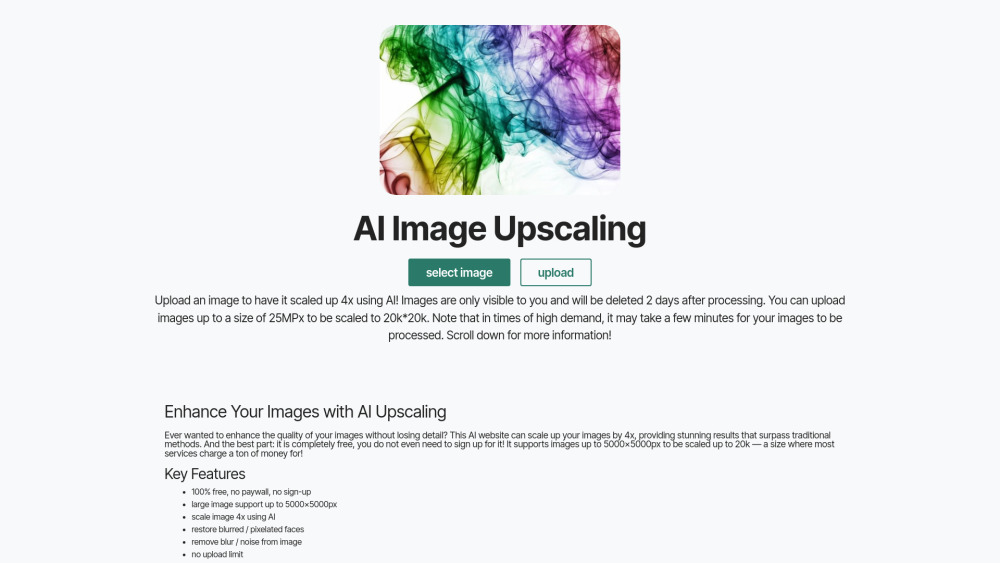
AI Image Upscaling website preview

AI Image Upscaling Website screenshot

What is AI-Powered Image Resolution Enhancement?

AI-Powered Image Resolution Enhancement is a revolutionary online tool that leverages advanced artificial intelligence technology to significantly boost the quality and resolution of images. This tool offers users the ability to upscale their photos up to an incredible 20K resolution, all without requiring any registration or payment.

How Can You Use AI-Powered Image Resolution Enhancement?

The process is simple and straightforward: just upload your desired image, select your preferred processing settings, and wait for the enhanced version to be ready for download after it has been processed by the AI system.

Key Features of AI-Powered Image Resolution Enhancement

Completely Free with No Sign-Up Needed

Supports Images Up to 20K Resolution

Handles Files Up to 25 Megapixels

Includes Advanced Facial Restoration Technology

Applications of AI-Powered Image Resolution Enhancement

Optimize Images for High-Quality Prints or Digital Displays

Sharpen Blurry or Pixelated Photos

Prepare Professional-Level Images for Presentations

Product source: AI Image Upscaling official website. Check the provider for current plans, limits and availability.

FAQ

AI Image Upscaling questions and answers

Product context and practical checks for evaluating AI Image Upscaling.

What is AI Image Upscaling used for?

Enhance images up to 20K resolution with our free AI-powered upscaling tool. Boost clarity and detail effortlessly—revive photos today!

How do I get started with AI Image Upscaling?

The process is simple and straightforward: just upload your desired image, select your preferred processing settings, and wait for the enhanced version to be ready for download after it has been processed by the AI system.

Which capabilities are described for AI Image Upscaling?

Completely Free with No Sign-Up NeededSupports Images Up to 20K ResolutionHandles Files Up to 25 MegapixelsIncludes Advanced Facial Restoration Technology

What projects can I evaluate AI Image Upscaling for?

Optimize Images for High-Quality Prints or Digital DisplaysSharpen Blurry or Pixelated PhotosPrepare Professional-Level Images for Presentations

What should I compare before choosing a AI Image Upscaling plan?

Check AI Image Upscaling’s current pricing page for included usage, renewal terms and any credit charges. Compare the cost of a usable result, including retries, rather than assuming that account registration includes free usage.

What inputs should I prepare for a AI Image Upscaling trial?

Look for text prompts, image references, masks or sketches as appropriate. Compare composition control, supported upload types and the ability to revise a selected area.

How can I check the quality of a AI Image Upscaling result?

Inspect text, hands, edges, reflections and repeated objects at full size. Check that important product or brand details survive editing.

Which export options should I check in AI Image Upscaling?

Compare pixel dimensions, transparency, file formats and any enlargement options. Confirm that the downloaded result works in your design or publishing software.

What is a practical way to test AI Image Upscaling against alternatives?

Prepare a brief with a subject, composition, lighting and required output size. Test a first generation and a targeted revision to see how much control you retain.

Where is the official AI Image Upscaling website?

The website linked from this profile is https://image-upscaling.net. Use the provider’s own documentation, account area and support channels to confirm current product details.

Visit AI Image Upscaling