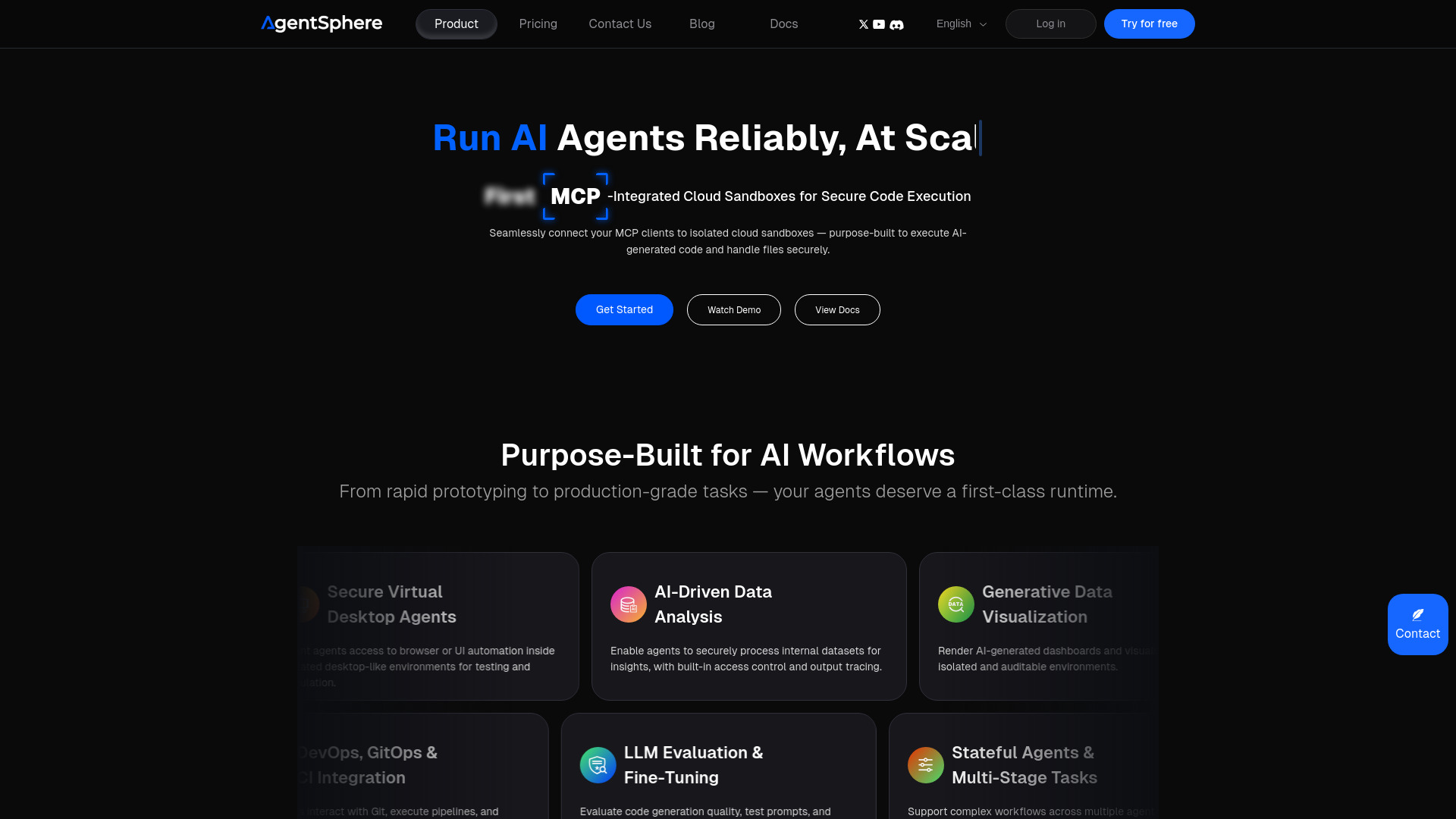
What is AgentSphere?
AgentSphere is an AI-native cloud infrastructure platform that gives developers secure sandboxes for running AI-generated code. Built around isolated execution environments, it helps connect large language models and autonomous agents to the computing resources they need without placing experimental workloads directly inside core application systems. Its integration with the Model Context Protocol (MCP) supports a practical bridge between AI clients and cloud-based tools.
For teams exploring alternatives to platforms such as E2B, AgentSphere brings sandbox execution, persistent workflows, and flexible infrastructure options into one development environment. Whether you are testing an AI coding assistant or building a production agent, the platform provides a controlled runtime for code execution, file processing, and multi-step automation.
How to Use AgentSphere
Start by signing in to AgentSphere and preparing a sandbox for your project. Choose the runtime, dependencies, and storage settings your workflow requires, then connect a compatible MCP client or integrate your AI agent with the execution environment. Once configured, your agent can submit code, work with files, and perform supported tasks inside an isolated cloud workspace rather than on your local machine or primary servers.
For collaborative development, Git repository integration helps bring existing code into the sandbox and align experiments with version-controlled projects. Teams can use these environments to test generated scripts, inspect results, and refine agent behavior before moving a workflow into broader use.
More complex applications can take advantage of stateful execution, persistent storage, snapshot recovery, and streamed output. These capabilities help preserve progress across longer tasks and make execution easier to observe. Configure resource limits, access permissions, and review steps to match the sensitivity of your data and the level of autonomy your agents require.
Key Features of AgentSphere
- MCP-Connected AI Sandboxes: Connect compatible AI clients to dedicated cloud execution environments through MCP. AgentSphere describes its sandbox architecture as using lightweight Firecracker virtual machines to separate workloads and support controlled execution of generated code.
- Fast Environment Startup: Designed for responsive agent applications, the platform advertises cold-start latency as low as 100 milliseconds. Actual startup performance can depend on the environment configuration, workload, and deployment conditions.
- Security and Execution Visibility: Isolated runtimes, reviewable sessions, and audit trails help teams oversee AI-driven activity. Organizations with formal compliance requirements should verify current SOC 2 documentation, GDPR-related controls, and contractual commitments before deployment.
- Persistent, Stateful Workflows: Support for stored files, execution state, and snapshot recovery makes it easier to run extended tasks. Streaming output provides visibility into progress, intermediate results, and errors during multi-step operations.
- Flexible Models and Runtimes: AgentSphere is positioned as model-agnostic infrastructure, allowing teams to connect their preferred AI systems. Runtime options such as Python and TypeScript support common coding, analysis, and automation workflows.
- Private Infrastructure Options: Deployment options described for AWS, Google Cloud, and on-premises environments give organizations additional flexibility over infrastructure placement. Confirm supported configurations and operational responsibilities when planning a private installation.
Why Choose AgentSphere?
Generating code is only one part of building a useful AI agent. That code also needs somewhere to run, with appropriate boundaries, accessible tools, and clear execution feedback. AgentSphere addresses this infrastructure layer by providing dedicated sandboxes for AI workloads, helping developers separate agent experimentation from the systems their businesses depend on.
Its combination of MCP connectivity, low-latency startup, and stateful execution is relevant to teams moving beyond simple chatbot interactions. An assistant that analyzes files, runs tests, or produces visualizations needs a runtime that can maintain context and return useful results. AgentSphere brings these capabilities together in infrastructure designed around agent execution rather than general-purpose hosting alone.
Flexible deployment can also support organizations with specific data-location or governance needs. However, secure infrastructure is only part of a responsible implementation: teams should still define permissions, review sensitive actions, manage secrets carefully, and evaluate the platform against their own operational requirements.
Use Cases and Applications
For secure enterprise code execution, AgentSphere provides isolated workspaces where AI-generated scripts can process files and perform analysis away from primary systems. Potential applications include financial reporting, internal research, and operational analytics. Workloads involving personal, confidential, or regulated information require additional assessment of access controls, data handling, and applicable compliance obligations.
In agent-driven DevOps automation, sandbox environments give AI assistants a place to investigate failures, reproduce issues, run tests, and prepare proposed fixes. Teams can connect these activities to development pipelines while retaining approval gates for consequential changes. This approach supports automation without assuming that every deployment decision should happen without human oversight.
For LLM evaluation and development, separate execution environments can help teams compare generated code across models, prompts, and configurations. Reproducible tests, captured outputs, and visible execution behavior make it easier to assess whether an agent completes tasks correctly and consistently.
AgentSphere can also act as an execution layer for AI-native products. Coding copilots, data assistants, visualization tools, and supported desktop-agent workflows can use sandbox resources to turn model responses into practical actions. Persistent storage and streamed results help support interactive experiences that extend across multiple steps.