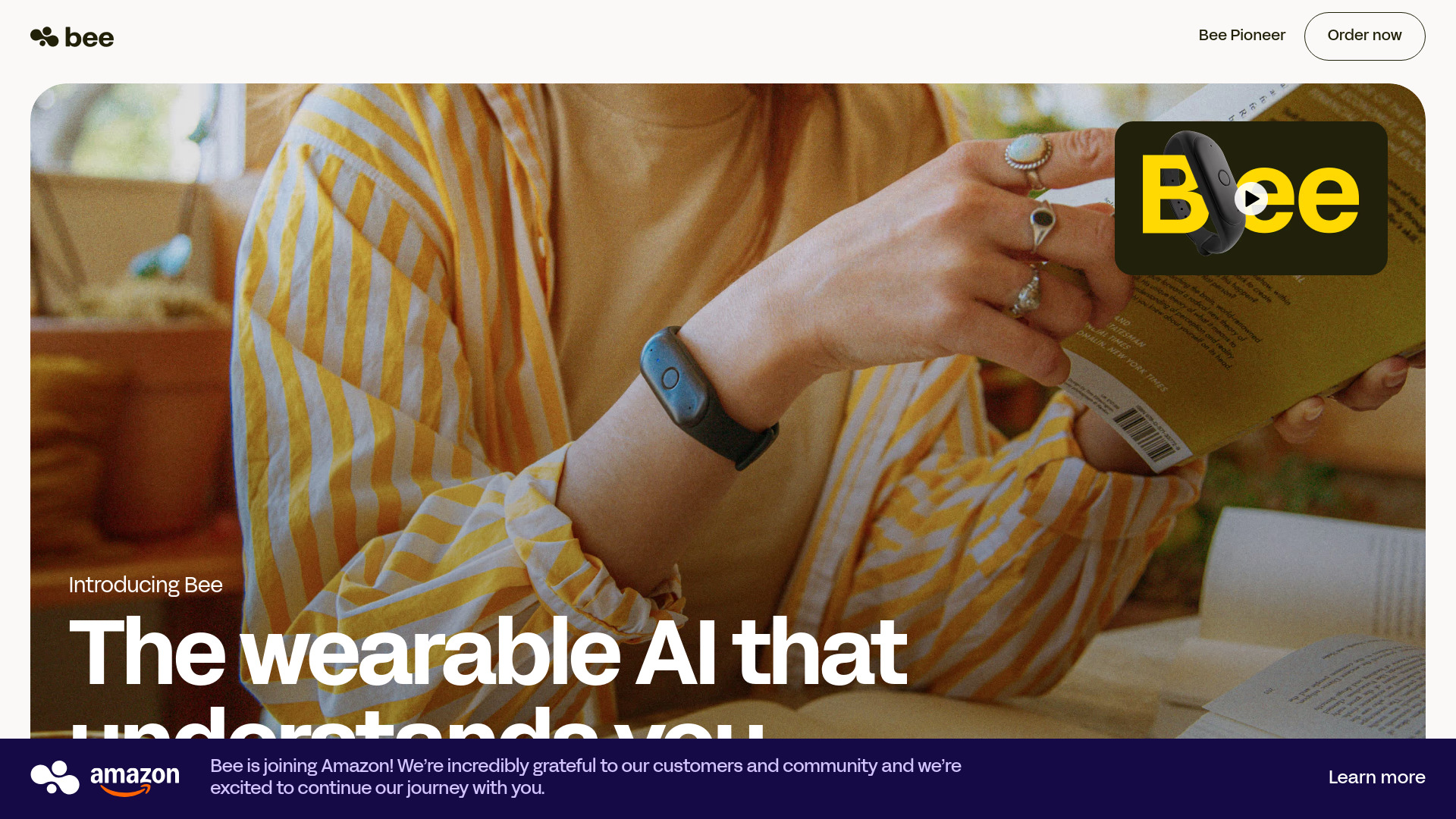
Bee: AI wearable second brain that summarizes convos, builds insights & sets reminders—7-day battery, 40 languages, bank-level privacy. Your smarts, on your wrist.
Explore a specific workflow
Explore voice recorder tools through the product profiles below. Audio tools handle tasks such as transcription, speech synthesis, sound generation and editing. Distinguish converting existing audio from creating a new recording.
Compare recording length, file types, language support and speaker handling. For voice generation, check pronunciation controls and permission to use any reference voice.
Listen for mispronounced names, unnatural pauses, clipped words and noise. For transcripts, compare the text with the recording and correct speaker labels.
Bee: AI wearable second brain that summarizes convos, builds insights & sets reminders—7-day battery, 40 languages, bank-level privacy. Your smarts, on your wrist.

BriefMind: AI note-taker and audio-to-text converter that simplifies your life. Capture, convert, and organize with ease. Your ultimate productivity tool.

Decktopus AI is an AI-powered presentation maker that allows users to create amazing presentations in seconds. By simply typing the presentation title, users can generate fully prepared presentations with auto-adjusted layouts and one-click designs.
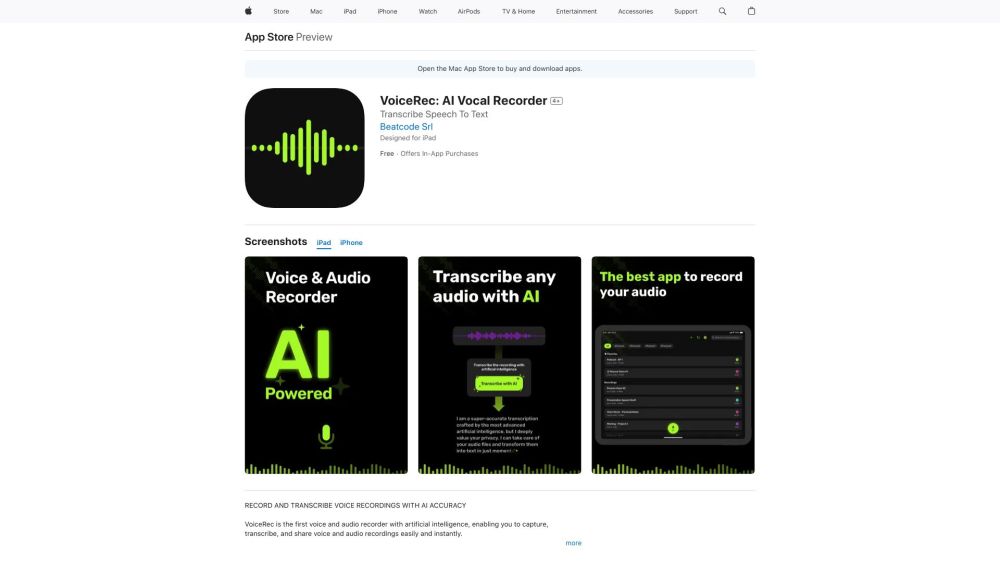
Capture, transcribe, and share voice recordings effortlessly with VoiceRec: the AI-powered vocal recorder for ultimate versatility and precision.

RecorderGO: record notes and get precise transcriptions on any device with our powerful AI-driven tool. Perfect for all your note-taking needs!
FAQ
Practical answers to help you take the next step.
Audio tools handle tasks such as transcription, speech synthesis, sound generation and editing. Distinguish converting existing audio from creating a new recording.
Compare recording length, file types, language support and speaker handling. For voice generation, check pronunciation controls and permission to use any reference voice.
Listen for mispronounced names, unnatural pauses, clipped words and noise. For transcripts, compare the text with the recording and correct speaker labels.
Use a short recording with names, numbers and more than one speaker, or a script with difficult pronunciation. Review the exported audio or transcript in full.
Bee: AI wearable second brain that summarizes convos, builds insights & sets reminders—7-day battery, 40 languages, bank-level privacy. Your smarts, on your wrist.
Read about Bee - AI Wearable Second BrainBriefMind: AI note-taker and audio-to-text converter that simplifies your life. Capture, convert, and organize with ease. Your ultimate productivity tool.
Read about BriefMindDecktopus AI is an AI-powered presentation maker that allows users to create amazing presentations in seconds. By simply typing the presentation title, users can generate fully prepared presentations with auto-adjusted layouts and one-click designs.
Read about Decktopus AICapture, transcribe, and share voice recordings effortlessly with VoiceRec: the AI-powered vocal recorder for ultimate versatility and precision.
Read about VoiceRecRecorderGO: record notes and get precise transcriptions on any device with our powerful AI-driven tool. Perfect for all your note-taking needs!
Read about RecorderGOCheck audio format, sample rate, separate tracks, captions and timestamp exports. Confirm that the result works in your editing or accessibility workflow.