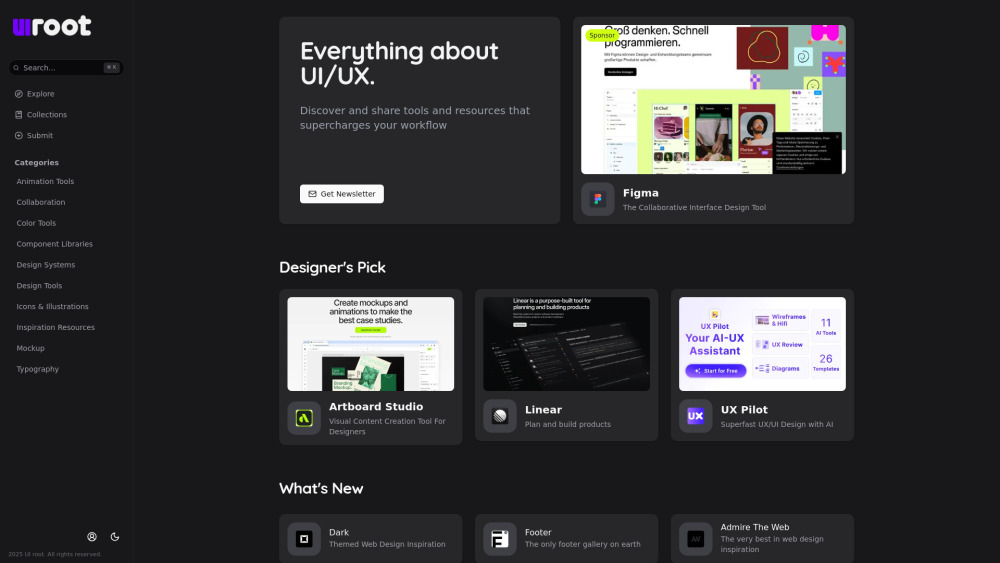
UI root: Your go-to hub to discover, compare, and share top UI/UX tools & resources—curated for designers, by designers.
Explore a specific workflow
Explore ui ux tools through the product profiles below. The collection groups applications around a shared task. Product scope can overlap, so compare the specific workflow each tool describes rather than the category name alone.
Identify the files, text or account connections your task needs. Confirm that the product accepts those inputs and offers controls for reviewing its work.
Test one representative task and inspect the result for accuracy and completeness. Record where manual corrections or extra tools are needed.
UI root: Your go-to hub to discover, compare, and share top UI/UX tools & resources—curated for designers, by designers.

Evorise AI: Harness technology to unlock your business's full potential and stay ahead in the competitive market.

MVP Studio: Expert in crafting human-centered mobile apps, tailored to your needs for seamless, user-friendly experiences. Transform your vision with us!

Unlock visuals with Vibrance: Premium Design Subscription. Experience modern aesthetics at the highest level for your creative needs.

Techweb Planet is a website that provides a collection of the best AI tools across various categories. It helps users find the most suitable AI tool for their professional needs.
FAQ
Practical answers to help you take the next step.
The collection groups applications around a shared task. Product scope can overlap, so compare the specific workflow each tool describes rather than the category name alone.
Identify the files, text or account connections your task needs. Confirm that the product accepts those inputs and offers controls for reviewing its work.
Test one representative task and inspect the result for accuracy and completeness. Record where manual corrections or extra tools are needed.
Choose one task with a clear success condition. Keep the input consistent, record the time spent reviewing and compare the complete workflow cost.
UI root: Your go-to hub to discover, compare, and share top UI/UX tools & resources—curated for designers, by designers.
Read about UI rootEvorise AI: Harness technology to unlock your business's full potential and stay ahead in the competitive market.
Read about Evorise AIMVP Studio: Expert in crafting human-centered mobile apps, tailored to your needs for seamless, user-friendly experiences. Transform your vision with us!
Read about MVP StudioUnlock visuals with Vibrance: Premium Design Subscription. Experience modern aesthetics at the highest level for your creative needs.
Read about VibranceTechweb Planet is a website that provides a collection of the best AI tools across various categories. It helps users find the most suitable AI tool for their professional needs.
Read about Techweb PlanetCheck export formats, integrations and whether you can keep using your work outside the service. Test a real export before committing to a longer plan.