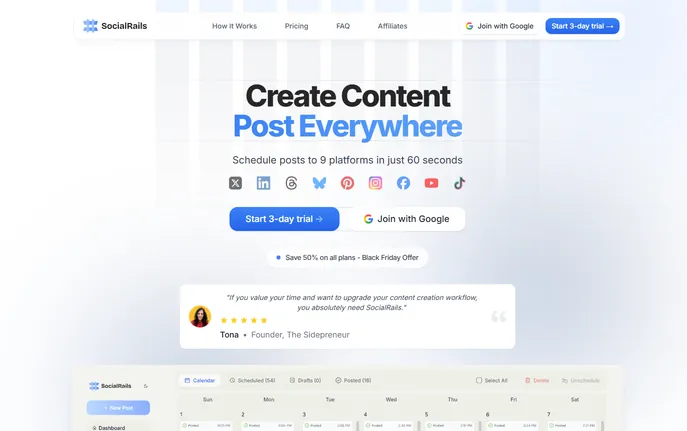
Schedule posts to 9 platforms in 60 sec! AI content, GPT-5 images & drag-and-drop scheduling. Try SocialRails free today!
Explore a specific workflow
Explore social media scheduler tools through the product profiles below. The collection groups applications around a shared task. Product scope can overlap, so compare the specific workflow each tool describes rather than the category name alone.
Identify the files, text or account connections your task needs. Confirm that the product accepts those inputs and offers controls for reviewing its work.
Test one representative task and inspect the result for accuracy and completeness. Record where manual corrections or extra tools are needed.
Schedule posts to 9 platforms in 60 sec! AI content, GPT-5 images & drag-and-drop scheduling. Try SocialRails free today!

Circleboom is a social media management tool that helps users, brands, and SMBs grow and strengthen their social accounts.

Postfity is a social media scheduler that allows you to plan and publish posts to Facebook, Instagram, LinkedIn, Twitter, Pinterest, GMB and Vkontakte.

Social media scheduler and analytics tool

Boost your social media presence with SocialPika: Plan, automate, and manage posts effortlessly across all networks, saving time for what matters most.

Postly: AI-powered social media scheduler for campaign creation and publishing. Manage LinkedIn and Instagram in one centralized platform.
FAQ
Practical answers to help you take the next step.
The collection groups applications around a shared task. Product scope can overlap, so compare the specific workflow each tool describes rather than the category name alone.
Identify the files, text or account connections your task needs. Confirm that the product accepts those inputs and offers controls for reviewing its work.
Test one representative task and inspect the result for accuracy and completeness. Record where manual corrections or extra tools are needed.
Choose one task with a clear success condition. Keep the input consistent, record the time spent reviewing and compare the complete workflow cost.
Schedule posts to 9 platforms in 60 sec! AI content, GPT-5 images & drag-and-drop scheduling. Try SocialRails free today!
Read about SocialRailsCircleboom is a social media management tool that helps users, brands, and SMBs grow and strengthen their social accounts.
Read about CircleboomPostfity is a social media scheduler that allows you to plan and publish posts to Facebook, Instagram, LinkedIn, Twitter, Pinterest, GMB and Vkontakte.
Read about PostfitySocial media scheduler and analytics tool
Read about PlanlyBoost your social media presence with SocialPika: Plan, automate, and manage posts effortlessly across all networks, saving time for what matters most.
Read about SocialPikaPostly: AI-powered social media scheduler for campaign creation and publishing. Manage LinkedIn and Instagram in one centralized platform.
Read about Postly