
Rustic AI: AI-powered design studio. Generate product photos, ads & social visuals with prompts + drag-and-drop editing
Explore a specific workflow
Explore social media design tools through the product profiles below. Visual AI tools cover image generation, photo editing, enhancement and design tasks. Choose between creating a new image and modifying an existing asset before comparing products.
Look for text prompts, image references, masks or sketches as appropriate. Compare composition control, supported upload types and the ability to revise a selected area.
Inspect text, hands, edges, reflections and repeated objects at full size. Check that important product or brand details survive editing.
Rustic AI: AI-powered design studio. Generate product photos, ads & social visuals with prompts + drag-and-drop editing

Bazaart: Free AI-powered photo editing & graphic design—create visuals in seconds, no skills needed!
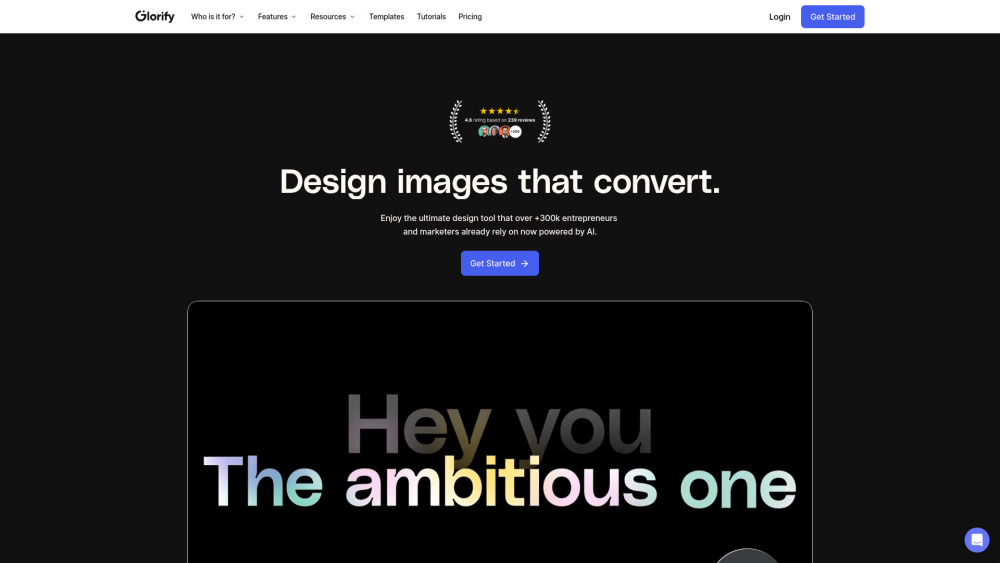
Online graphic design tool for e-commerce
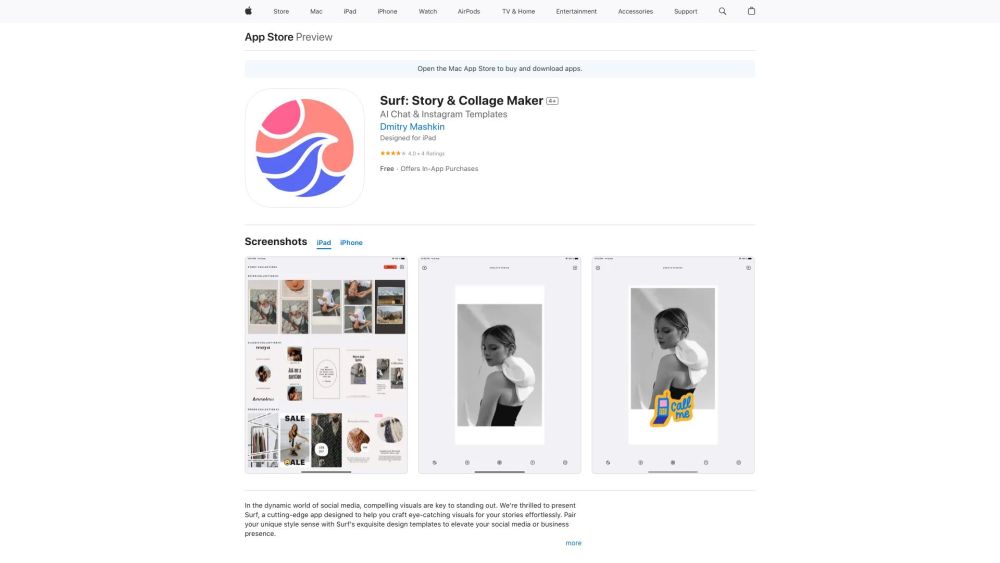
Surf: AI-Driven Design Tool & Interactive Chat Assistant transforms web links into visuals and lets you engage with our smart AI chat assistant.
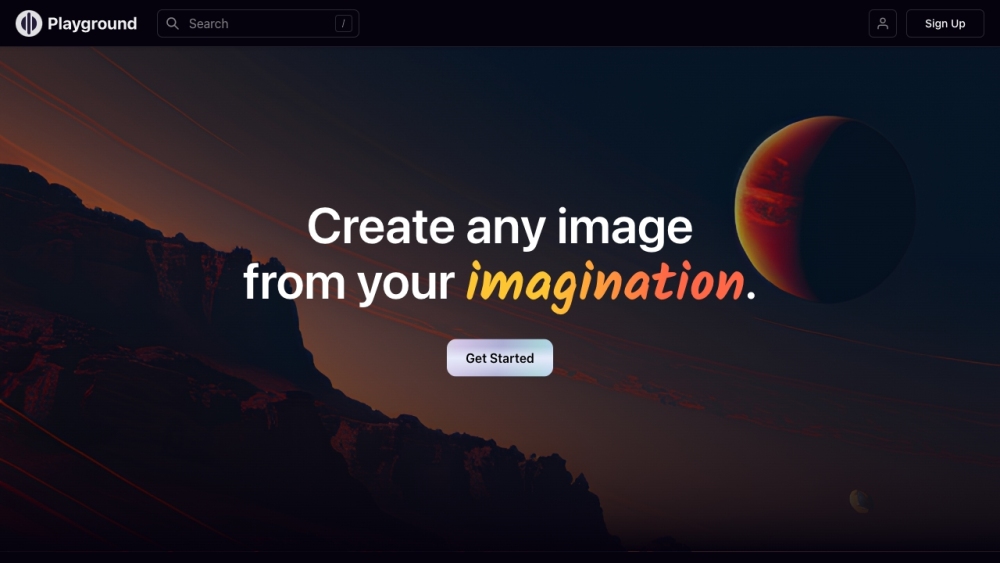
Create art, social media posts, presentations, posters, logos, and videos with Playground AI, the free online AI image creator for limitless designs!
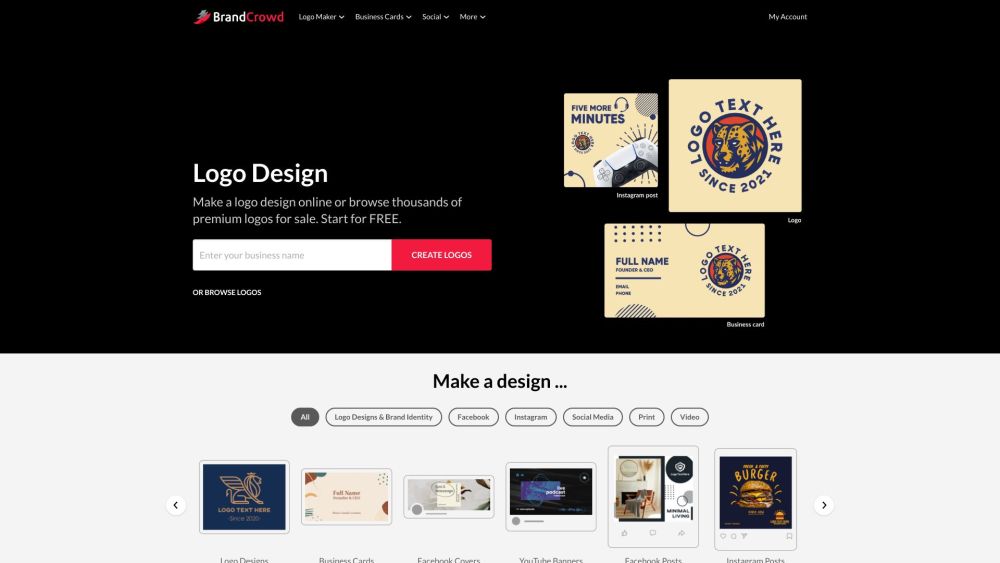
BrandCrowd: Design logos, business cards, and social media graphics effortlessly with our wide range of tools and templates for standout branding.
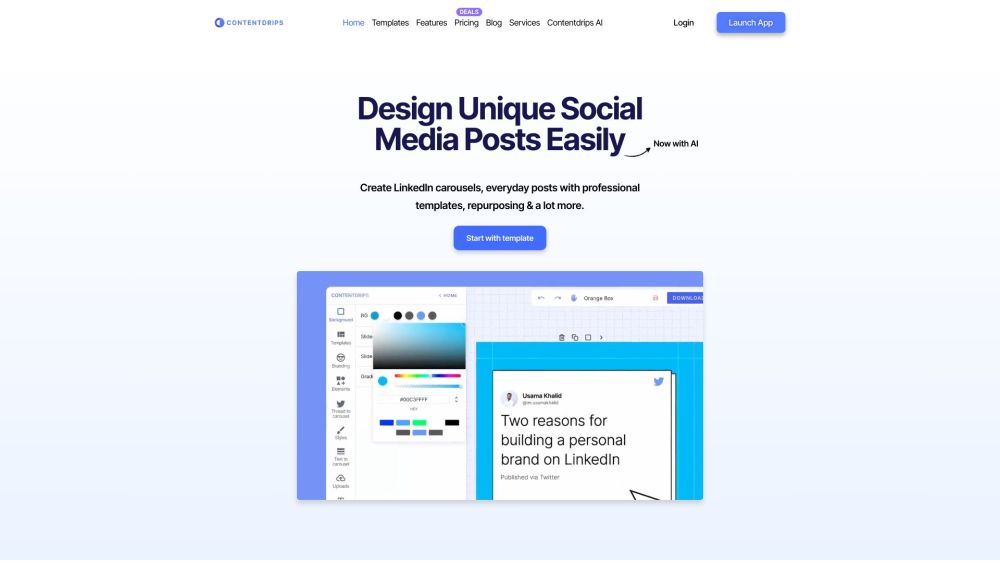
Create professional social media posts in minutes with Contentdrips. Templates for LinkedIn & Instagram carousels, smart AI editing, tweet repurposing, and more!
Boost your social media game with Marky! Effortlessly design and post content across all platforms, saving time and enhancing your online presence.
FAQ
Practical answers to help you take the next step.
Visual AI tools cover image generation, photo editing, enhancement and design tasks. Choose between creating a new image and modifying an existing asset before comparing products.
Look for text prompts, image references, masks or sketches as appropriate. Compare composition control, supported upload types and the ability to revise a selected area.
Inspect text, hands, edges, reflections and repeated objects at full size. Check that important product or brand details survive editing.
Prepare a brief with a subject, composition, lighting and required output size. Test a first generation and a targeted revision to see how much control you retain.
Rustic AI: AI-powered design studio. Generate product photos, ads & social visuals with prompts + drag-and-drop editing
Read about Rustic AI - AI-Powered Design Studio & Visual EditorBazaart: Free AI-powered photo editing & graphic design—create visuals in seconds, no skills needed!
Read about BazaartOnline graphic design tool for e-commerce
Read about **GlorifySurf: AI-Driven Design Tool & Interactive Chat Assistant transforms web links into visuals and lets you engage with our smart AI chat assistant.
Read about SurfCreate art, social media posts, presentations, posters, logos, and videos with Playground AI, the free online AI image creator for limitless designs!
Read about Playground AIBrandCrowd: Design logos, business cards, and social media graphics effortlessly with our wide range of tools and templates for standout branding.
Read about BrandCrowd