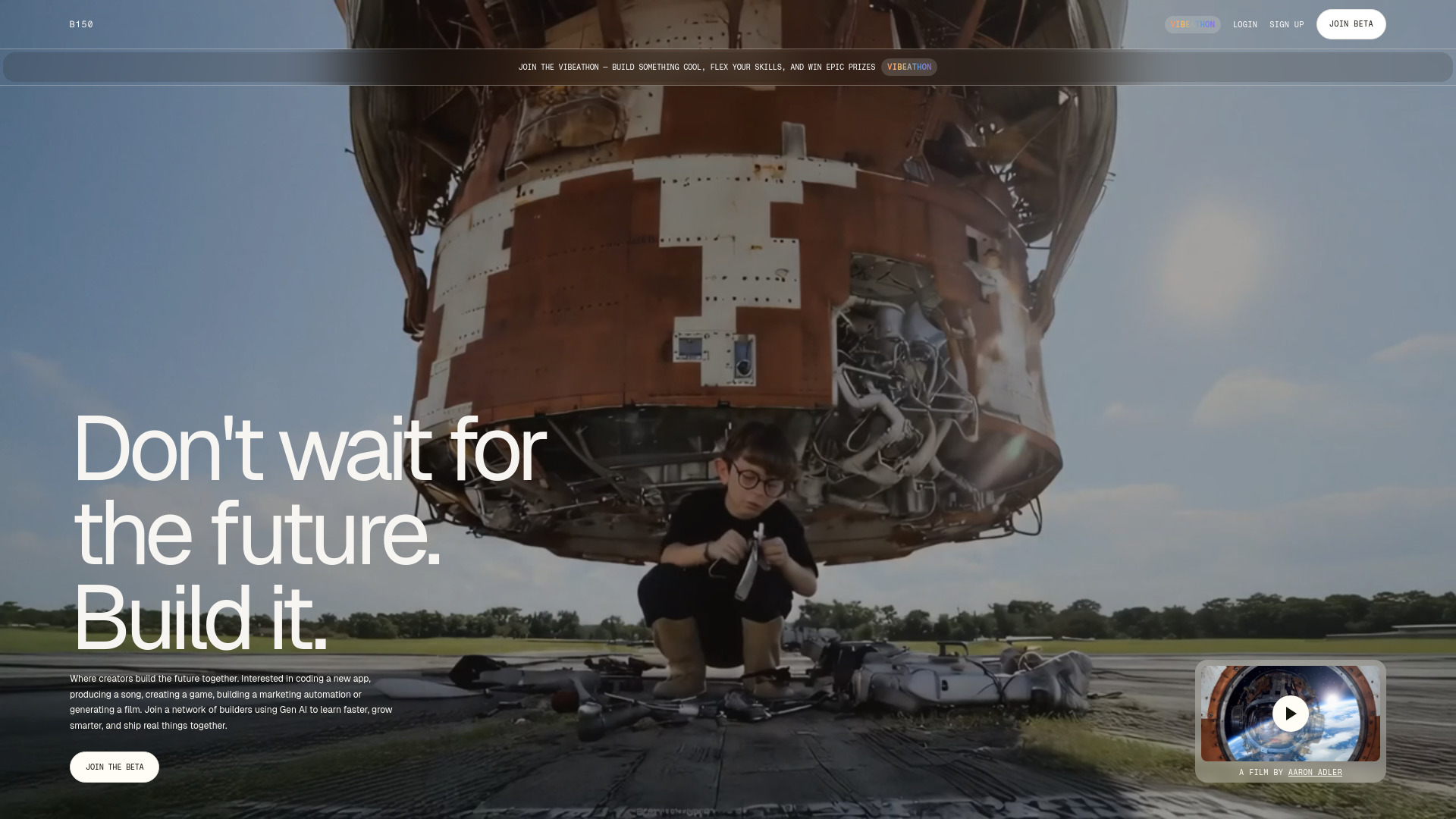
Build with B150, the AI-powered professional network. Share projects, discover AI tools, collaborate, and launch real ventures. Join the beta today!
Explore a specific workflow
Explore project collaboration tools through the product profiles below. The collection groups applications around a shared task. Product scope can overlap, so compare the specific workflow each tool describes rather than the category name alone.
Identify the files, text or account connections your task needs. Confirm that the product accepts those inputs and offers controls for reviewing its work.
Test one representative task and inspect the result for accuracy and completeness. Record where manual corrections or extra tools are needed.
Build with B150, the AI-powered professional network. Share projects, discover AI tools, collaborate, and launch real ventures. Join the beta today!

Aiva - Chrome Extension: Streamline freelancer communication with AI, saving you precious time. Boost productivity and focus on what matters most!

DriveGPT Chrome Extension: An AI-powered tool that streamlines Google Drive research, boosting productivity with quick, smart data retrieval and insights.

Muddy Browser: Unified Workspace for Every App - Streamline your digital life with this all-in-one solution. Manage every app effortlessly in one place.

Seenapse: The ultimate web platform for knowledge management and team collaboration. Organize, access, and track ideas for productive teamwork.
FAQ
Practical answers to help you take the next step.
The collection groups applications around a shared task. Product scope can overlap, so compare the specific workflow each tool describes rather than the category name alone.
Identify the files, text or account connections your task needs. Confirm that the product accepts those inputs and offers controls for reviewing its work.
Test one representative task and inspect the result for accuracy and completeness. Record where manual corrections or extra tools are needed.
Choose one task with a clear success condition. Keep the input consistent, record the time spent reviewing and compare the complete workflow cost.
Build with B150, the AI-powered professional network. Share projects, discover AI tools, collaborate, and launch real ventures. Join the beta today!
Read about B150Aiva - Chrome Extension: Streamline freelancer communication with AI, saving you precious time. Boost productivity and focus on what matters most!
Read about Aiva - Chrome Ext.DriveGPT Chrome Extension: An AI-powered tool that streamlines Google Drive research, boosting productivity with quick, smart data retrieval and insights.
Read about DriveGPT - Chrome ExtensionMuddy Browser: Unified Workspace for Every App - Streamline your digital life with this all-in-one solution. Manage every app effortlessly in one place.
Read about Muddy BrowserSeenapse: The ultimate web platform for knowledge management and team collaboration. Organize, access, and track ideas for productive teamwork.
Read about SeenapseCheck export formats, integrations and whether you can keep using your work outside the service. Test a real export before committing to a longer plan.