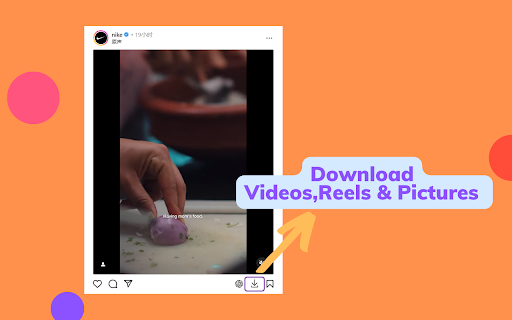
Download videos easily with InstaNote - Chrome Extension. Get concise summaries while saving your favorite videos. Streamline your video-watching experience now!
Explore a specific workflow
Explore high-definition tools through the product profiles below. The collection groups applications around a shared task. Product scope can overlap, so compare the specific workflow each tool describes rather than the category name alone.
Identify the files, text or account connections your task needs. Confirm that the product accepts those inputs and offers controls for reviewing its work.
Test one representative task and inspect the result for accuracy and completeness. Record where manual corrections or extra tools are needed.
Download videos easily with InstaNote - Chrome Extension. Get concise summaries while saving your favorite videos. Streamline your video-watching experience now!
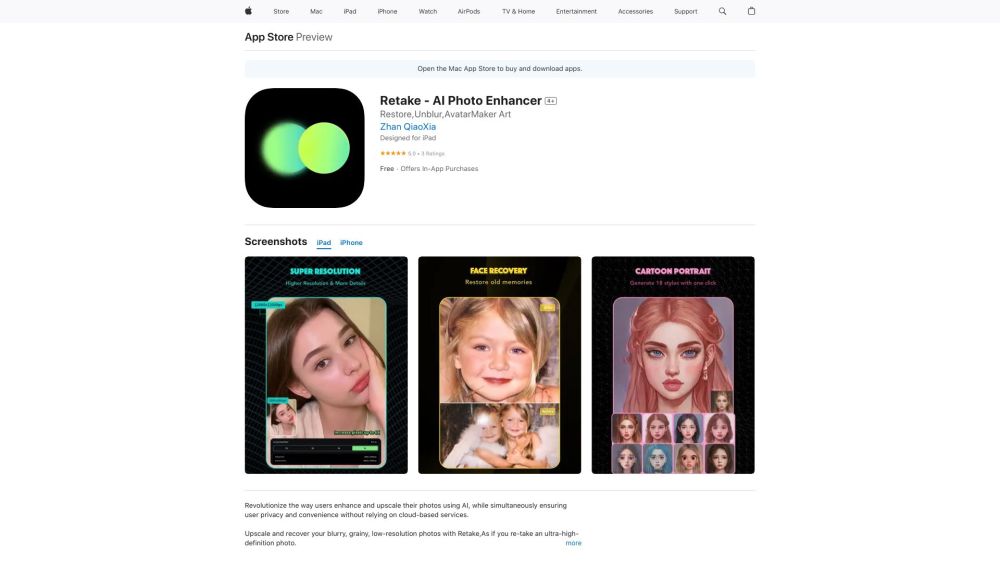
Transform blurry, grainy photos into clear, high-definition masterpieces with Retake: the AI-powered photo enhancement tool.

Transform your images with Pictush: AI-powered upscaling, colorization, and enhancements. Revolutionize your visuals with AI technology!

Create ultra-realistic AI artwork effortlessly with ArtSpace.ai, your ultimate AI graphic designer and image creation platform. Unleash your creativity!
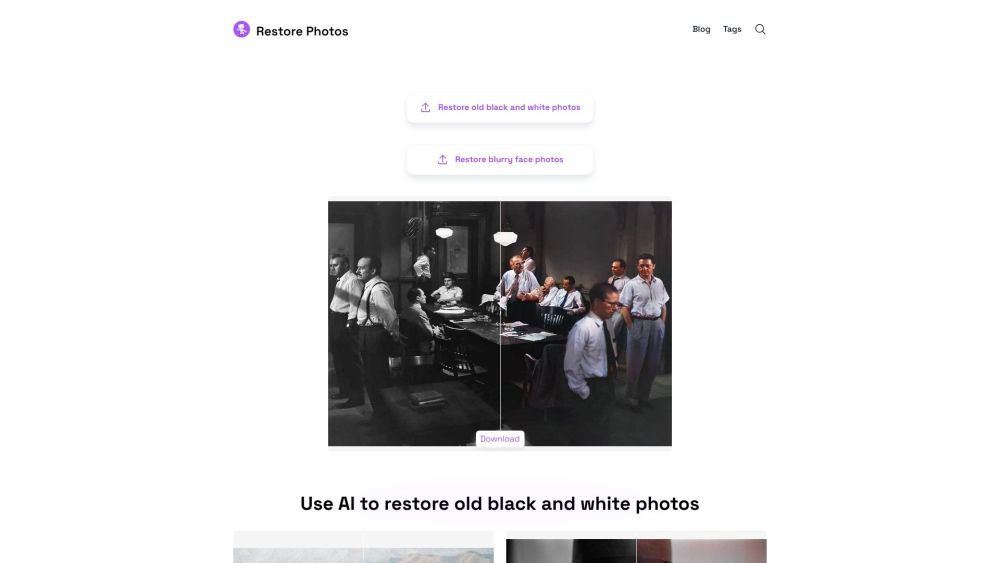
Photos: AI-Based Old Picture and Blurry Face Restoration brings your memories to life by using AI to flawlessly restore old photos and blurry faces.
FAQ
Practical answers to help you take the next step.
The collection groups applications around a shared task. Product scope can overlap, so compare the specific workflow each tool describes rather than the category name alone.
Identify the files, text or account connections your task needs. Confirm that the product accepts those inputs and offers controls for reviewing its work.
Test one representative task and inspect the result for accuracy and completeness. Record where manual corrections or extra tools are needed.
Choose one task with a clear success condition. Keep the input consistent, record the time spent reviewing and compare the complete workflow cost.
Download videos easily with InstaNote - Chrome Extension. Get concise summaries while saving your favorite videos. Streamline your video-watching experience now!
Read about InstaNote - Chrome ExtensionTransform blurry, grainy photos into clear, high-definition masterpieces with Retake: the AI-powered photo enhancement tool.
Read about RetakeTransform your images with Pictush: AI-powered upscaling, colorization, and enhancements. Revolutionize your visuals with AI technology!
Read about PictushCreate ultra-realistic AI artwork effortlessly with ArtSpace.ai, your ultimate AI graphic designer and image creation platform. Unleash your creativity!
Read about ArtSpace.aiPhotos: AI-Based Old Picture and Blurry Face Restoration brings your memories to life by using AI to flawlessly restore old photos and blurry faces.
Read about Restore PhotosCheck export formats, integrations and whether you can keep using your work outside the service. Test a real export before committing to a longer plan.