
Auto Gmail: Empower your email game with an AI-powered tool that effortlessly drafts expert email responses. Say goodbye to writer's block!
Explore a specific workflow
Explore gmail extension tools through the product profiles below. The collection groups applications around a shared task. Product scope can overlap, so compare the specific workflow each tool describes rather than the category name alone.
Identify the files, text or account connections your task needs. Confirm that the product accepts those inputs and offers controls for reviewing its work.
Test one representative task and inspect the result for accuracy and completeness. Record where manual corrections or extra tools are needed.
Auto Gmail: Empower your email game with an AI-powered tool that effortlessly drafts expert email responses. Say goodbye to writer's block!

Boost your email productivity with ChatGPT for Gmail, the AI-powered tool that completes and suggests emails for you. Supercharge your inbox today!

Boost your productivity with MailGPT - Chrome Extension: AI-powered Email Writing. Say goodbye to writer's block and effortlessly compose emails in Gmail.
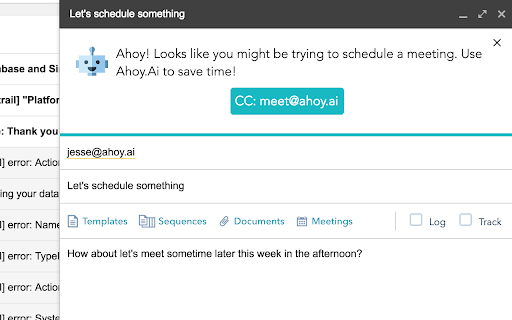
Streamline your meetings with Ahoy.Ai - the Chrome Extension that makes scheduling a breeze. Say goodbye to the hassle of coordinating time zones and availability!
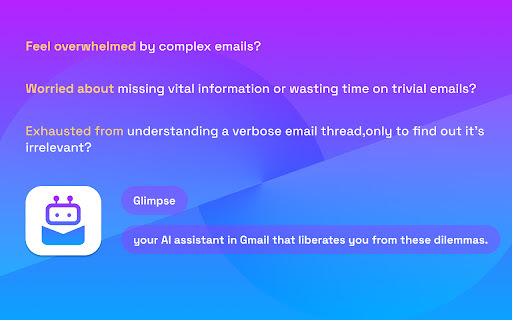
Boost productivity with Glimpse - the Chrome extension AI assistant for Gmail. Streamline emails, save time, and enhance workflow efficiency effortlessly!

Boost Gmail productivity with Omee AI Email Writer – a Chrome extension that uses AI to craft perfect emails faster and smarter.

Boost your email productivity with Autopest - Chrome Extension. AI-powered follow-ups help automate responses, saving time and increasing efficiency!
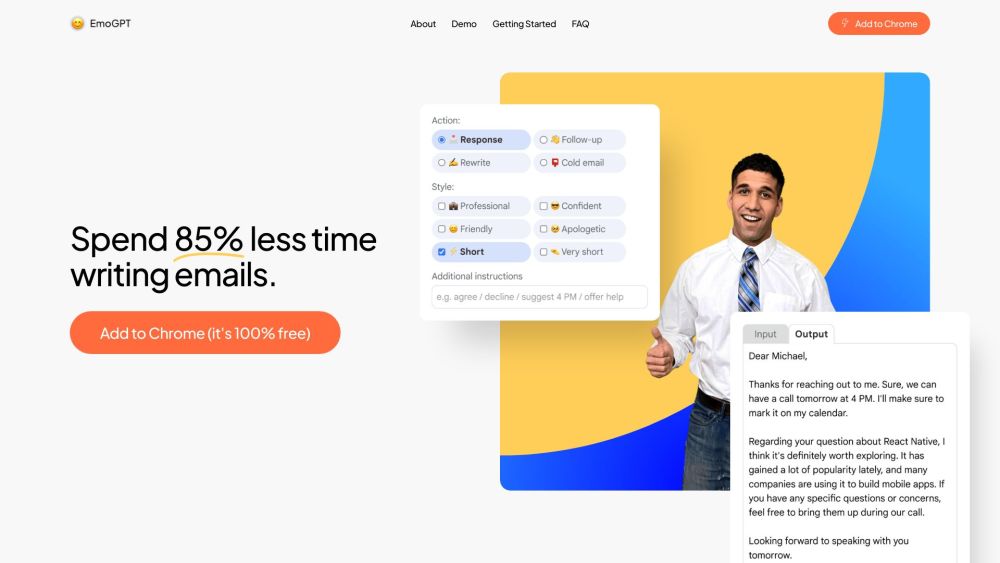
EmoGPT is a secure chatbot email writer designed for Gmail that generates personalized email responses, follow-ups, and outreach templates, powered by OpenAI's ChatGPT. It helps users save time and effort in writing emails with its high level of personalization and efficiency.
FAQ
Practical answers to help you take the next step.
The collection groups applications around a shared task. Product scope can overlap, so compare the specific workflow each tool describes rather than the category name alone.
Identify the files, text or account connections your task needs. Confirm that the product accepts those inputs and offers controls for reviewing its work.
Test one representative task and inspect the result for accuracy and completeness. Record where manual corrections or extra tools are needed.
Choose one task with a clear success condition. Keep the input consistent, record the time spent reviewing and compare the complete workflow cost.
Auto Gmail: Empower your email game with an AI-powered tool that effortlessly drafts expert email responses. Say goodbye to writer's block!
Read about Auto GmailBoost your email productivity with ChatGPT for Gmail, the AI-powered tool that completes and suggests emails for you. Supercharge your inbox today!
Read about ChatGPT for GmailBoost your productivity with MailGPT - Chrome Extension: AI-powered Email Writing. Say goodbye to writer's block and effortlessly compose emails in Gmail.
Read about MailGPT - Chrome ExtensionStreamline your meetings with Ahoy.Ai - the Chrome Extension that makes scheduling a breeze. Say goodbye to the hassle of coordinating time zones and availability!
Read about Ahoy.Ai - Chrome ExtensionBoost productivity with Glimpse - the Chrome extension AI assistant for Gmail. Streamline emails, save time, and enhance workflow efficiency effortlessly!
Read about Glimpse - Chrome ExtensionBoost Gmail productivity with Omee AI Email Writer – a Chrome extension that uses AI to craft perfect emails faster and smarter.
Read about Omee AI Email Writer - Chrome Extension