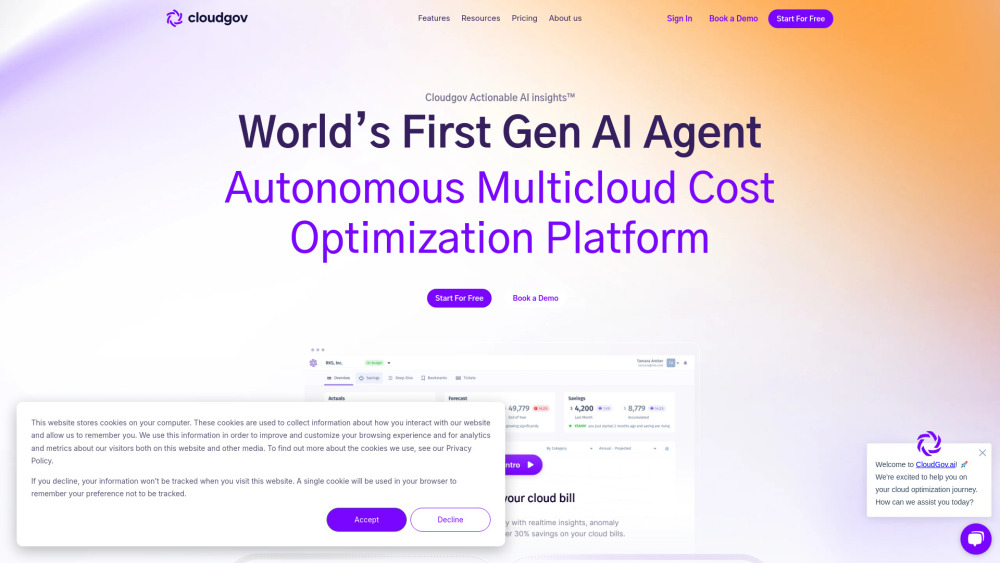
Cloudgov.ai: Optimize multicloud costs with AI-driven insights. Explore use cases, pricing, reviews, core features & alternatives for smarter cloud spending.
Explore a specific workflow
Explore finops tools through the product profiles below. The collection groups applications around a shared task. Product scope can overlap, so compare the specific workflow each tool describes rather than the category name alone.
Identify the files, text or account connections your task needs. Confirm that the product accepts those inputs and offers controls for reviewing its work.
Test one representative task and inspect the result for accuracy and completeness. Record where manual corrections or extra tools are needed.
Cloudgov.ai: Optimize multicloud costs with AI-driven insights. Explore use cases, pricing, reviews, core features & alternatives for smarter cloud spending.
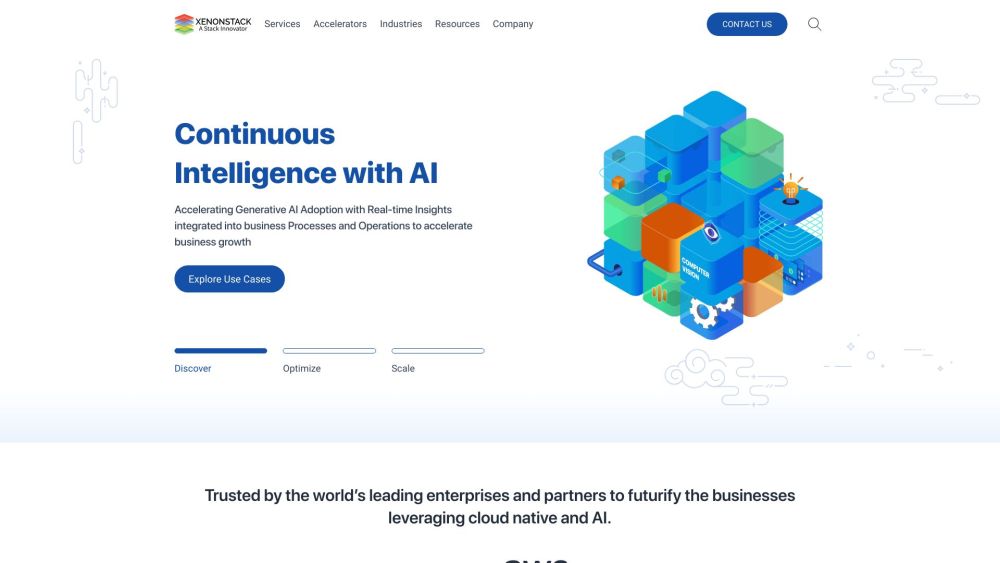
Xenonstack is an AI-first, data-driven, cloud-native organisation. Building Enterprise Data and AI Platform and Cloud-Native Applications and Intelligent Distributed Systems for Decision intelligence.
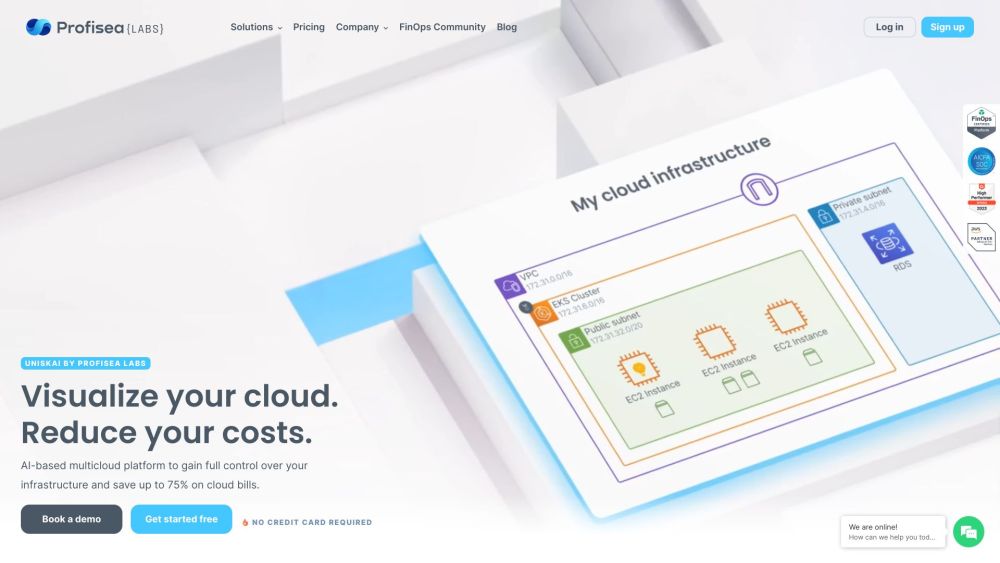
Uniskai by Profisea Labs is an AI-based multicloud platform that allows users to gain full control over their infrastructure and reduce cloud expenses on virtual assets by up to 70%. It offers rich visualization, AI-generated policies, and actionable reports to help identify areas of overspending and optimize cloud costs.
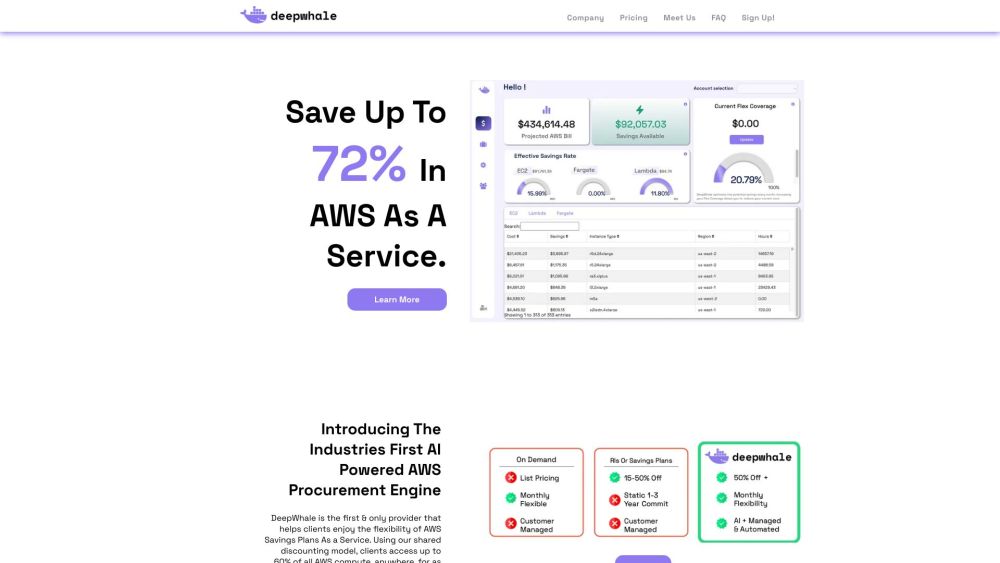
DeepWhale: AWS FinOps & Cloud Optimization using AI to right-size and cut costs by up to 60%. Explore use cases, pricing, reviews, features & alternatives.
FAQ
Practical answers to help you take the next step.
The collection groups applications around a shared task. Product scope can overlap, so compare the specific workflow each tool describes rather than the category name alone.
Identify the files, text or account connections your task needs. Confirm that the product accepts those inputs and offers controls for reviewing its work.
Test one representative task and inspect the result for accuracy and completeness. Record where manual corrections or extra tools are needed.
Choose one task with a clear success condition. Keep the input consistent, record the time spent reviewing and compare the complete workflow cost.
Cloudgov.ai: Optimize multicloud costs with AI-driven insights. Explore use cases, pricing, reviews, core features & alternatives for smarter cloud spending.
Read about Cloudgov.aiXenonstack is an AI-first, data-driven, cloud-native organisation. Building Enterprise Data and AI Platform and Cloud-Native Applications and Intelligent Distributed Systems for Decision intelligence.
Read about XenonstackUniskai by Profisea Labs is an AI-based multicloud platform that allows users to gain full control over their infrastructure and reduce cloud expenses on virtual assets by up to 70%. It offers rich visualization, AI-generated policies, and actionable reports to help identify areas of overspending and optimize cloud costs.
Read about Uniskai by Profisea LabsDeepWhale: AWS FinOps & Cloud Optimization using AI to right-size and cut costs by up to 60%. Explore use cases, pricing, reviews, features & alternatives.
Read about DeepWhaleCheck export formats, integrations and whether you can keep using your work outside the service. Test a real export before committing to a longer plan.
Run the same small task in each shortlisted product. Compare the price per usable result, usage limits, regeneration costs and time spent correcting the output. Confirm current terms with the provider.