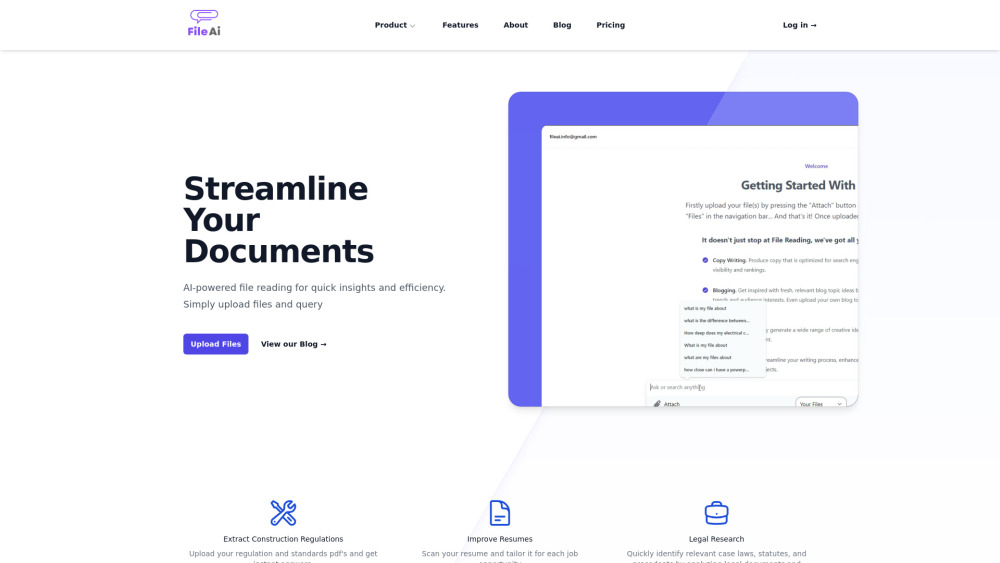
AI-powered file reader for document analysis
Explore a specific workflow
Explore financial reports tools through the product profiles below. The collection groups applications around a shared task. Product scope can overlap, so compare the specific workflow each tool describes rather than the category name alone.
Identify the files, text or account connections your task needs. Confirm that the product accepts those inputs and offers controls for reviewing its work.
Test one representative task and inspect the result for accuracy and completeness. Record where manual corrections or extra tools are needed.
AI-powered file reader for document analysis
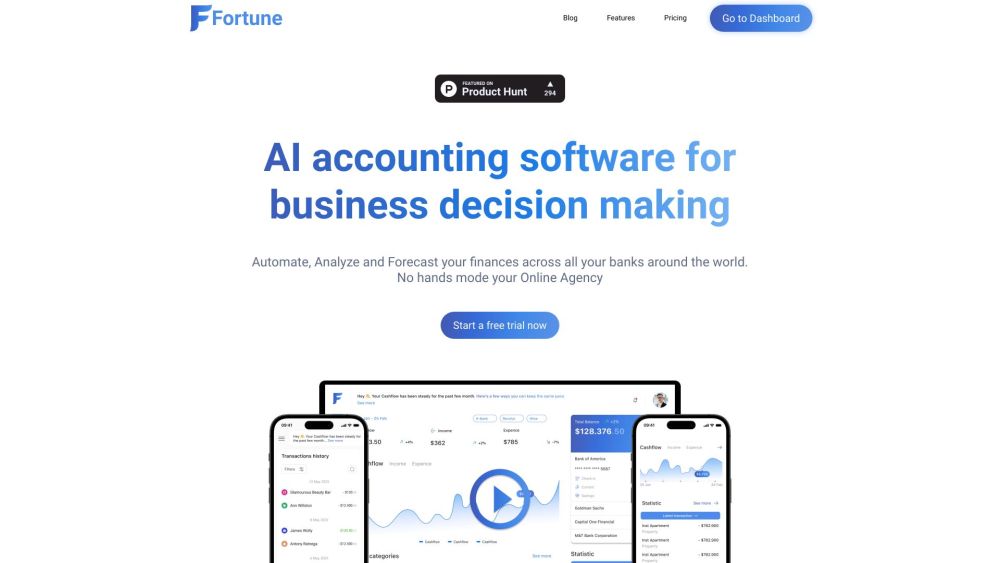
Fortune App: AI accounting software for businesses. Analyze and forecast finances across all banks for smarter decisions. Discover features, pricing, and reviews.
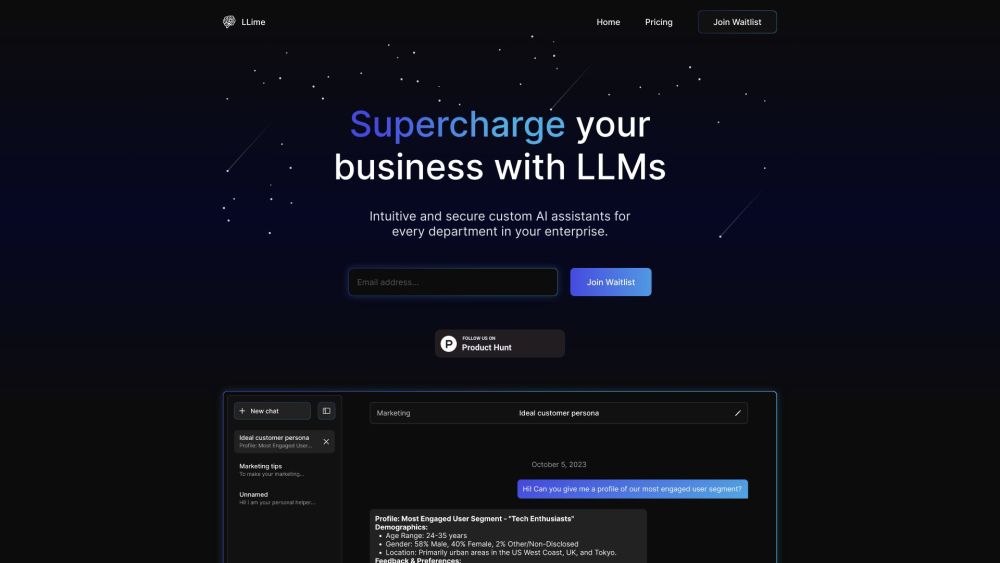
Boost productivity with LLime's tailored AI assistants. integrated and data-driven, our solutions empower your team with personalized insights.
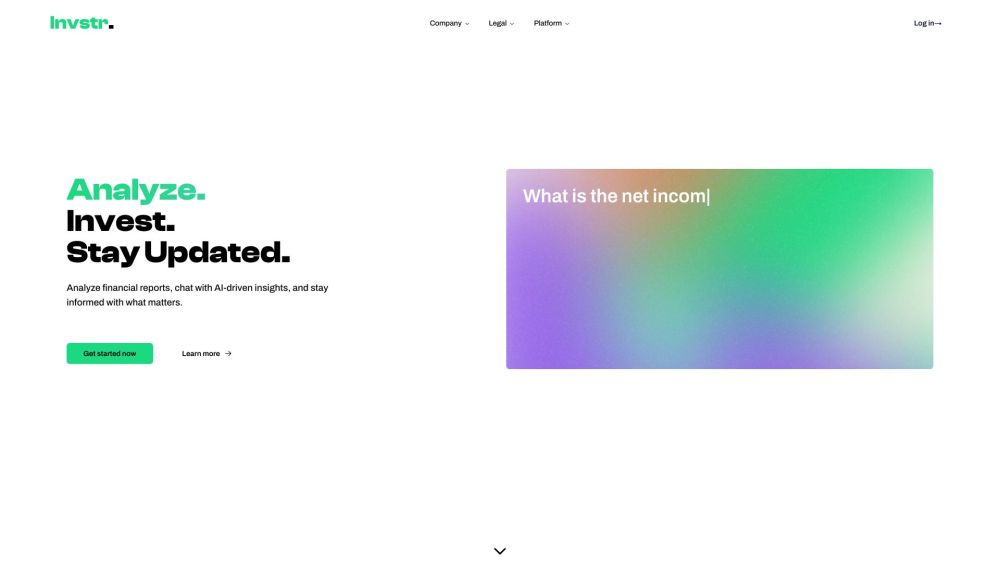
Invstr: Simplify investing with AI-driven market analysis, real-time insights, and personalized risk assessments for smarter financial decisions.
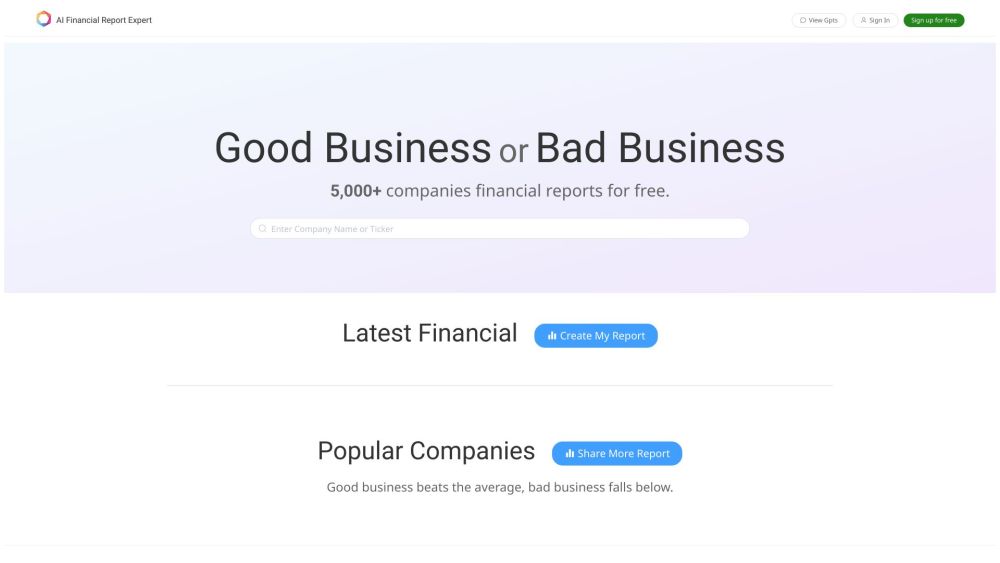
Experience ultimate comfort with our premium-quality pillow. Designed for restful sleep, it supports your head and neck perfectly. Sleep better tonight!
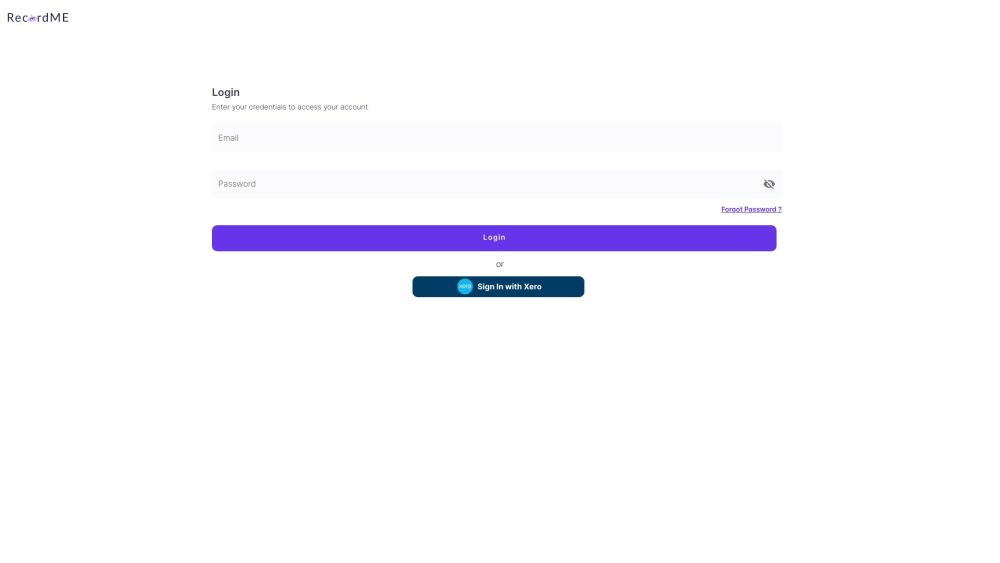
Streamline accounting with RecordMe: Simplified Automation for Accurate Finances. Enhance efficiency and precision in financial operations.
FAQ
Practical answers to help you take the next step.
The collection groups applications around a shared task. Product scope can overlap, so compare the specific workflow each tool describes rather than the category name alone.
Identify the files, text or account connections your task needs. Confirm that the product accepts those inputs and offers controls for reviewing its work.
Test one representative task and inspect the result for accuracy and completeness. Record where manual corrections or extra tools are needed.
Choose one task with a clear success condition. Keep the input consistent, record the time spent reviewing and compare the complete workflow cost.
AI-powered file reader for document analysis
Read about **FileAIFortune App: AI accounting software for businesses. Analyze and forecast finances across all banks for smarter decisions. Discover features, pricing, and reviews.
Read about Fortune AppBoost productivity with LLime's tailored AI assistants. integrated and data-driven, our solutions empower your team with personalized insights.
Read about LLimeInvstr: Simplify investing with AI-driven market analysis, real-time insights, and personalized risk assessments for smarter financial decisions.
Read about InvstrExperience ultimate comfort with our premium-quality pillow. Designed for restful sleep, it supports your head and neck perfectly. Sleep better tonight!
Read about Product NameStreamline accounting with RecordMe: Simplified Automation for Accurate Finances. Enhance efficiency and precision in financial operations.
Read about RecordMe