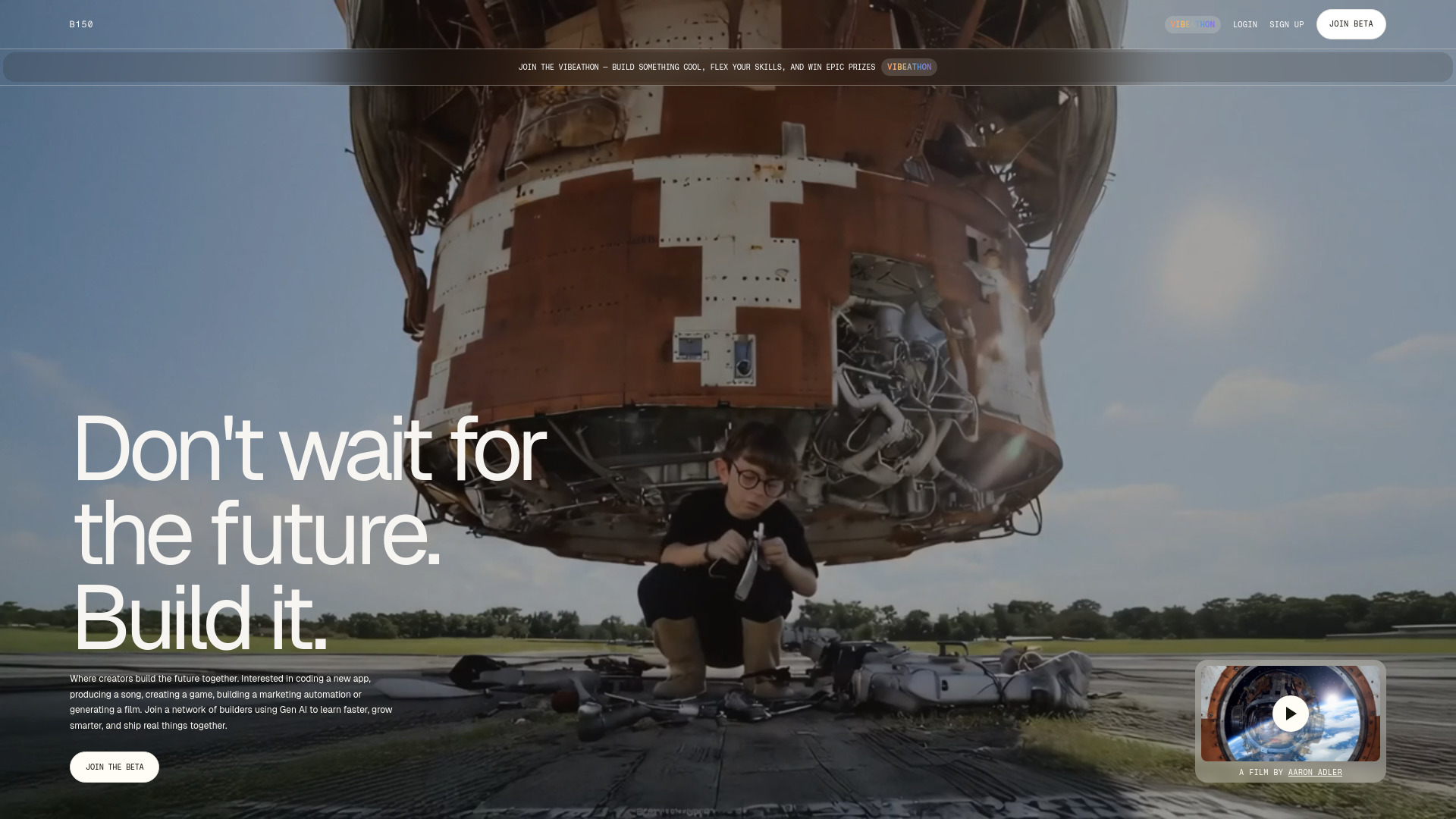
Build with B150, the AI-powered professional network. Share projects, discover AI tools, collaborate, and launch real ventures. Join the beta today!
Explore a specific workflow
Explore creator tools through the product profiles below. The collection groups applications around a shared task. Product scope can overlap, so compare the specific workflow each tool describes rather than the category name alone.
Identify the files, text or account connections your task needs. Confirm that the product accepts those inputs and offers controls for reviewing its work.
Test one representative task and inspect the result for accuracy and completeness. Record where manual corrections or extra tools are needed.
Build with B150, the AI-powered professional network. Share projects, discover AI tools, collaborate, and launch real ventures. Join the beta today!
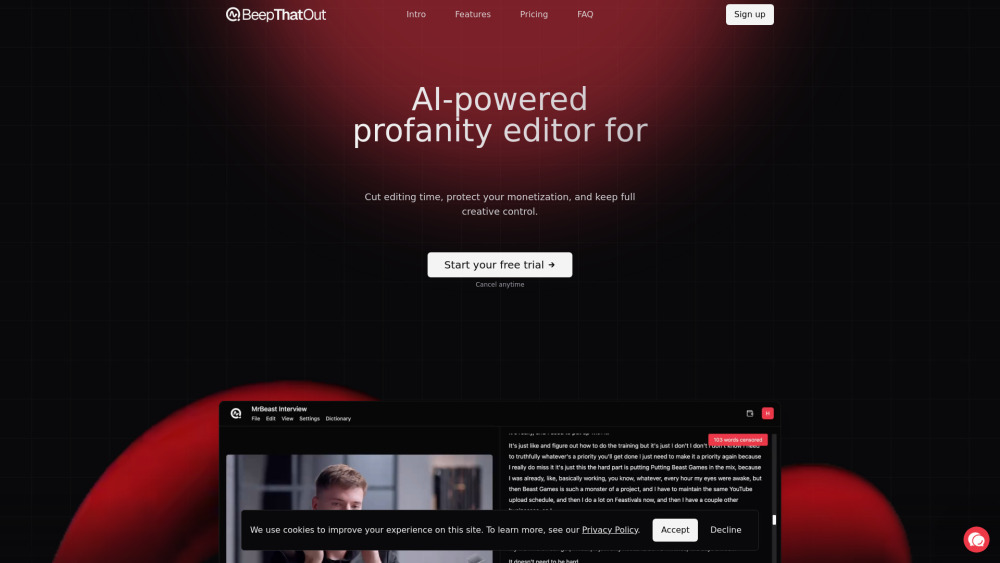
BeepThatOut: AI-powered web tool that instantly detects & replaces profanity—keeping your content clean, professional, and audience-ready.

Enhance your communication with AI-Response, the Chrome Extension that delivers personalized responses effortlessly.

FLYP: Design apparel effortlessly with Apple’s 3D engine and DALL•E 2. Transform your creative vision into reality—fast, fun, and easy!

Power to the Creator: AI-driven platform for content creators. Generate ideas, scripts, and tags with a smart digital sidekick that learns and enhances your creativity.

Boost your social media with Clippah, the AI video editor. Automatic captioning, dubbing, and more tools to enhance videos and grow your audience.
FAQ
Practical answers to help you take the next step.
The collection groups applications around a shared task. Product scope can overlap, so compare the specific workflow each tool describes rather than the category name alone.
Identify the files, text or account connections your task needs. Confirm that the product accepts those inputs and offers controls for reviewing its work.
Test one representative task and inspect the result for accuracy and completeness. Record where manual corrections or extra tools are needed.
Choose one task with a clear success condition. Keep the input consistent, record the time spent reviewing and compare the complete workflow cost.
Build with B150, the AI-powered professional network. Share projects, discover AI tools, collaborate, and launch real ventures. Join the beta today!
Read about B150BeepThatOut: AI-powered web tool that instantly detects & replaces profanity—keeping your content clean, professional, and audience-ready.
Read about BeepThatOutEnhance your communication with AI-Response, the Chrome Extension that delivers personalized responses effortlessly.
Read about AI-ResponseFLYP: Design apparel effortlessly with Apple’s 3D engine and DALL•E 2. Transform your creative vision into reality—fast, fun, and easy!
Read about FLYPPower to the Creator: AI-driven platform for content creators. Generate ideas, scripts, and tags with a smart digital sidekick that learns and enhances your creativity.
Read about Power to the CreatorBoost your social media with Clippah, the AI video editor. Automatic captioning, dubbing, and more tools to enhance videos and grow your audience.
Read about Clippah