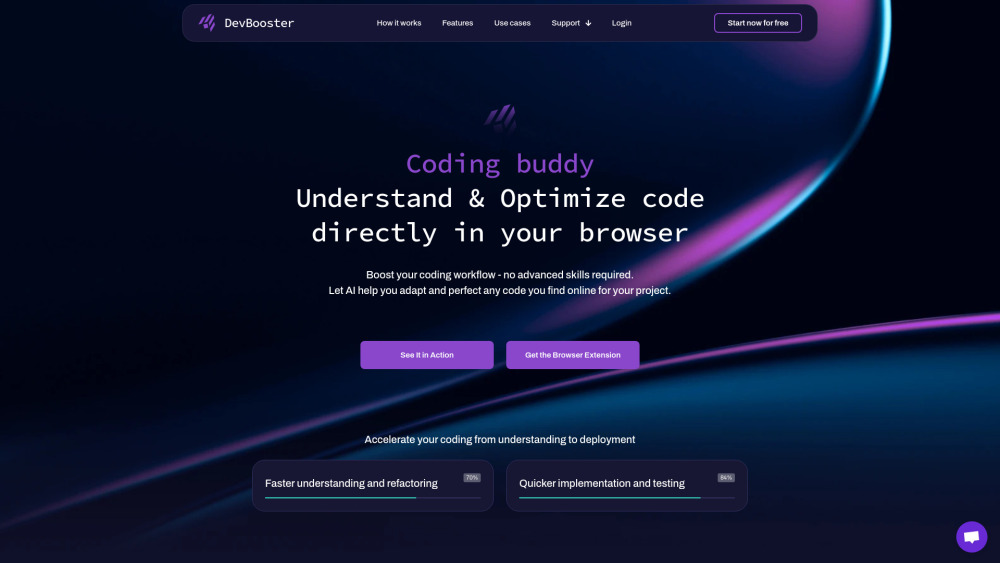
DevBooster: AI browser extension that supercharges copy-paste coding with instant validation, optimization & auto-documentation. Code smarter, faster.
Explore a specific workflow
Explore code documentation tools through the product profiles below. Coding tools assist with tasks such as generation, explanation, review and debugging. Match the product to your language, repository and review process.
Compare repository access, context limits, supported languages and tool permissions. Check whether the assistant can read relevant files and run your existing checks.
Review the diff, run tests and inspect error handling and dependency changes. Generated code should meet the same review standard as a human contribution.
DevBooster: AI browser extension that supercharges copy-paste coding with instant validation, optimization & auto-documentation. Code smarter, faster.
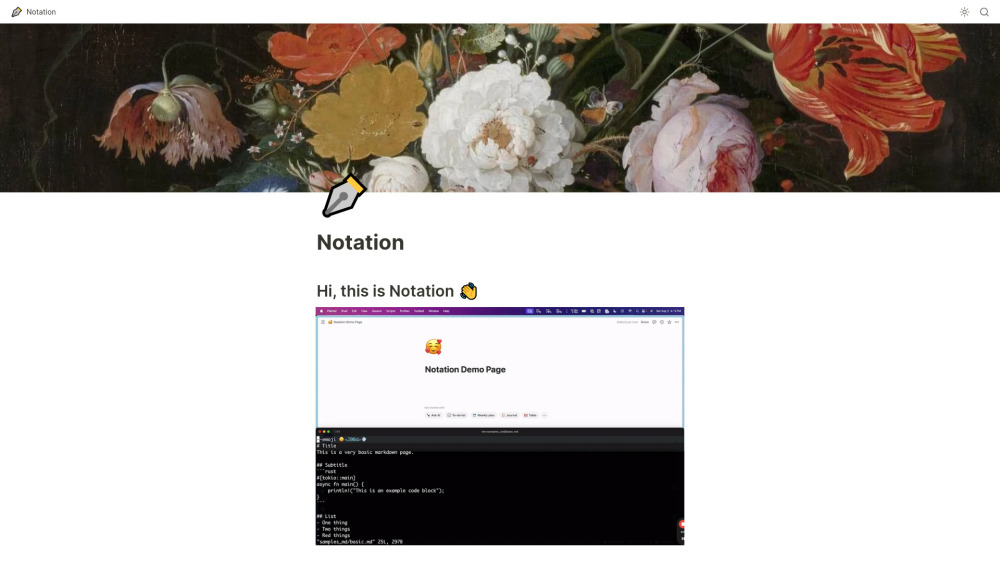
Notation: Effortlessly write Markdown docs and publish them directly in Notion. Streamline your workflow with integration and simplicity.
Refraction is a code generation tool for developers that uses AI to generate code, refactor code, generate documentation, create unit tests, and more.
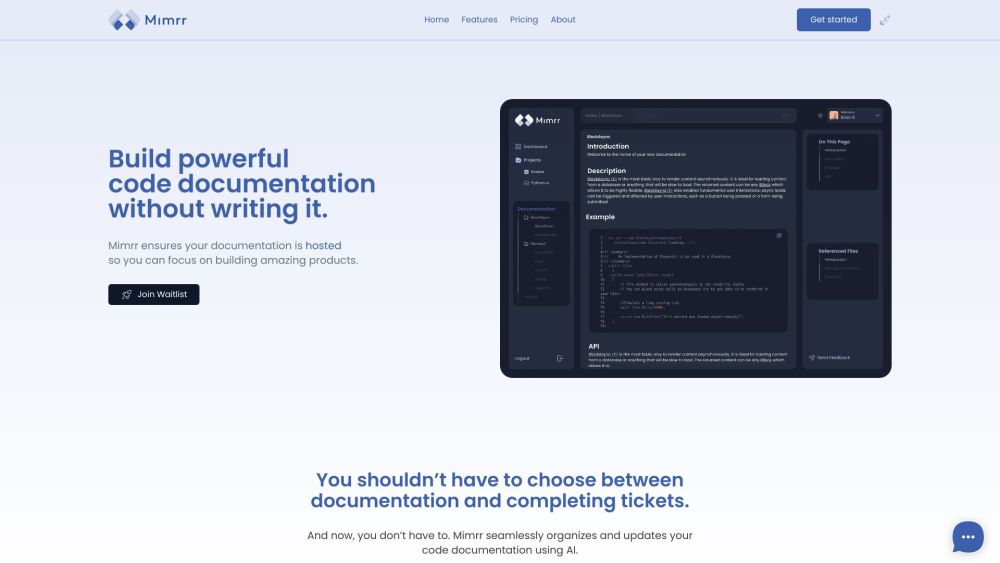
Mimrr: Revolutionize code documentation with AI. Streamline creation, management, and maintenance for modern software companies. Try Mimrr today!
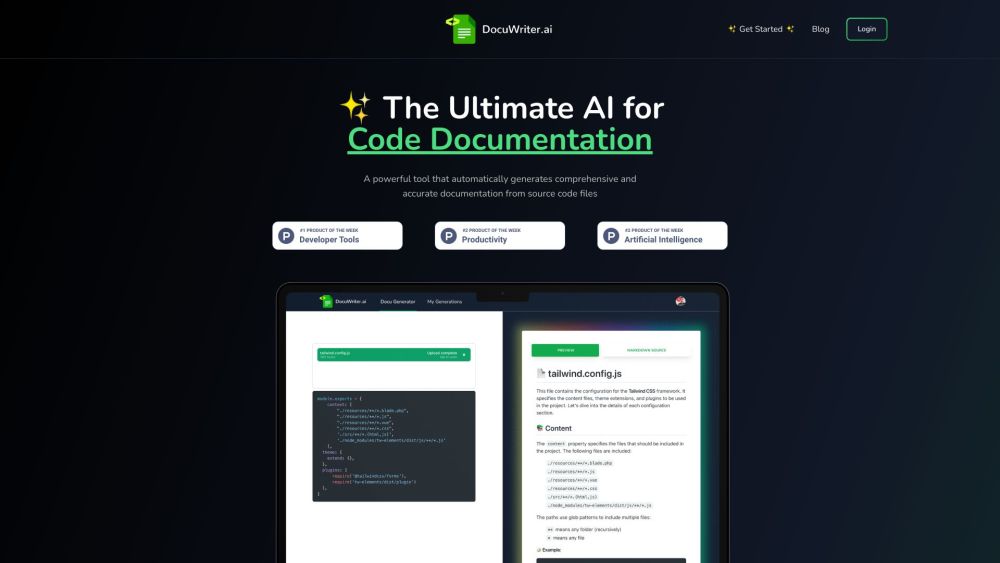
DocuWriter.ai is an AI-powered tool that automates code documentation, testing, and refactoring. It uses advanced AI technology to generate accurate documentation, create tests suites, and optimize code from source code files.
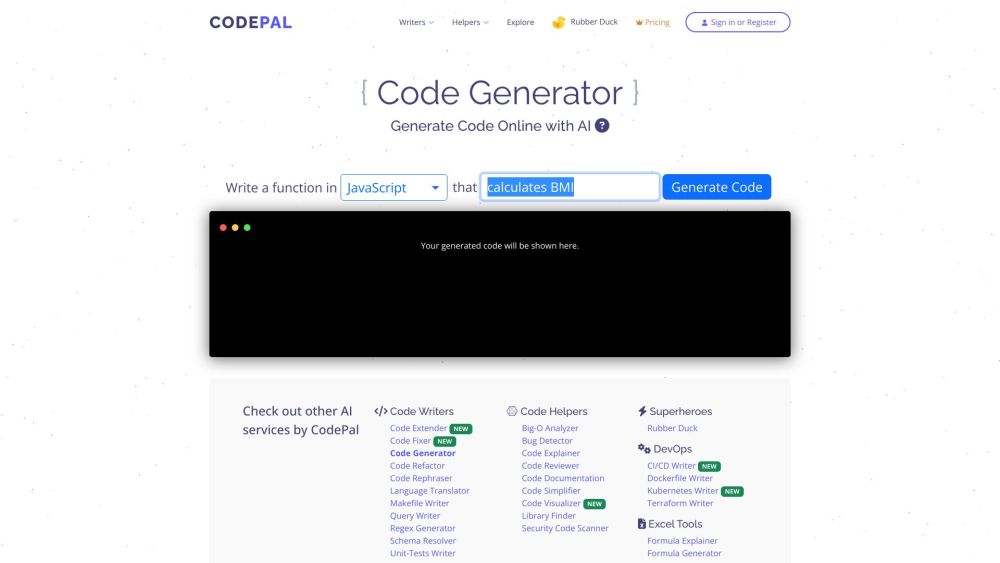
Boost your coding efficiency with CodePal—a versatile platform offering essential tools for developers at every level. Perfect for students, pros, and teams!
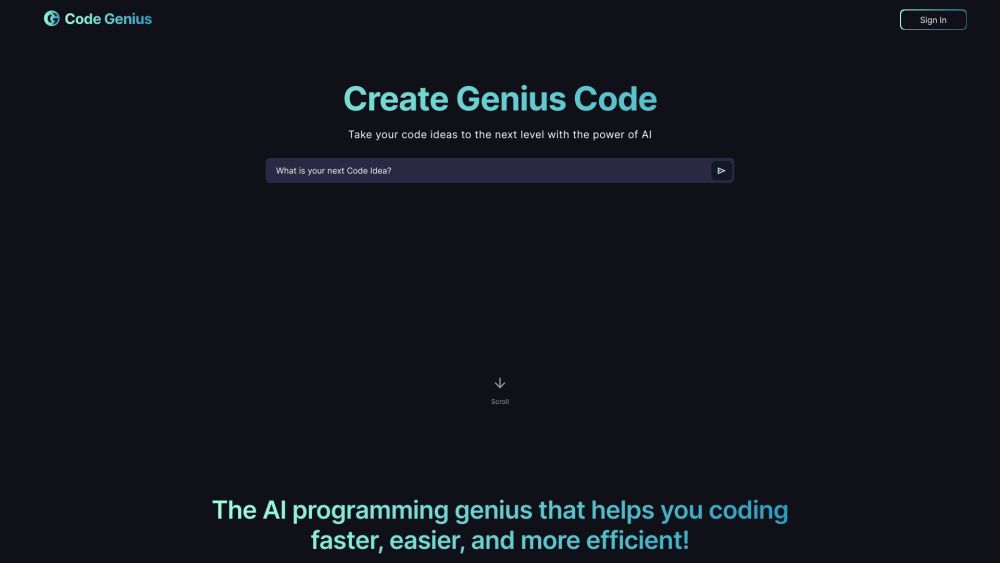
Code Genius: An AI tool to boost coding skills, find quick solutions, avoid repetitive tasks, improve code quality, and chat with a coding assistant.
![[Product Name] website preview](https://img.aigo.tools/uploads/2024/07/168396892127155216.jpg)
Experience ultimate comfort with our plush, hypoallergenic pillow. Perfect support for all sleepers. Elevate your sleep quality tonight!
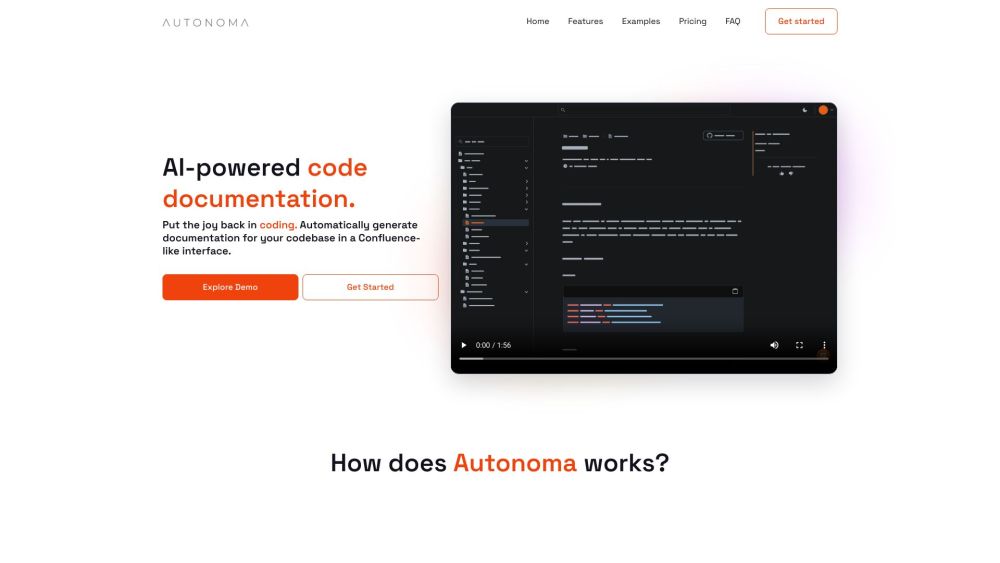
Autonoma: AI-powered tool that automatically generates, structures, and maintains code documentation, enhancing efficiency and clarity for your codebases.
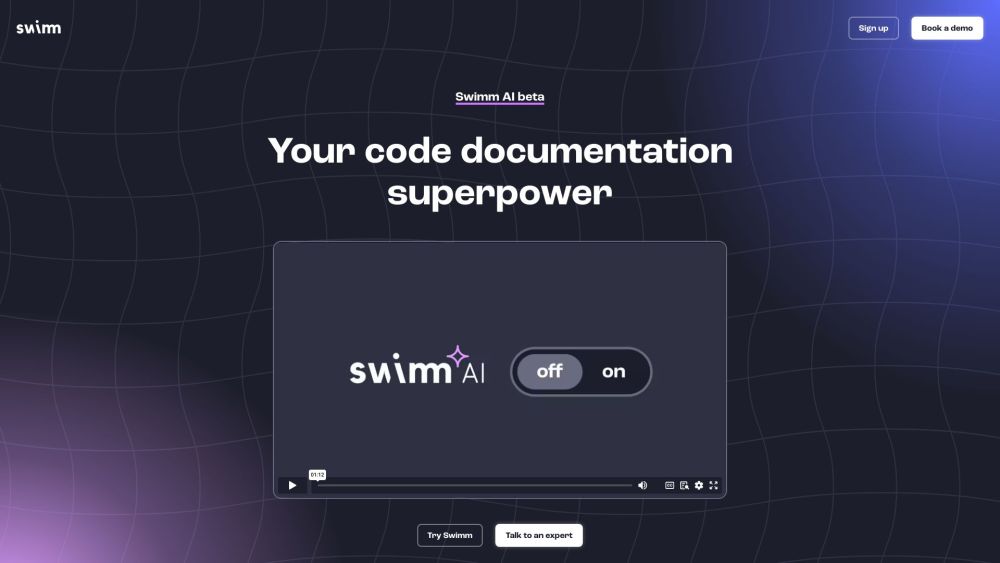
Swimm is an AI-powered code documentation tool that integrates with your IDE. It generates interactive document structures based on your code's context, making it easier to create comprehensive code documentation.
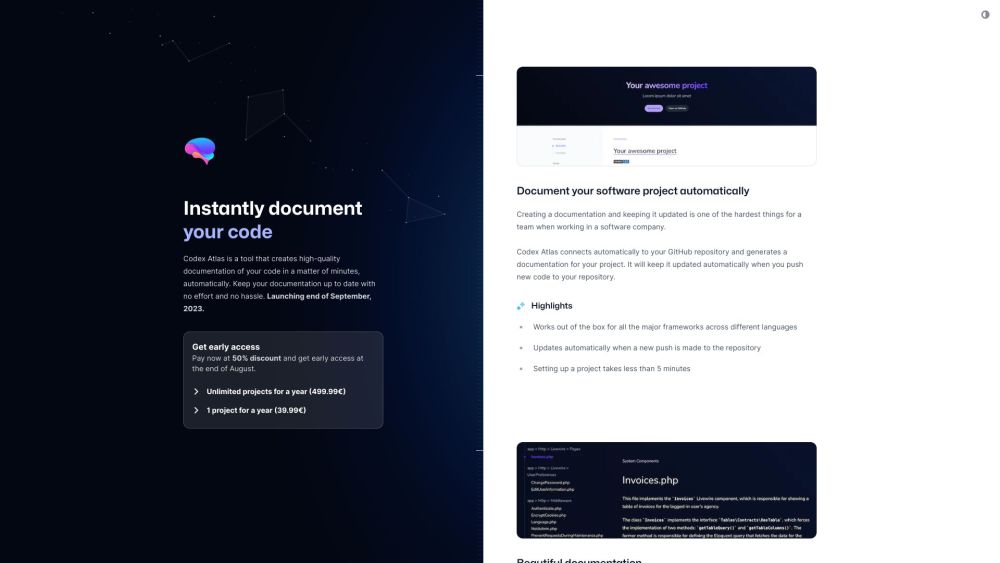
Revolutionize your code documentation with Codex Atlas: Instantly generate tailored, up-to-date docs from your GitHub repo in minutes!
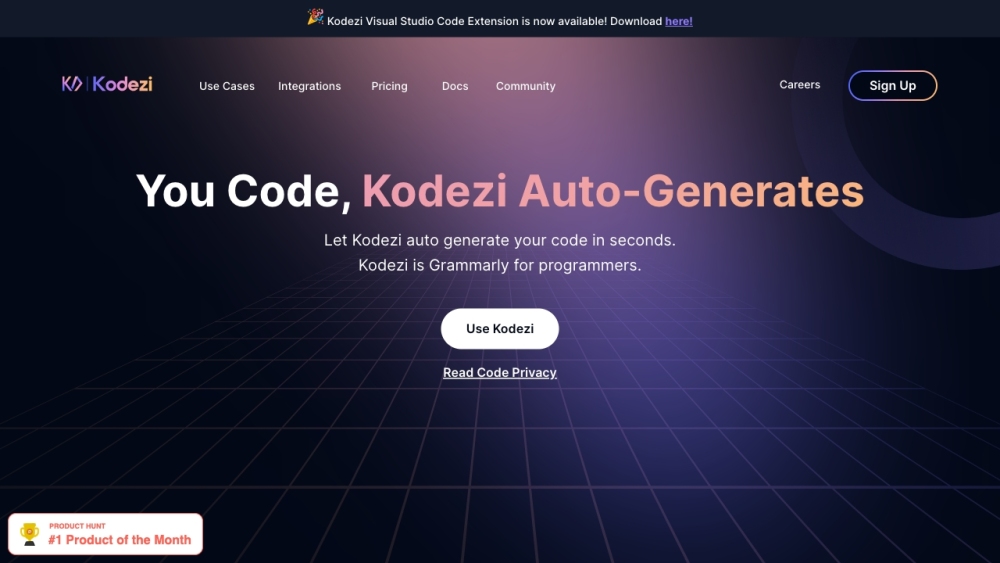
Kodezi: Your AI Developer Assistant for Quality Code Autocorrection. Auto-corrects and enhances your code like Grammarly for programmers. Boost efficiency now!
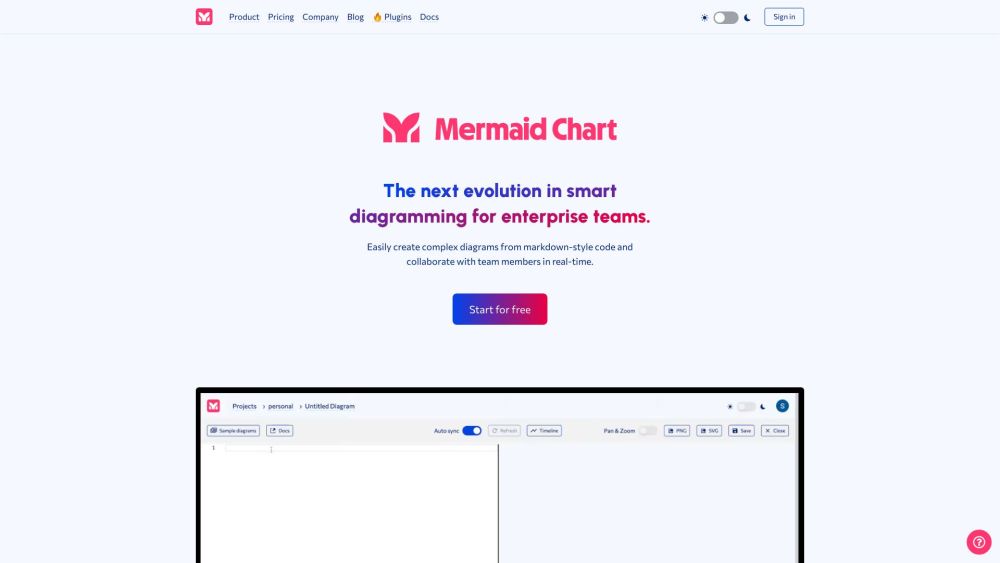
Mermaid Chart is a platform for collaborative text-based diagramming, powered by the Mermaid open-source project (61k GitHub Stars). It streamlines code documentation, enhances team workflows, and generates visualizations of complex ideas using AI.
FAQ
Practical answers to help you take the next step.
Coding tools assist with tasks such as generation, explanation, review and debugging. Match the product to your language, repository and review process.
Compare repository access, context limits, supported languages and tool permissions. Check whether the assistant can read relevant files and run your existing checks.
Review the diff, run tests and inspect error handling and dependency changes. Generated code should meet the same review standard as a human contribution.
Choose a small reproducible bug with an existing failing check. Measure whether the tool fixes the cause, preserves behavior and produces a reviewable change.
DevBooster: AI browser extension that supercharges copy-paste coding with instant validation, optimization & auto-documentation. Code smarter, faster.
Read about DevBoosterNotation: Effortlessly write Markdown docs and publish them directly in Notion. Streamline your workflow with integration and simplicity.
Read about NotationRefraction is a code generation tool for developers that uses AI to generate code, refactor code, generate documentation, create unit tests, and more.
Read about RefractionMimrr: Revolutionize code documentation with AI. Streamline creation, management, and maintenance for modern software companies. Try Mimrr today!
Read about MimrrDocuWriter.ai is an AI-powered tool that automates code documentation, testing, and refactoring. It uses advanced AI technology to generate accurate documentation, create tests suites, and optimize code from source code files.
Read about DocuWriter.aiBoost your coding efficiency with CodePal—a versatile platform offering essential tools for developers at every level. Perfect for students, pros, and teams!
Read about CodePal