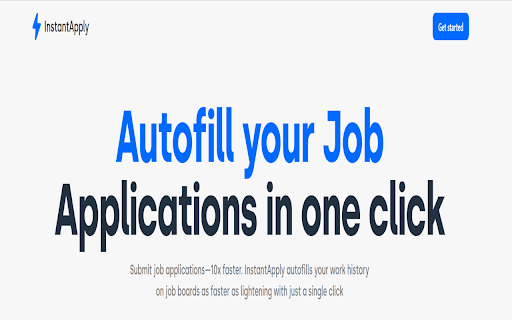
JobFill - Chrome Extension: Simplify job applications and resume analysis effortlessly. Streamline your job search with ease.
Explore a specific workflow
Explore automated tool through the product profiles below. The collection groups applications around a shared task. Product scope can overlap, so compare the specific workflow each tool describes rather than the category name alone.
Identify the files, text or account connections your task needs. Confirm that the product accepts those inputs and offers controls for reviewing its work.
Test one representative task and inspect the result for accuracy and completeness. Record where manual corrections or extra tools are needed.
JobFill - Chrome Extension: Simplify job applications and resume analysis effortlessly. Streamline your job search with ease.
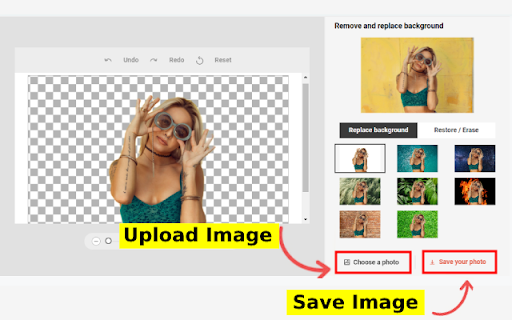
BackgroundRemover Chrome Extension: Instantly remove image backgrounds with a click. Fast, easy, and for all your editing needs!
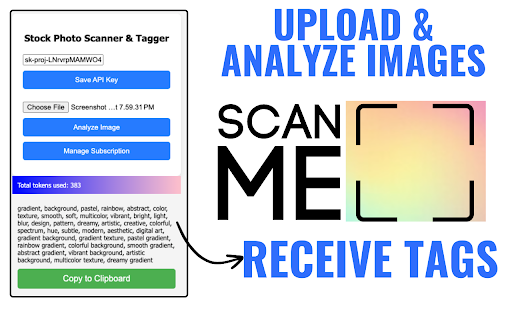
Boost your stock photo SEO with Scanner Tool - Chrome Extension: Effortlessly generate time-saving keywords directly from your images.
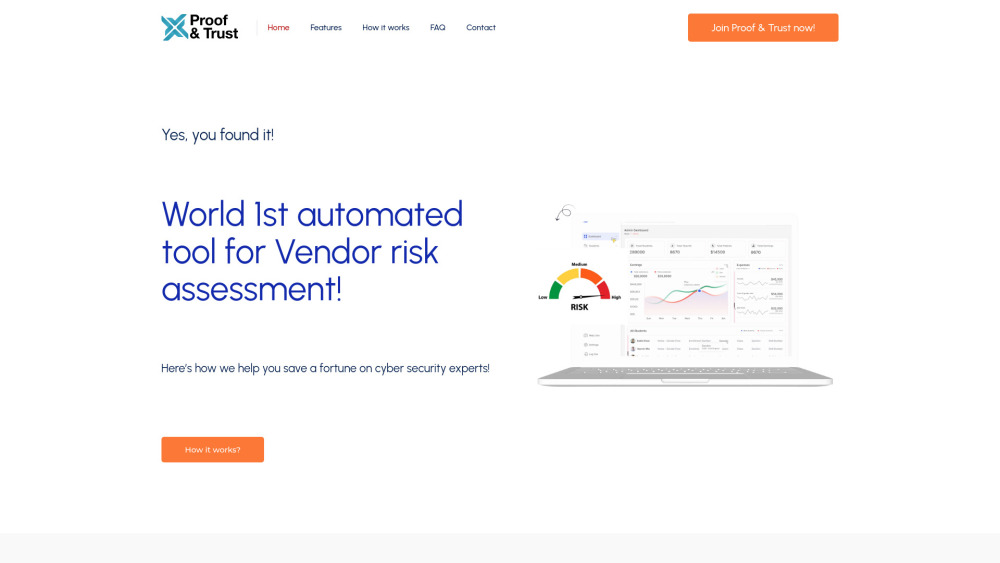
Streamline vendor risk assessment with Proof & Trust—an automated tool for efficient, reliable, and thorough vendor evaluation and compliance management.
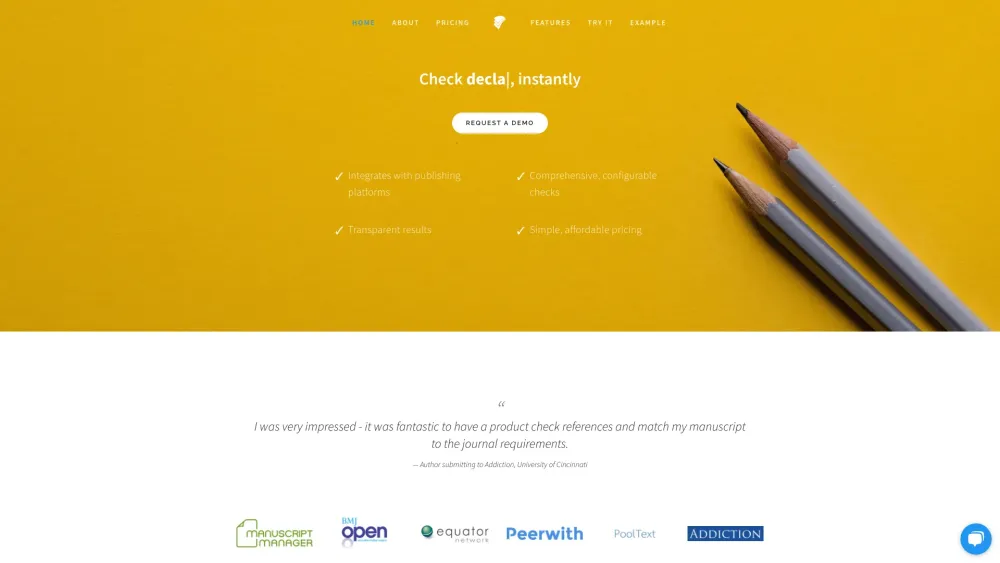
Penelope.ai is an online tool that automatically checks whether scientific manuscripts meet journal requirements.

Boost business growth effortlessly with Toolz4Biz: the ultimate automated lead generation tool for capturing and converting high-quality leads.
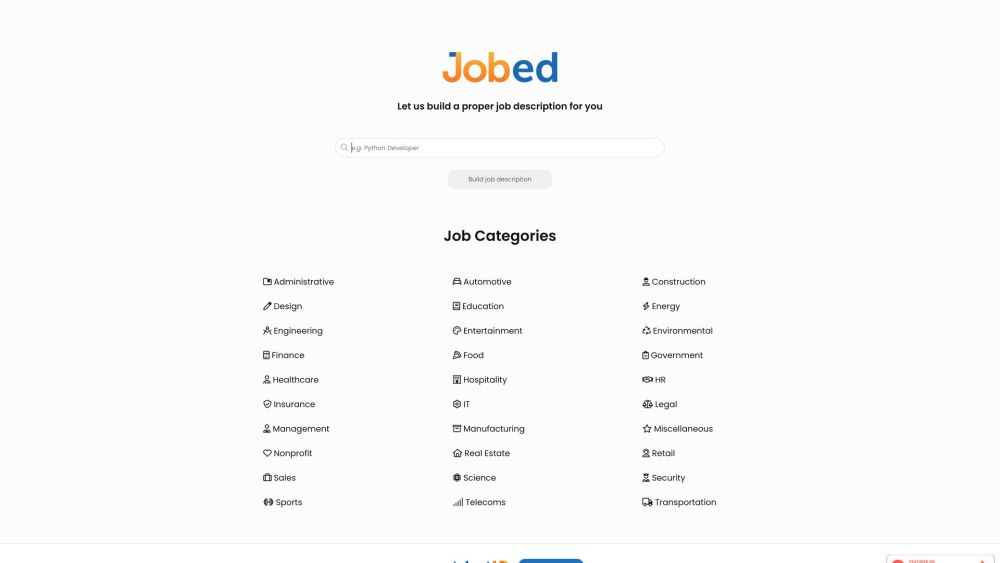
Jobed: AI-Powered HR Tool for efficient, engaging job descriptions. Automate your hiring process and attract top talent with ease.
FAQ
Practical answers to help you take the next step.
The collection groups applications around a shared task. Product scope can overlap, so compare the specific workflow each tool describes rather than the category name alone.
Identify the files, text or account connections your task needs. Confirm that the product accepts those inputs and offers controls for reviewing its work.
Test one representative task and inspect the result for accuracy and completeness. Record where manual corrections or extra tools are needed.
Choose one task with a clear success condition. Keep the input consistent, record the time spent reviewing and compare the complete workflow cost.
JobFill - Chrome Extension: Simplify job applications and resume analysis effortlessly. Streamline your job search with ease.
Read about JobFill - Chrome ExtensionBackgroundRemover Chrome Extension: Instantly remove image backgrounds with a click. Fast, easy, and for all your editing needs!
Read about BackgroundRemover - Chrome ExtensionBoost your stock photo SEO with Scanner Tool - Chrome Extension: Effortlessly generate time-saving keywords directly from your images.
Read about Scanner Tool - Chrome ExtensionStreamline vendor risk assessment with Proof & Trust—an automated tool for efficient, reliable, and thorough vendor evaluation and compliance management.
Read about Proof & TrustPenelope.ai is an online tool that automatically checks whether scientific manuscripts meet journal requirements.
Read about Penelope.aiBoost business growth effortlessly with Toolz4Biz: the ultimate automated lead generation tool for capturing and converting high-quality leads.
Read about Toolz4Biz