
Seedance Pro: Turn text & images into stunning, pro-quality videos—fast. AI-powered, no skills needed. 🌟
Explore a specific workflow
Explore ai video maker tools through the product profiles below. These tools help create, edit or repurpose moving images. Text-to-video, image animation and video editing solve different tasks, so start with the source material you already have.
Compare text prompts, reference frames, source footage and audio support. Check duration, aspect ratio and whether the tool lets you keep a subject consistent between shots.
Watch the entire clip for motion errors, distorted objects, changing identities, lip-sync problems and abrupt transitions. Inspect the downloaded file as well as the preview.
Seedance Pro: Turn text & images into stunning, pro-quality videos—fast. AI-powered, no skills needed. 🌟
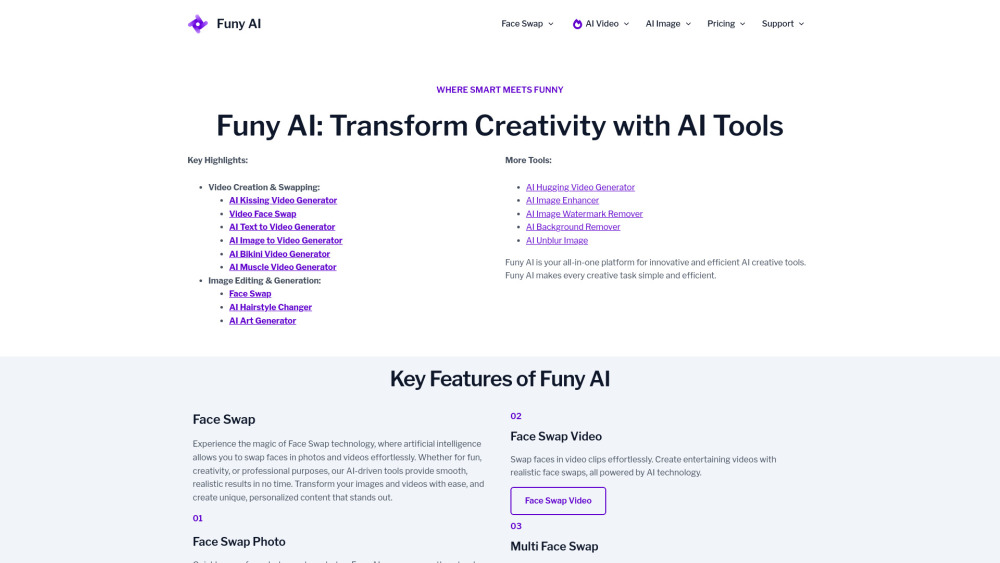
Funy AI: Zero-signup AI magic! Generate kissing videos, swap faces, create art & more—effortlessly. All-in-one creative power, instantly.

AIMagicStudio: AI-powered video maker for stunning, scroll-stopping social media content—fast, affordable & packed with pro features. Try it today!

Create videos effortlessly with VideoMaker.me! Transform text and images into high-quality videos instantly

Zebracat: AI Video Creator transforms text into engaging videos with AI voiceovers & effects. Make impactful marketing videos effortlessly.

Neiro.AI: Create lifelike video avatars with custom voices and micro-expressions. Perfectly represent your brand's script or audio speech.

ShortScripter: Effortlessly generate narrated and subtitled short story videos. Automate your short-form content creation with just a click!
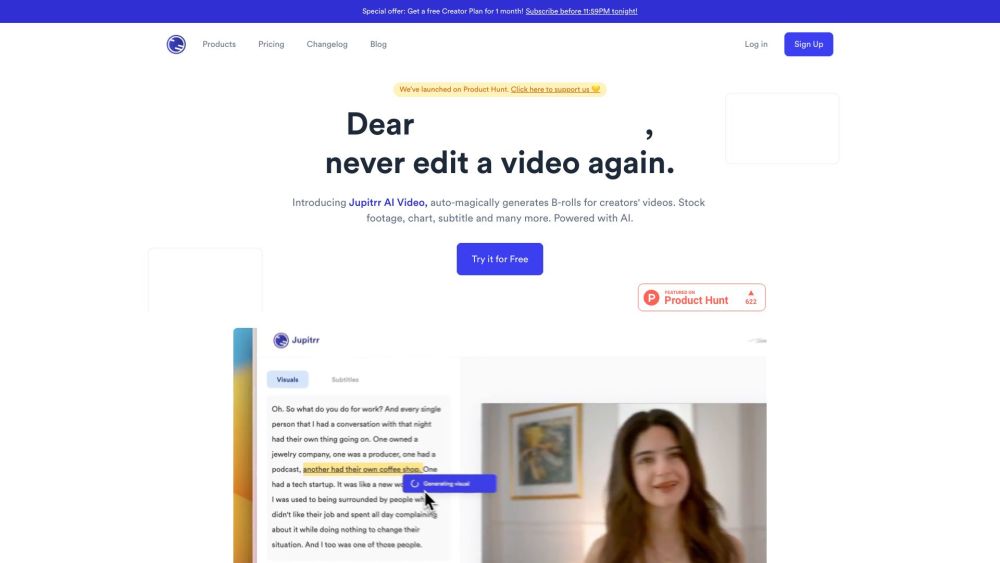
Create videos effortlessly with Jupitrr AI Video Maker! Auto B-rolls, stock footage, charts, memes, and more in just a few clicks.

Ramban.AI: The ultimate AI platform for content creation, multimedia production, and intelligent collaboration. Unlock limitless possibilities today!
FAQ
Practical answers to help you take the next step.
These tools help create, edit or repurpose moving images. Text-to-video, image animation and video editing solve different tasks, so start with the source material you already have.
Compare text prompts, reference frames, source footage and audio support. Check duration, aspect ratio and whether the tool lets you keep a subject consistent between shots.
Watch the entire clip for motion errors, distorted objects, changing identities, lip-sync problems and abrupt transitions. Inspect the downloaded file as well as the preview.
Use a short shot with one subject and one camera movement. Keep the prompt and duration constant, then compare usable seconds and the number of regenerations.
Seedance Pro: Turn text & images into stunning, pro-quality videos—fast. AI-powered, no skills needed. 🌟
Read about Seedance ProFuny AI: Zero-signup AI magic! Generate kissing videos, swap faces, create art & more—effortlessly. All-in-one creative power, instantly.
Read about Funy AIAIMagicStudio: AI-powered video maker for stunning, scroll-stopping social media content—fast, affordable & packed with pro features. Try it today!
Read about AIMagicStudioCreate videos effortlessly with VideoMaker.me! Transform text and images into high-quality videos instantly
Read about VideoMaker.meZebracat: AI Video Creator transforms text into engaging videos with AI voiceovers & effects. Make impactful marketing videos effortlessly.
Read about ZebracatNeiro.AI: Create lifelike video avatars with custom voices and micro-expressions. Perfectly represent your brand's script or audio speech.
Read about Neiro.AI