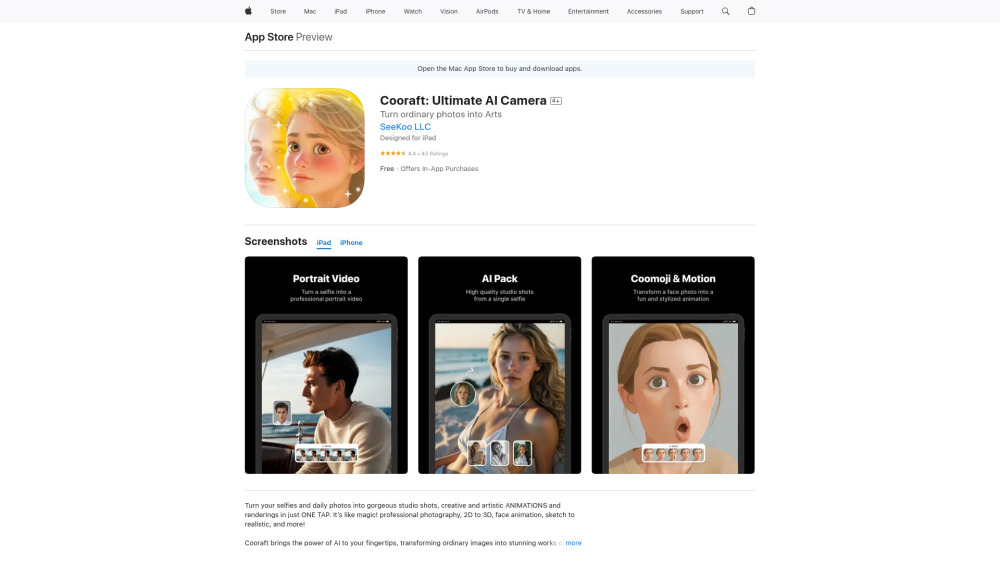
Cooraft: Ultimate AI Camera – Turn selfies into artistic videos & animations. AI-powered creativity at its best! Explore pricing, reviews, features, & alternatives today.
Explore a specific workflow
Explore ai camera tools through the product profiles below. The collection groups applications around a shared task. Product scope can overlap, so compare the specific workflow each tool describes rather than the category name alone.
Identify the files, text or account connections your task needs. Confirm that the product accepts those inputs and offers controls for reviewing its work.
Test one representative task and inspect the result for accuracy and completeness. Record where manual corrections or extra tools are needed.
Cooraft: Ultimate AI Camera – Turn selfies into artistic videos & animations. AI-powered creativity at its best! Explore pricing, reviews, features, & alternatives today.
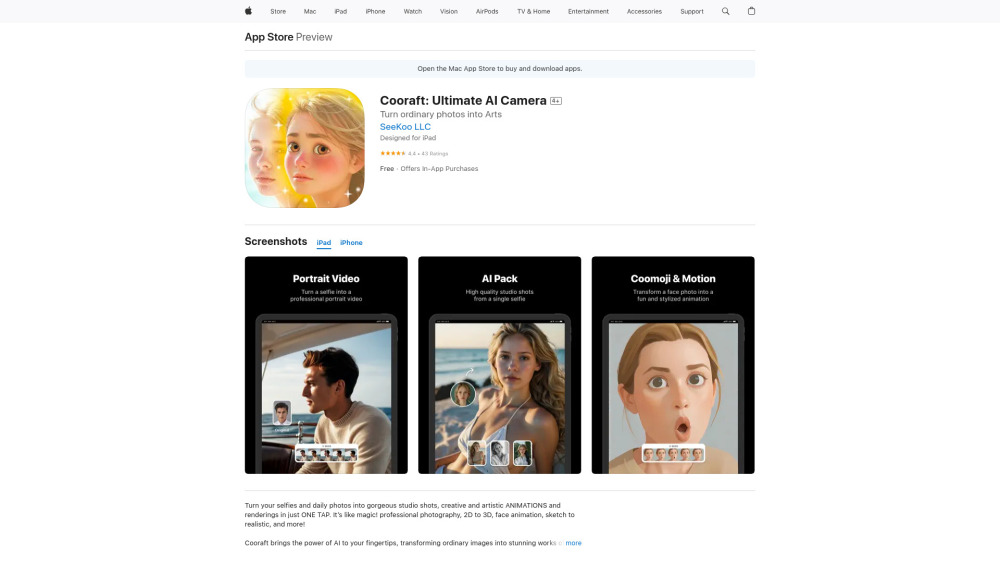
Cooraft: Ultimate AI Camera – Turn ordinary selfies into art and animations. Let AI transform your photos into masterpieces! Capture, create, amaze.

Yesber AI Camera: Create stunning, pro-quality blockbusters online. Capture beauty effortlessly with your personal AI photographer.

Capture shots effortlessly with PikaPiku: Advanced AI Camera for Professional Photography. Elevate your craft with smart, intuitive technology.

Pixellot: AI-powered sports camera with automated streaming and advanced analytics for game coverage and insights. Capture, stream, and analyze effortlessly!
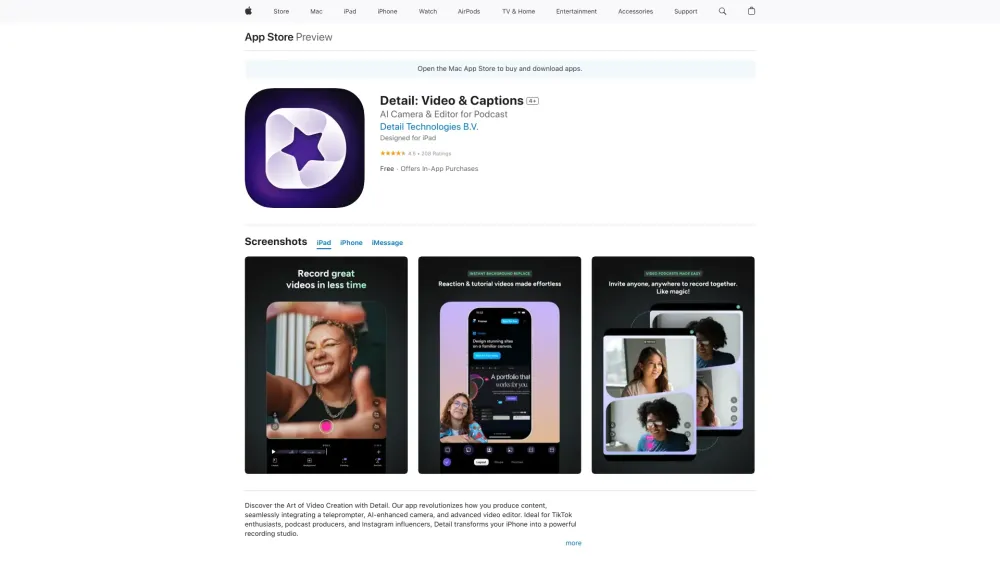
Detail: Video & Captions - Capture and edit videos in one tap for content creation. From recording to polished video, it's effortless!
FAQ
Practical answers to help you take the next step.
The collection groups applications around a shared task. Product scope can overlap, so compare the specific workflow each tool describes rather than the category name alone.
Identify the files, text or account connections your task needs. Confirm that the product accepts those inputs and offers controls for reviewing its work.
Test one representative task and inspect the result for accuracy and completeness. Record where manual corrections or extra tools are needed.
Choose one task with a clear success condition. Keep the input consistent, record the time spent reviewing and compare the complete workflow cost.
Cooraft: Ultimate AI Camera – Turn selfies into artistic videos & animations. AI-powered creativity at its best! Explore pricing, reviews, features, & alternatives today.
Read about CooraftYesber AI Camera: Create stunning, pro-quality blockbusters online. Capture beauty effortlessly with your personal AI photographer.
Read about Yesber AI CameraCapture shots effortlessly with PikaPiku: Advanced AI Camera for Professional Photography. Elevate your craft with smart, intuitive technology.
Read about PikaPikuPixellot: AI-powered sports camera with automated streaming and advanced analytics for game coverage and insights. Capture, stream, and analyze effortlessly!
Read about PixellotDetail: Video & Captions - Capture and edit videos in one tap for content creation. From recording to polished video, it's effortless!
Read about DetailCheck export formats, integrations and whether you can keep using your work outside the service. Test a real export before committing to a longer plan.