AI Product Description Generator

YoBulk

YoBulk: AI-powered, open-source CSV importer. import, validate, and transform data with ease. Scalable and user-friendly for efficient data onboarding.

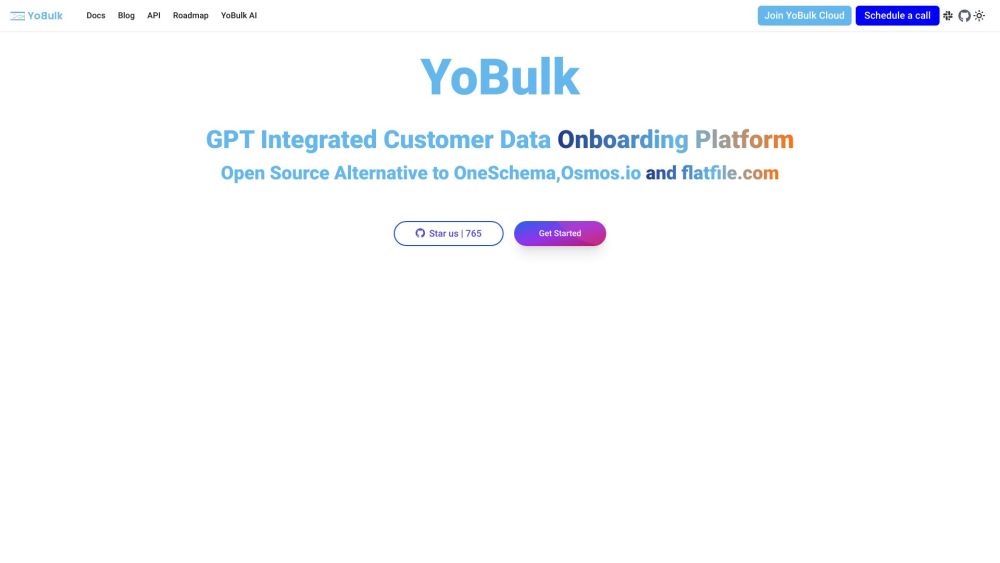
YoBulk website preview

YoBulk Website screenshot

Introducing YoBulk

YoBulk is an innovative, open-source CSV importer that leverages AI to provide scalable solutions for importing, validating, and transforming CSV files. This tool is designed to streamline data cleaning and onboarding processes with its intuitive interface and advanced functionalities.

Getting Started with YoBulk

To integrate YoBulk into your SaaS application, you can use the embeddable CSV importer. Simply include the YoBulk SDK in your code and configure the YoButton component to fit your needs. Additionally, YoBulk supports self-hosting via a Docker image. By cloning the YoBulk repository and using Docker Compose, you can set up the importer locally at http://localhost:5050. This allows you to handle large CSV imports, set validation rules using JSON schema, and perform data cleaning directly on your server.

Key Features of YoBulk

Efficient processing of large CSV files, even those in gigabyte sizes

AI-enhanced column matching, data cleaning, and JSON schema creation with OpenAI

User-friendly smart spreadsheet view for error identification and data cleaning

Customizable validation rules using JSON schema

Support for self-hosted deployment using Docker

Template generation without coding

Intuitive error review experience

Backend API for headless CSV import operations

Future enhancements: Support for Postgres and MySQL, 1-click data error fixing, cloud and multi-tenant hosting, NLP models for autonomous data correction, and WebHook for custom data processing

YoBulk's Applications

Facilitates data onboarding for various organizational sectors

Ensures data cleaning and validation in the finance sector, prioritizing data security and privacy

Integrates import functionalities into SaaS applications

Handles large-scale CSV files with millions of records

Automates CSV data integration and preprocessing

Transforms CSV files into formats such as JSON, XML, SQL, and NoSQL databases

Product source: YoBulk official website. Check the provider for current plans, limits and availability.

FAQ

YoBulk questions and answers

Product context and practical checks for evaluating YoBulk.

What is YoBulk used for?

YoBulk: AI-powered, open-source CSV importer. import, validate, and transform data with ease. Scalable and user-friendly for efficient data onboarding.

How do I get started with YoBulk?

To integrate YoBulk into your SaaS application, you can use the embeddable CSV importer. Simply include the YoBulk SDK in your code and configure the YoButton component to fit your needs. Additionally, YoBulk supports self-hosting via a Docker image. By cloning the YoBulk repository and using Docker Compose, you can set up the importer locally at http://localhost:5050. This allows you to handle large CSV imports, set validation rules using JSON schema, and perform data cleaning directly on your server.

Which capabilities are described for YoBulk?

Efficient processing of large CSV files, even those in gigabyte sizesAI-enhanced column matching, data cleaning, and JSON schema creation with OpenAIUser-friendly smart spreadsheet view for error identification and data cleaningCustomizable validation rules using JSON schemaSupport for self-hosted deployment using DockerTemplate generation without codingIntuitive error review experienceBackend API for headless CSV import operationsFuture enhancements: Support for Postgres and MySQL, 1-click data error fixing, cloud and multi-tenant hosting, NLP models for autonomous data correction, and WebHook for custom data processing

What projects can I evaluate YoBulk for?

Facilitates data onboarding for various organizational sectorsEnsures data cleaning and validation in the finance sector, prioritizing data security and privacyIntegrates import functionalities into SaaS applicationsHandles large-scale CSV files with millions of recordsAutomates CSV data integration and preprocessingTransforms CSV files into formats such as JSON, XML, SQL, and NoSQL databases

What should I compare before choosing a YoBulk plan?

Check YoBulk’s current pricing page for included usage, renewal terms and any credit charges. Compare the cost of a usable result, including retries, rather than assuming that account registration includes free usage.

What inputs should I prepare for a YoBulk trial?

Check supported documents, datasets and source access. Establish whether the product can inspect your actual material rather than answer from general knowledge.

How can I check the quality of a YoBulk result?

Follow citations to the original source, recalculate important numbers and check the date and scope of the evidence. Distinguish an explanation from a verified result.

Which export options should I check in YoBulk?

Look for usable citations, tables, downloadable data and reproducible steps. A clear answer should let another person inspect how the conclusion was reached.

What is a practical way to test YoBulk against alternatives?

Choose a question with known sources and a checkable result. Compare citation accuracy, omissions and reproducibility rather than response length.

Where is the official YoBulk website?

The website linked from this profile is https://yobulk.dev. Use the provider’s own documentation, account area and support channels to confirm current product details.

Visit YoBulk