AI Customer Service Assistant

XpressBot

XpressBot: Create WhatsApp Business chatbots with ease! No coding required. Enhance customer engagement and streamline communication effortlessly.

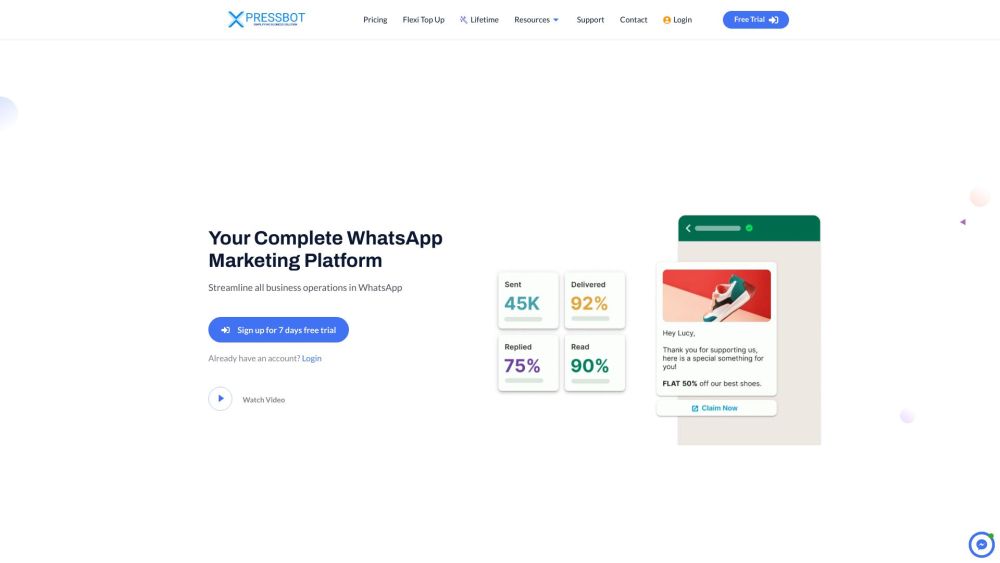
XpressBot website preview

XpressBot Website screenshot

Introducing XpressBot

A no-code solution for creating WhatsApp Business chatbots effortlessly.

Getting Started with XpressBot

Connect your WhatsApp Business account to XpressBot in just a few simple steps. Utilize the intuitive drag-and-drop interface to build your chatbot. Collaborate with team members and manage customer segments easily. Enhance your sales process with integrated WhatsApp Catalog and eCommerce functionalities.

Key Features of XpressBot

Visual Drag-and-Drop Builder

Team Collaboration and Segment Management

WhatsApp Catalog and eCommerce Integration

AI-Powered Bot Responses

WhatsApp Webhook Integration

Comprehensive API Endpoints

Practical Applications of XpressBot

Increase Sales with WhatsApp Catalogs

Optimize Business Operations via WhatsApp

Automate Customer Support on WhatsApp

  • Contact XpressBot Support

    For customer service, email us at [email protected]. For more details, visit our Contact Us page.

  • XpressBot Login

    Access your account here: Login

  • XpressBot Sign Up

    Create a new account here: Sign Up

  • XpressBot Pricing

    Explore our plans here: Pricing

  • Follow Us on Facebook

    Stay updated: Facebook

  • Watch Us on YouTube

    Subscribe to our channel: YouTube

  • Follow Us on Instagram

    Follow us: Instagram

  • Join Us on WhatsApp

    Connect with us: WhatsApp

Product source: XpressBot official website. Check the provider for current plans, limits and availability.

FAQ

XpressBot questions and answers

Product context and practical checks for evaluating XpressBot.

What is XpressBot used for?

XpressBot: Create WhatsApp Business chatbots with ease! No coding required. Enhance customer engagement and streamline communication effortlessly.

How do I get started with XpressBot?

Connect your WhatsApp Business account to XpressBot in just a few simple steps. Utilize the intuitive drag-and-drop interface to build your chatbot. Collaborate with team members and manage customer segments easily. Enhance your sales process with integrated WhatsApp Catalog and eCommerce functionalities.

Which capabilities are described for XpressBot?

Visual Drag-and-Drop BuilderTeam Collaboration and Segment ManagementWhatsApp Catalog and eCommerce IntegrationAI-Powered Bot ResponsesWhatsApp Webhook IntegrationComprehensive API Endpoints

What projects can I evaluate XpressBot for?

Increase Sales with WhatsApp CatalogsOptimize Business Operations via WhatsAppAutomate Customer Support on WhatsApp Contact XpressBot Support For customer service, email us at [email protected]. For more details, visit our Contact Us page. XpressBot Login Access your account here: Login XpressBot Sign Up Create a new account here: Sign Up XpressBot Pricing Explore our plans here: Pricing Follow Us on Facebook Stay updated: Facebook Watch Us on YouTube Subscribe to our channel: YouTube Follow Us on Instagram Follow us: Instagram Join Us on WhatsApp Connect with us: WhatsApp

What should I compare before choosing a XpressBot plan?

Explore our plans here: Pricing Confirm current prices and allowances on the provider’s website before purchasing.

What inputs should I prepare for a XpressBot trial?

Identify the files, text or account connections your task needs. Confirm that the product accepts those inputs and offers controls for reviewing its work.

How can I check the quality of a XpressBot result?

Test one representative task and inspect the result for accuracy and completeness. Record where manual corrections or extra tools are needed.

Which export options should I check in XpressBot?

Check export formats, integrations and whether you can keep using your work outside the service. Test a real export before committing to a longer plan.

What is a practical way to test XpressBot against alternatives?

Choose one task with a clear success condition. Keep the input consistent, record the time spent reviewing and compare the complete workflow cost.

Where is the official XpressBot website?

The website linked from this profile is https://makebestmusic.com. Use the provider’s own documentation, account area and support channels to confirm current product details.

Visit XpressBot