AI Product Description Generator

Wordjotter

Wordjotter: Your all-in-one language learning companion! Create tailored articles, personalized flashcards, and memory-boosting exercises for efficient language mastery.

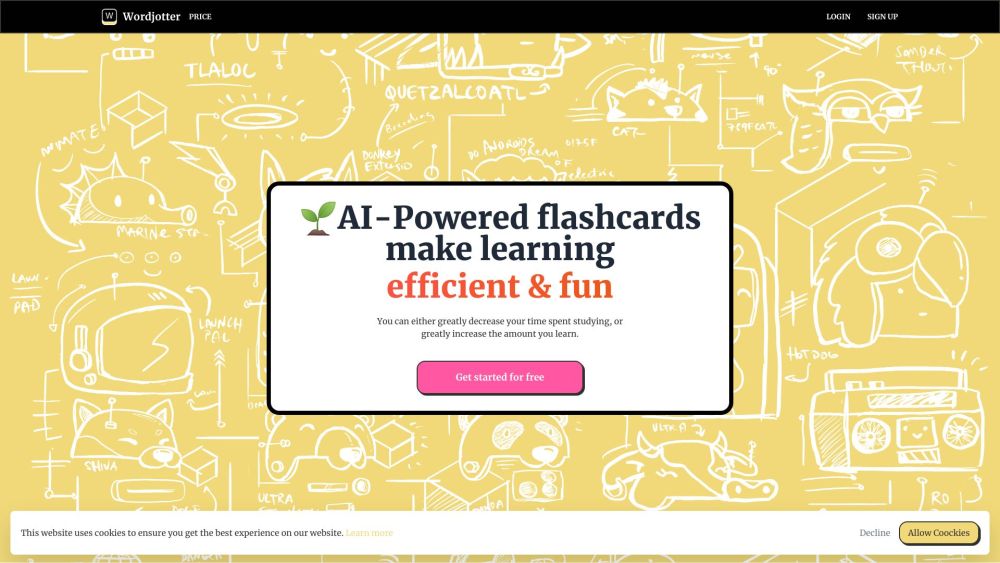
Wordjotter website preview

Wordjotter Website screenshot

Discover Wordjotter

Your ultimate tool for mastering languages! With Wordjotter, you can easily create customized articles, generate unique flashcards, and boost your retention with fill-in-the-blank drills. Experience a streamlined approach to learning multiple languages efficiently.

How to Use Wordjotter

Wordjotter simplifies your language learning journey by allowing you to generate articles and craft personalized flashcards effortlessly. Additionally, you can solidify your knowledge with engaging fill-in-the-blank exercises.

Core Features of Wordjotter

Custom Article Creation

Unique Flashcard Generation

Memory-Enhancing Fill-in-the-Blank Exercises

Wordjotter's Benefits

Efficient Multilingual Learning

Enhanced Vocabulary and Understanding

Improved Memory Retention

Product source: Wordjotter official website. Check the provider for current plans, limits and availability.

FAQ

Wordjotter questions and answers

Product context and practical checks for evaluating Wordjotter.

What is Wordjotter used for?

Wordjotter: Your all-in-one language learning companion! Create tailored articles, personalized flashcards, and memory-boosting exercises for efficient language mastery.

How do I get started with Wordjotter?

Wordjotter simplifies your language learning journey by allowing you to generate articles and craft personalized flashcards effortlessly. Additionally, you can solidify your knowledge with engaging fill-in-the-blank exercises.

Which capabilities are described for Wordjotter?

Custom Article CreationUnique Flashcard GenerationMemory-Enhancing Fill-in-the-Blank Exercises

What should I compare before choosing a Wordjotter plan?

Explore our plans at Wordjotter Pricing. Confirm current prices and allowances on the provider’s website before purchasing.

What inputs should I prepare for a Wordjotter trial?

Look for text prompts, image references, masks or sketches as appropriate. Compare composition control, supported upload types and the ability to revise a selected area.

How can I check the quality of a Wordjotter result?

Inspect text, hands, edges, reflections and repeated objects at full size. Check that important product or brand details survive editing.

Which export options should I check in Wordjotter?

Compare pixel dimensions, transparency, file formats and any enlargement options. Confirm that the downloaded result works in your design or publishing software.

What is a practical way to test Wordjotter against alternatives?

Prepare a brief with a subject, composition, lighting and required output size. Test a first generation and a targeted revision to see how much control you retain.

What should I review before uploading material to Wordjotter?

Read the provider’s rules on access, retention, deletion and use of uploaded material. Start with a non-confidential sample that you have permission to use.

Where is the official Wordjotter website?

The website linked from this profile is https://wordjotter.com. Use the provider’s own documentation, account area and support channels to confirm current product details.

Visit Wordjotter