Text-to-Speech

Voicefy

Transform text into lifelike speech with Voicefy. Enjoy multiple voices and languages, enhancing accessibility and engagement for all your content needs.

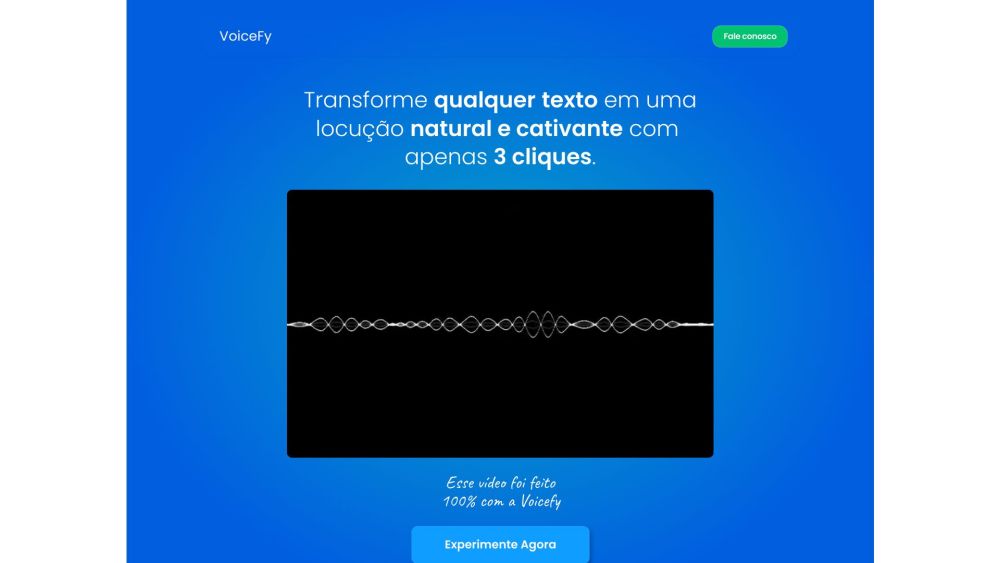
Voicefy website preview

Voicefy Website screenshot

What is Voicefy?

Voicefy is a user-friendly platform that transforms text into lifelike speech. It supports multiple languages and offers a variety of voices, enhancing the accessibility and engagement of your content.

How to use Voicefy?

1. Enter or paste your text into the input box.
2. Choose the preferred language and voice.
3. Press the 'Convert' button to generate speech.
4. Use the 'Play' button to listen to the speech.
5. Optionally, download the speech as an audio file.

Voicefy's Core Features

Text-to-Speech Conversion

Quickly and easily convert your text into spoken words.

Multiple Languages and Voices

Access a broad selection of languages and voice options to suit your needs.

Realistic and Natural-Sounding Speech

Experience high-quality, lifelike audio output.

Downloadable Audio Files

Save your generated speech as audio files for offline use.

Voicefy's Use Cases

Publishers

Convert books into audiobooks to reach a wider audience and generate additional revenue.

Transportation and Logistics

Enhance passenger experience with clear, automated announcements.

Healthcare

Provide detailed post-operative instructions to patients to improve compliance with care guidelines.

Accessibility

Make content accessible to people with reading difficulties or visual impairments.

Technology and Software

Incorporate text-to-speech functionality into your applications to improve user experience.

Customer Service

Automate responses to boost efficiency and customer satisfaction.

Media and Entertainment

Create engaging podcasts using realistic AI-generated voices.

Marketing and Advertising

Bring your video scripts to life with natural-sounding voices without hiring voice actors.

  • Voicefy Support Email & Customer Service Contact

    For more information, visit our contact page.

  • Voicefy Company

    Company Name: Quantum Soft

    Address: Avenida Brig Faria Lima 1811 Sala 1119 Jardim Paulistano, São Paulo-SP, CEP: 01452-001.

    Learn more about us on our about page.

  • Voicefy Pricing

    For pricing details, visit our pricing page.

  • Voicefy Twitter

    Follow us on Twitter: Voicefy Twitter.

  • Voicefy WhatsApp

    Contact us on WhatsApp: Voicefy WhatsApp.

Product source: Voicefy official website. Check the provider for current plans, limits and availability.

FAQ

Voicefy questions and answers

Product context and practical checks for evaluating Voicefy.

What is Voicefy used for?

Transform text into lifelike speech with Voicefy. Enjoy multiple voices and languages, enhancing accessibility and engagement for all your content needs.

How do I get started with Voicefy?

1. Enter or paste your text into the input box. 2. Choose the preferred language and voice. 3. Press the 'Convert' button to generate speech. 4. Use the 'Play' button to listen to the speech. 5. Optionally, download the speech as an audio file.

Which capabilities are described for Voicefy?

Text-to-Speech ConversionQuickly and easily convert your text into spoken words.Multiple Languages and VoicesAccess a broad selection of languages and voice options to suit your needs.Realistic and Natural-Sounding SpeechExperience high-quality, lifelike audio output.Downloadable Audio FilesSave your generated speech as audio files for offline use.

What projects can I evaluate Voicefy for?

PublishersConvert books into audiobooks to reach a wider audience and generate additional revenue.Transportation and LogisticsEnhance passenger experience with clear, automated announcements.HealthcareProvide detailed post-operative instructions to patients to improve compliance with care guidelines.AccessibilityMake content accessible to people with reading difficulties or visual impairments.Technology and SoftwareIncorporate text-to-speech functionality into your applications to improve user experience.Customer ServiceAutomate responses to boost efficiency and customer satisfaction.Media and EntertainmentCreate engaging podcasts using realistic AI-generated voices.Marketing and AdvertisingBring your video scripts to life with natural-sounding voices without hiring voice actors. Voicefy Support Email & Customer Service Contact For more information, visit our contact page. Voicefy Company Company Name: Quantum Soft Address: Avenida Brig Faria Lima 1811 Sala 1119 Jardim Paulistano, São Paulo-SP, CEP: 01452-001. Learn more about us on our about page. Voicefy Pricing For pricing details, visit our pricing page. Voicefy Twitter Follow us on Twitter: Voicefy Twitter. Voicefy WhatsApp Contact us on WhatsApp: Voicefy WhatsApp.

What should I compare before choosing a Voicefy plan?

For pricing details, visit our pricing page. Confirm current prices and allowances on the provider’s website before purchasing.

What inputs should I prepare for a Voicefy trial?

Compare support for source documents, style instructions, outlines and length limits. Check whether citations link to real material rather than merely looking like references.

How can I check the quality of a Voicefy result?

Verify names, dates, quotations and factual claims against the original sources. Edit tone, remove repetition and make sure the text answers the intended reader’s question.

Which export options should I check in Voicefy?

Check export to plain text, Markdown, documents or your publishing system. Formatting, headings and working links matter when moving a draft into production.

What is a practical way to test Voicefy against alternatives?

Use a real brief and a short source document. Compare factual accuracy, structure and editing time rather than accepting the longest or most confident draft.

Where is the official Voicefy website?

The website linked from this profile is https://www.promptdodo.com. Use the provider’s own documentation, account area and support channels to confirm current product details.

Visit Voicefy