AI Builder

Unshift AI

Unshift AI: Build powerful web apps effortlessly with NextJS, Svelte, and more JavaScript frameworks. Fast, flexible, and user-friendly development.

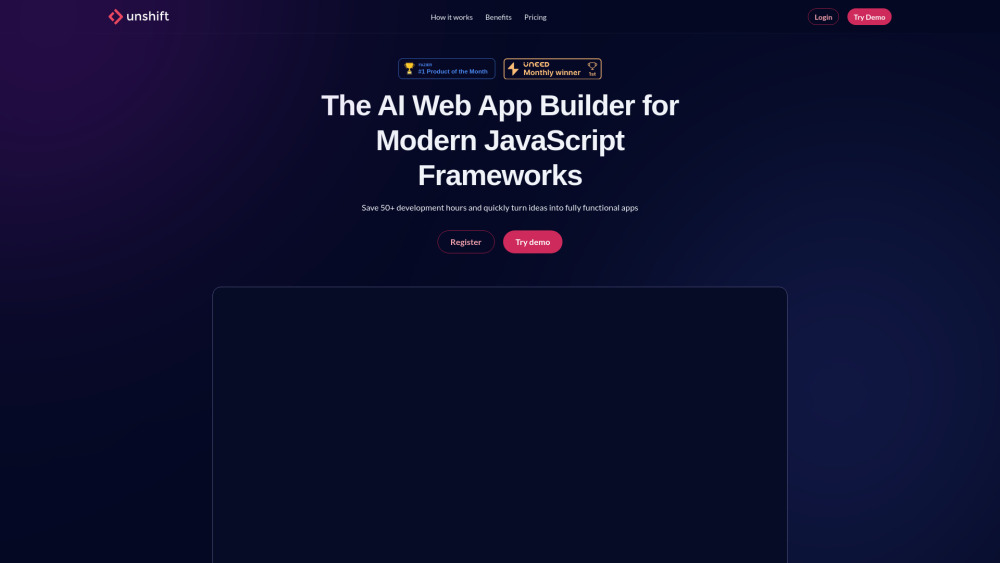
Unshift AI website preview

Unshift AI Website screenshot

What is Unshift AI?

Unshift AI is an innovative platform designed for building web applications using modern JavaScript frameworks, including NextJS, Svelte, and others. It streamlines the development process, enabling users to create, configure, and export fully functional web apps quickly and efficiently.

How to Use Unshift AI?

Unshift AI makes it simple to design web apps through its intuitive drag-and-drop interface. Users can select elements, customize them, and seamlessly export their project to various frameworks like NextJS or Svelte.

Unshift AI's Core Features

Easy-to-use drag-and-drop editor

Framework export options, including NextJS, Svelte, and more

TypeScript, ESLint, and Prettier support for enhanced coding quality

Unshift AI Use Cases

Quickly prototype and build web applications

Design custom web pages with clean, exportable code

Integrate AI-powered content into your projects effortlessly

Product source: Unshift AI official website. Check the provider for current plans, limits and availability.

FAQ

Unshift AI questions and answers

Product context and practical checks for evaluating Unshift AI.

What is Unshift AI used for?

Unshift AI: Build powerful web apps effortlessly with NextJS, Svelte, and more JavaScript frameworks. Fast, flexible, and user-friendly development.

How do I get started with Unshift AI?

Unshift AI makes it simple to design web apps through its intuitive drag-and-drop interface. Users can select elements, customize them, and seamlessly export their project to various frameworks like NextJS or Svelte.

Which capabilities are described for Unshift AI?

Easy-to-use drag-and-drop editorFramework export options, including NextJS, Svelte, and moreTypeScript, ESLint, and Prettier support for enhanced coding quality

What projects can I evaluate Unshift AI for?

Quickly prototype and build web applicationsDesign custom web pages with clean, exportable codeIntegrate AI-powered content into your projects effortlessly Unshift AI Support Email & Customer Service For customer support, please contact Unshift AI at: [email protected]. For more details, visit the contact us page. Unshift AI Company Information Company name: Unshift AI, accessible at unshift.ai. Unshift AI Login Login to your Unshift AI account here: https://unshift.ai/login. Unshift AI Sign Up Create a new account by signing up at: https://unshift.ai/register. Unshift AI Pricing For details on pricing, visit: https://unshift.ai/#pricing.

What should I compare before choosing a Unshift AI plan?

For details on pricing, visit: https://unshift.ai/#pricing. Confirm current prices and allowances on the provider’s website before purchasing.

What inputs should I prepare for a Unshift AI trial?

Compare repository access, context limits, supported languages and tool permissions. Check whether the assistant can read relevant files and run your existing checks.

How can I check the quality of a Unshift AI result?

Review the diff, run tests and inspect error handling and dependency changes. Generated code should meet the same review standard as a human contribution.

Which export options should I check in Unshift AI?

Prefer changes you can inspect and keep in version control. Check whether code, tests and configuration can be exported without depending on a hosted preview.

What is a practical way to test Unshift AI against alternatives?

Choose a small reproducible bug with an existing failing check. Measure whether the tool fixes the cause, preserves behavior and produces a reviewable change.

Where is the official Unshift AI website?

The website linked from this profile is https://unshift.ai. Use the provider’s own documentation, account area and support channels to confirm current product details.

Visit Unshift AI