AI WORD

Tynal

Tynal: AI-Powered Contract Drafting & Review for MS Word. Streamline your legal agreements efficiently, bypassing DIY templates and costly legal firms.

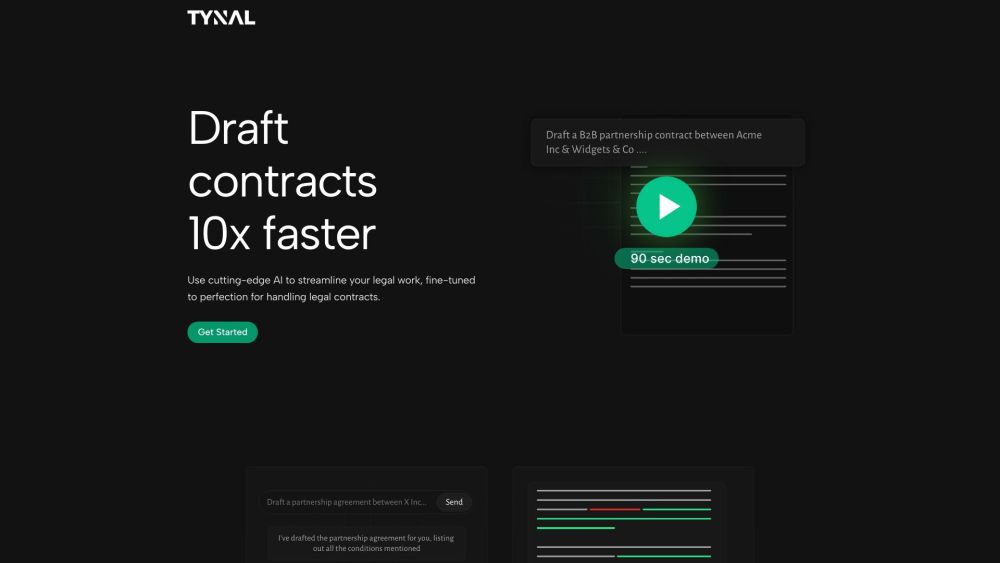
Tynal website preview

Tynal Website screenshot

What is Tynal?

Tynal is a powerful AI tool integrated with Microsoft Word, designed to revolutionize how you draft and review contracts. By offering an alternative to generic templates and expensive legal services, Tynal streamlines the process of creating, modifying, and analyzing legal agreements with unparalleled efficiency.

How to use Tynal?

Getting started with Tynal is as simple as logging in directly from Microsoft Word. As a seamless add-in, it negates the need for uploading documents or copying and pasting text. Tynal's advanced AI capabilities allow you to draft contracts up to ten times faster, while its intuitive interface simplifies modifications and comprehensive reviews.

Tynal's Core Features

{ "name": "Instant Contract Drafts", "description": "With Tynal, drafting contracts is effortless. Provide a brief in plain language, and Tynal generates complete contracts or specific clauses in precise legal terms.", "get_started_link": "Get Started" }

{ "name": "Effortless Modifications", "description": "Modify contracts with ease as Tynal updates related clauses automatically, ensuring consistent and accurate changes.", "get_started_link": "Get Started" }

{ "name": "In-Depth Contract Reviewing", "description": "Tynal's reviewing capabilities include highlighting potential issues, summarizing contracts, and pinpointing missing clauses for thorough evaluations.", "get_started_link": "Get Started" }

{ "name": "Compliance with Local Laws", "description": "Ensure your contracts adhere to local laws with Tynal's extensive legal knowledge, making them enforceable across different jurisdictions.", "get_started_link": "Get Started" }

Tynal's Use Cases

Contract drafting

Contract modification

Contract review

Ensuring legal compliance

  • Tynal Support Email & Customer Service Contact

    For support, reach out to Tynal's customer service at [email protected]. For more contact options, visit the contact us page.

  • About Tynal

    Tynal Inc. offers innovative solutions for legal document management. Learn more on our about us page.

  • Tynal Login

    Access your account here: Tynal Login.

  • Tynal Sign Up

    New to Tynal? Sign up at Tynal Sign Up.

  • Tynal Pricing

    View our pricing options here: Tynal Pricing.

Product source: Tynal official website. Check the provider for current plans, limits and availability.

FAQ

Tynal questions and answers

Product context and practical checks for evaluating Tynal.

What is Tynal used for?

Tynal: AI-Powered Contract Drafting & Review for MS Word. Streamline your legal agreements efficiently, bypassing DIY templates and costly legal firms.

How do I get started with Tynal?

Getting started with Tynal is as simple as logging in directly from Microsoft Word. As a seamless add-in, it negates the need for uploading documents or copying and pasting text. Tynal's advanced AI capabilities allow you to draft contracts up to ten times faster, while its intuitive interface simplifies modifications and comprehensive reviews.

Which capabilities are described for Tynal?

{ "name": "Instant Contract Drafts", "description": "With Tynal, drafting contracts is effortless. Provide a brief in plain language, and Tynal generates complete contracts or specific clauses in precise legal terms.", "get_started_link": "Get Started" } { "name": "Effortless Modifications", "description": "Modify contracts with ease as Tynal updates related clauses automatically, ensuring consistent and accurate changes.", "get_started_link": "Get Started" } { "name": "In-Depth Contract Reviewing", "description": "Tynal's reviewing capabilities include highlighting potential issues, summarizing contracts, and pinpointing missing clauses for thorough evaluations.", "get_started_link": "Get Started" } { "name": "Compliance with Local Laws", "description": "Ensure your contracts adhere to local laws with Tynal's extensive legal knowledge, making them enforceable across different jurisdictions.", "get_started_link": "Get Started" }

What projects can I evaluate Tynal for?

Contract draftingContract modificationContract reviewEnsuring legal compliance Tynal Support Email & Customer Service Contact For support, reach out to Tynal's customer service at [email protected]. For more contact options, visit the contact us page. About Tynal Tynal Inc. offers innovative solutions for legal document management. Learn more on our about us page. Tynal Login Access your account here: Tynal Login. Tynal Sign Up New to Tynal? Sign up at Tynal Sign Up. Tynal Pricing View our pricing options here: Tynal Pricing.

What should I compare before choosing a Tynal plan?

View our pricing options here: Tynal Pricing. Confirm current prices and allowances on the provider’s website before purchasing.

What inputs should I prepare for a Tynal trial?

Identify the files, text or account connections your task needs. Confirm that the product accepts those inputs and offers controls for reviewing its work.

How can I check the quality of a Tynal result?

Test one representative task and inspect the result for accuracy and completeness. Record where manual corrections or extra tools are needed.

Which export options should I check in Tynal?

Check export formats, integrations and whether you can keep using your work outside the service. Test a real export before committing to a longer plan.

What is a practical way to test Tynal against alternatives?

Choose one task with a clear success condition. Keep the input consistent, record the time spent reviewing and compare the complete workflow cost.

Where is the official Tynal website?

The website linked from this profile is https://tynal.com. Use the provider’s own documentation, account area and support channels to confirm current product details.

Visit Tynal